Year: 2010

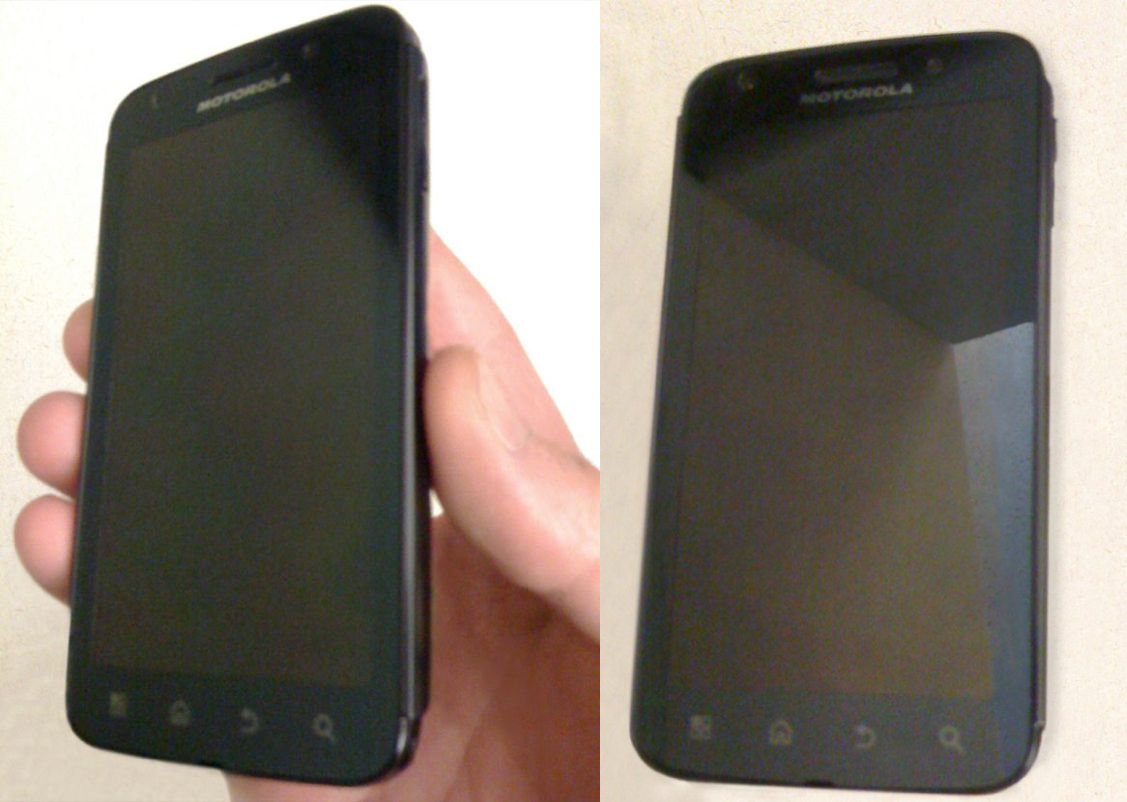
  • Verizon Will Have a 4G LTE Motorola Phone

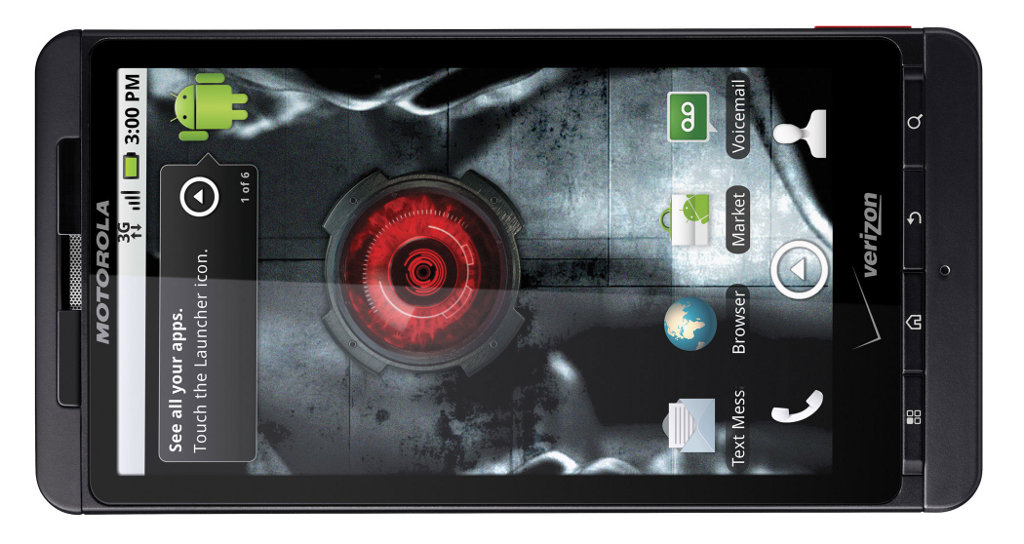
    Verizon’s COO John Stratton, confirmed today that Motorola will indeed have a 4G LTE offering some time next year.  And while we’re pretty sure that phone is codenamed “Etna“, no one would confirm any other details including Moto.  Stratton did however, offer up the strength of the relationship between them and the “DROID” founders, which likely means this device he’s talking about will fall under our favorite brand name…

    “We’ve got LTE smartphones on the horizon,” Verizon’s Mr. Stratton said. “Motorola will be right there.”

    “Over last 13 months, they have done a very good job in supporting our business and have worked their way up into almost a preferred vendor,” Mr. Stratton said. “They have been driving our Droid strategy.”

    None of you are surprised though, right?  The interesting thing here is the fact that they could have multiple 4G LTE devices out at the same time since the Motorola Everest tablet is also rumored to be capable of utilizing their new network.  15 days from now and we’ll know everything.
    Via:  WSJ, Engadget

  • Tuesday Poll: Android Phone Manufacturer of Choice?

    When this Android game was getting a major kick start last year from the original Droid, Motorola seemed to be the manufacturer of choice with a phone built to last and also running a non-skinned version of Android.  Since then though, we’ve seen Moto take extra steps to lock their phones down while companies like Samsung and HTC seem to be a little more accepting of the fact that people want to actually control their devices.  So I’ve been wondering, what is your current favorite when it comes to phone makers?  For your next phone, are you only considering one from a certain company?

    [poll id=”41″]

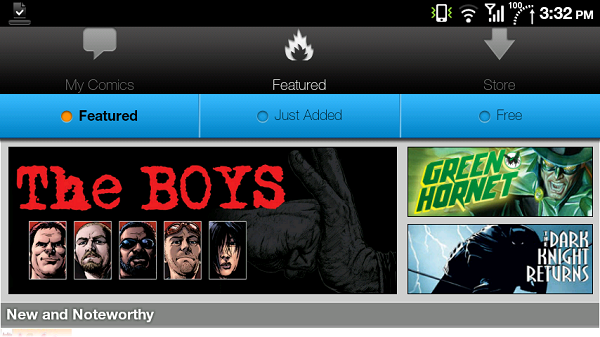
  • ComiXology beta brings Marvel, DC to your Android


    Besides being a huge Android dork, I spend most of my time reading comic books. While I’m definitely partial to the nice feel of glossy paper, the transition to digital comics has had its own advantages; like digital sales of games, it makes things easier when older titles might be out of print, or rare to find.

    While Android has had a fairly nice comic viewer on the market for awhile in Droid Comic Viewer, a problem arises in the fact that it’s used for viewing .cbr and .cbz files. These formats (Comic Book Rar and Comic Book Zip, respectively) are fan-created, and usually used for possibly-pirated scans. In short, there’s no way for big publishers like Marvel and DC to release their titles in this format without opening themselves up to the possibility of piracy.   (more…)

  • DROID Incredible Owners Receive One of the First Really Polished Gingerbread ROMs

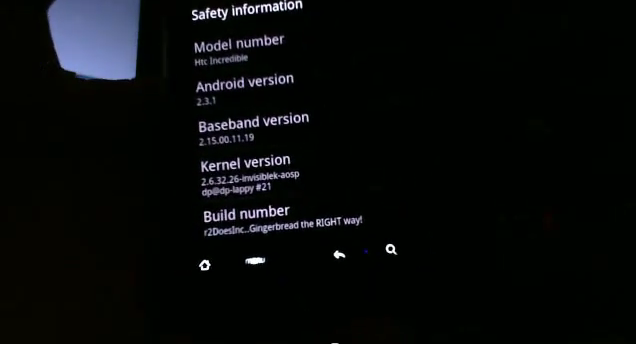
    Good news for Droid Incredible owners, you may have the first-almost-fully functional Gingerbread ROM thanks to r2DoesInc over at XDA Forums.  As of late last night, the newest build fixed almost everything that would cause you to not use it except for video recording and a working GPS.  Other than that though, the browser now works fine, the camera snaps shots, and things like multi-touch have all been polished up.

    This seriously is ready for a full test drive from our crew of DI owners.

    Find full support and the newest download links at this thread.  Video action after the break.   (more…)

  • BattMonX Brings Life to Your DROID X LEDs While Charging

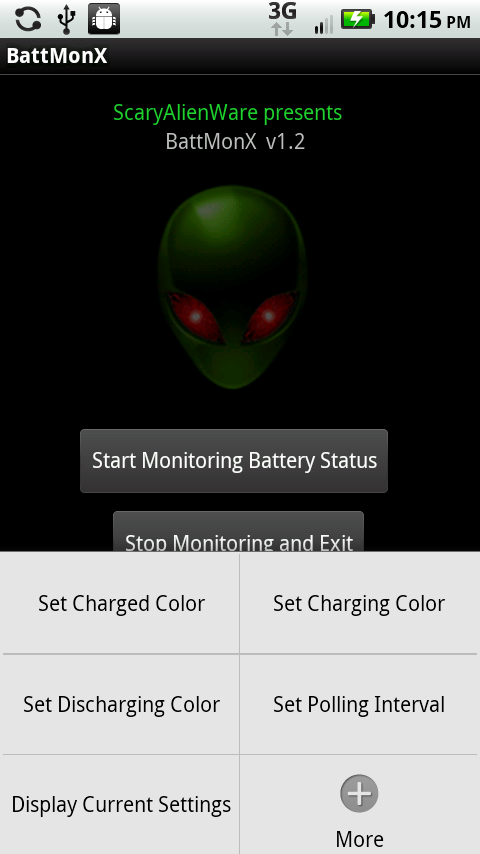
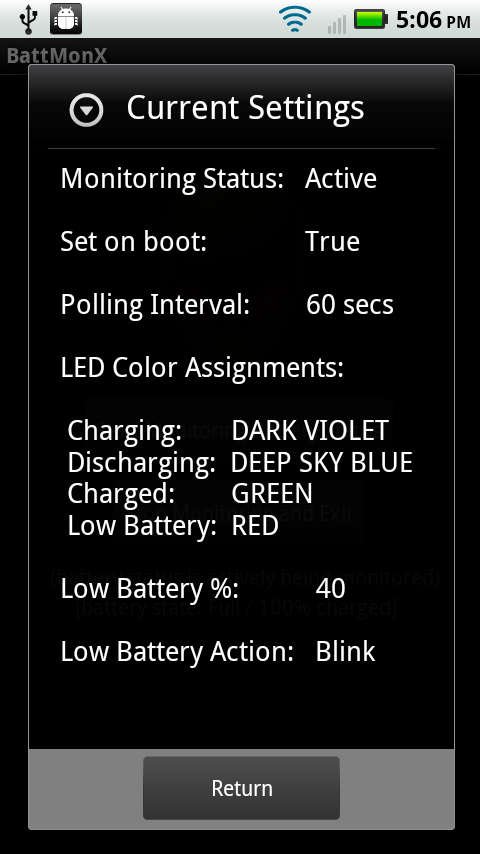
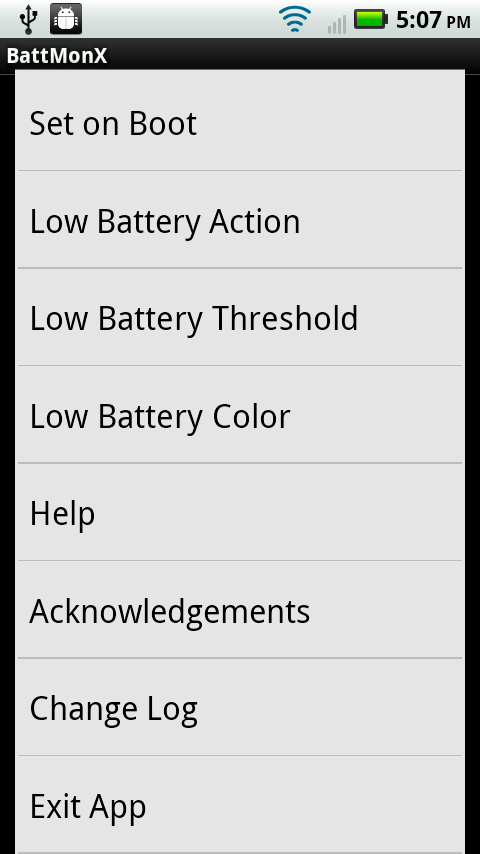
    If you have an LED light on your phone, why not get full use out of it?  If you could specify a color on your Droid X or Droid 2 while it was charging, wouldn’t that make life a lot easier?  The Incredible already has this feature built in, but for some reason Motorola decided it wouldn’t matter to users.  They were wrong.  We’d like to introduce you to an app called BattMonX which allows you to customize how your LED lights are displayed while your phone is charging, discharging, has low battery, or even becomes fully charged.

    You can find out everything there is to know about BattMonX here.

    Oh, it’s free in the market.

    Download Link

    Cheers Picolas!

  • Motorola Tablet Teaser Site and Countdown Go Live

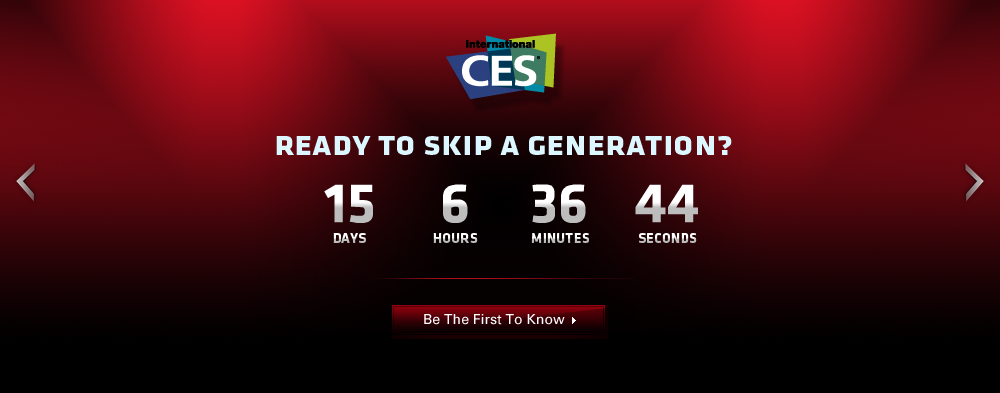
    Yesterday, Motorola teased the world with their tablet evolution video, and today they’ve started the official countdown to its unveiling.  We are fully expecting this tablet to be “DROID” branded, has been hiding under the codename Everest, and will run Honeycomb, but the official name has been locked up behind the tightest NDAs ever.  You can see it in action at this video, high-res pictures of it here, and some unofficial specs here.  It’s going to be amazing.   (more…)

  • Motorola Milestone Froyo Update Pushed Back to Q1 2011

    At this point, shouldn’t we just start to assume that Motorola has moved on from Milestone users and is instead focusing on new devices with newer versions of Android?  The phone is the exact same device as the original Droid who is now running 2.2.1, yet the carrier partners can’t figure out a way to get even 2.2 running on it?  Are they struggling with how pieces of bloatware to include?  There shouldn’t be a hold up.  I apologize for the rant, but this is one of the top selling devices of all time and there are thousands of users in dozens of countries that are stuck on an OS that is about to be 2 stages behind.  Unacceptable.

    Via:  Motorola Europe

    Cheers Eric!

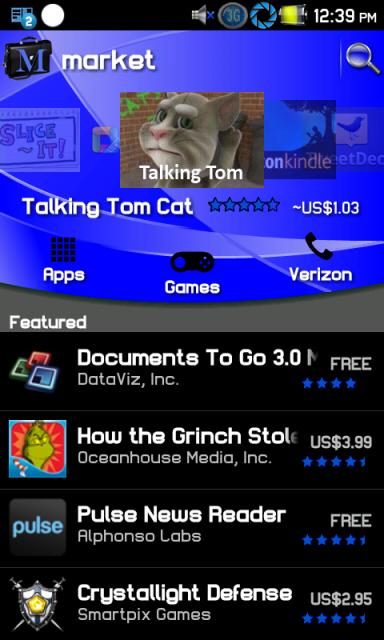
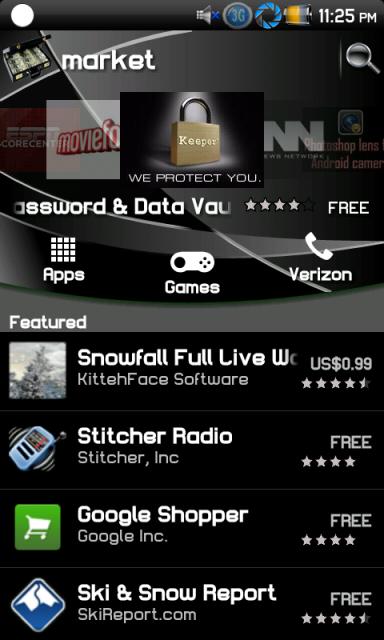
  • Themed New Android Market Pops Up in Red, Blue and Black

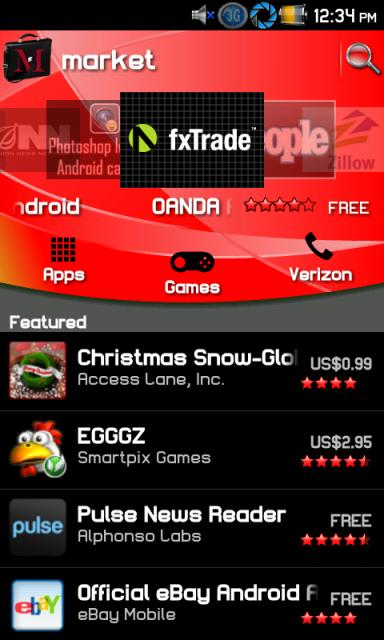
    You all have the new Android Market now, right?  If the green is a little much, and your darker side would like something in red, blue or black, then you’ll want to check out this XDA thread.  A couple of members (jeffsanace, fernando sor and thebowers) put together 3 versions for you to try, but you should be warned that the process doesn’t appear to be all that simple.  This isn’t a quick .apk install and instead requires a few extra steps.

    Make sure if you have a market installed in system/app that the v in vending is capitalized or this will not delete your old market. Also
    If you have been silently updated the market will be in data/app/ Com.somthinggoogle market. Not sure exactly what it says. Also check data/data. Delete anything in data/app or data/data that is google market. Do not delete market updater though you can freeze that with titanium backup premium. If you had trouble installing and then figured it out please post the steps you took.

    That make any sense to you?  Feel free to check out the entire thread and comments like this for help.