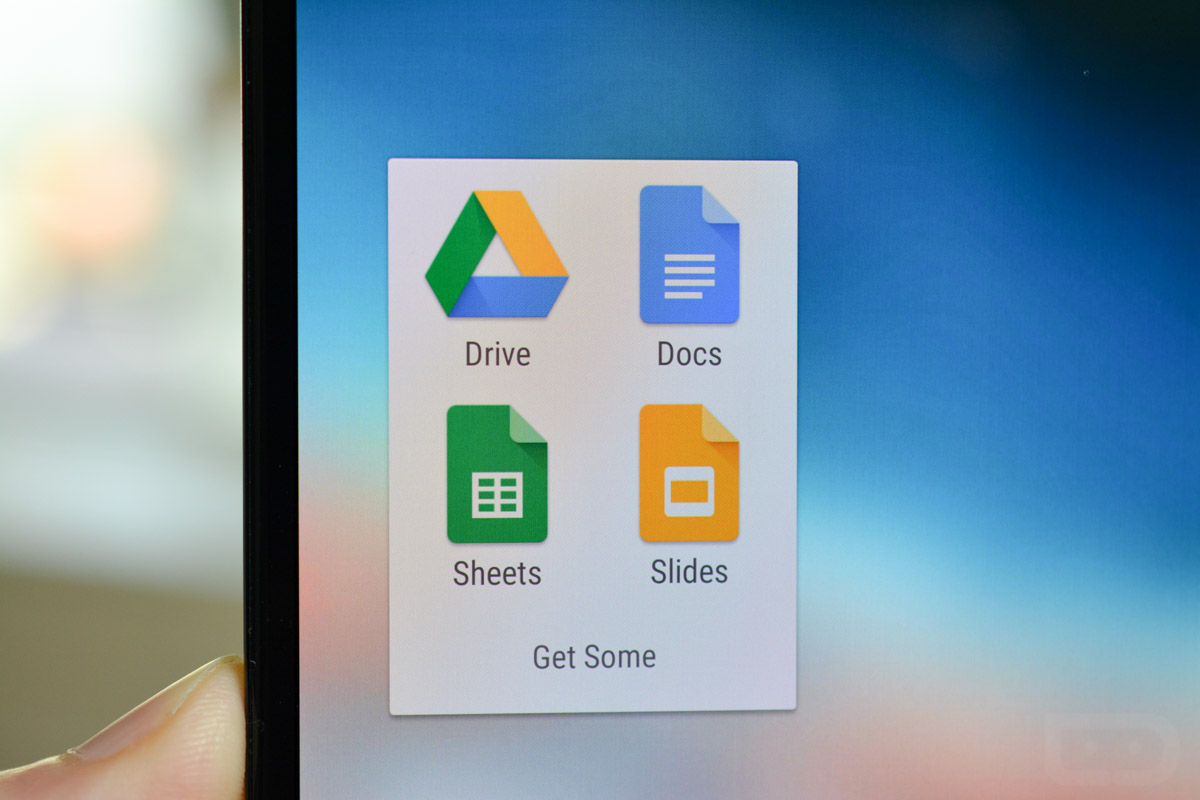
Mobile Comments Arrive for Google Docs, Slides and Sheets

App updates are rolling out, allowing users of Google Slides, Sheets, and Docs to add comments while on mobile devices. Previously, commenting was exclusive to desktop folk, but now, anyone who is a part of a file can chip in their two cents, regardless of what device they are using. 

To add a comment, hit the drop down menu in any file, and you will see a comment button under “Insert.” Tap that button, then you are all set to make any comments you need.

Google thought it would be cute to share a story about how impactful comments from mobile can be, so view the company’s promo video below, highlighting a zucchini chocolate cake.

Play Links: Docs | Sheets | Slides

[responsive_vid]

Via: Google

Tim

Stumbling upon Droid Life randomly after purchasing a Motorola DROID in late 2009, then setting out to learn everything he could about Android, Tim quickly became an integral part of the site's comment section. After quite some time of strictly commenting on Droid Life, Tim was offered an opportunity to write feature stories for the site, such as custom ROM overviews, as well as interviews with Android community members. Following success of those, Tim became a full time writer and editor for Droid Life, now spending his time on news articles, device reviews, producing videos, and much more. Tim currently resides in Portland, OR with his longtime girlfriend and two wonderful dog children (Loki & Thor). In his spare time, Tim enjoys playing guitar, drinking coffee, practicing photography, and destroying kids on Call of Duty.

Post navigation

back to top