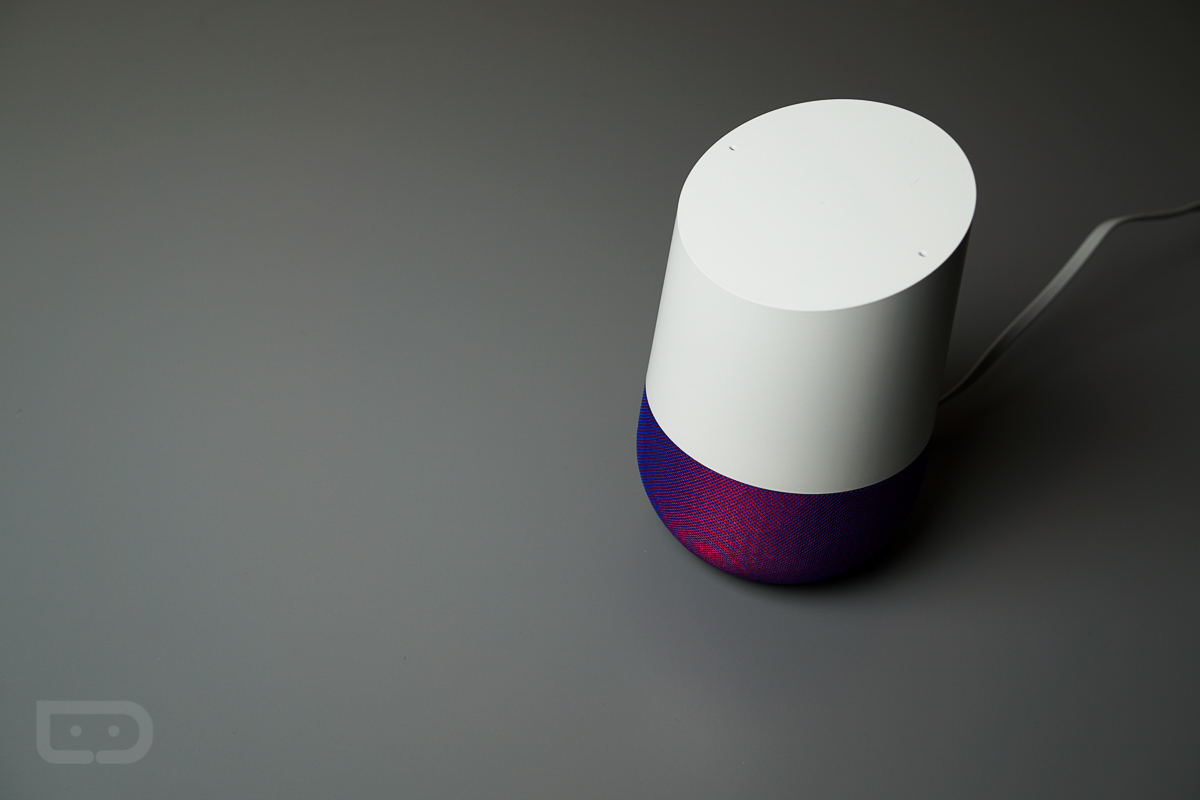
Google has made it official – Google Home now supports multiple users. Specifically, Google Home can now recognize the difference between multiple voices once trained, and will take actions based on the voice it hears.
As announced, Google Home can recognize up to six different voices. This is clutch for everyone and anyone who asks Google Home what their daily schedule is looking like in a household. For example, if both you and your partner ask, “What’s on my calendar,” you should both receive your personalized answers once multiple accounts are linked and voices learned.
Here is Google’s description for what’s taking place.
When you connect your account on a Google Home, we ask you to say the phrases “Ok Google” and “Hey Google” two times each. Those phrases are then analyzed by a neural network, which can detect certain characteristics of a person’s voice. From that point on, any time you say “Ok Google” or “Hey Google” to your Google Home, the neural network will compare the sound of your voice to its previous analysis so it can understand if it’s you speaking or not. This comparison takes place only on your device, in a matter of milliseconds.
To get started, head over to Google Play and ensure you have the latest update for the Google Home app. You will need that to train Google Home for multiple voices and add the accounts.
I’m just waiting for a full Strong AI OS or Assistant with Scarlett Johansson’s voice before I buy into the whole home automation.
Maybe I missed this but how do you add other users/accounts?
I didn’t see it, either.
Figured it out when I got home. You go into Google Home and search for the home speaker. There is something under that card that says “add account” or something like that. You press that then it logs into the device and has you say Okay Google and Hey Google twice. It was really simple. I was impressed how well it recognizes my voice.
When I tried this, I got an error saying my microphone wasn’t working and to restart my device. Question: Restart my phone or Home. Restarting my phone did nothing. Additionally, the Home app doesn’t have permission to record (according to app settings). How is this working?
I wonder……will I have to attach my wife’s account from within my Home app on my phone or can she just attach to it through the app on her phone?
i can’t wait to get home and link my wife’s account and test it out. however, if calendar is the only benefit, i’ll keep her account off cause she don’t use that. things i like to see with this implementation though is that it doesn’t separate ALL commands. she should still be able to listen to music on my google play account. she and the kids should still be able to control the hue lights. everyone should be able to add to the grocery list (come back to KEEP). and pretty much everything else it can do, needs to be “able” to be done by anyone in the family when it’s not a personal command, like calendar.
I was ruminating on this for a bit. My suspicion is each of those apps (or cards in the home app) are going to need to a) be set to allow/disallow multi-user and b) going to be individually assignable to a set of users. For instance. I want my wife to put an item on my (our) shopping list) but I don’t want my eight year old to have that ability. However, she can have the ability to turn on/off the lights if necessary. The only way I can think to do that is with specific directions/permission within the individual items/apps themselves. Thoughts?
i like option a). i think we need multi-account as an option. i for one, probably wont need to take advantage of it and i’ll just let my family of 4 be able to talk and control things. if the ideas i posed aren’t implemented correctly though, i agree the apps themselves could be programmed to determine if and/or how multi-users can interact. lots of unanswered questions. i’ll be doing some investigating tonight. BUT i assure you, if this requires me to have to put my wife’s google account on my phone in order to sync her account to HOME, it ain’t happening.
so without being at home right now, i’m wondering HOW (step by step in the HOME app) to add another users account. I want to assume she’d have to install HOME app and connect from her phone.
How does a common shopping list work though. Even if you share it I hope there is a switch to keep it common. Ever since they removed the feature from the Keep app I feel like it took away all my convenience.
Easy, they removed the shopping list feature. Problem solved.
Thanks Google, you’re the best.
Managing director of Google!, is explaining to users to start off “Work at home” method, that People have been doing for about one year now. These days alone, I generated close to $36,000 until now with no more than my home computer as well as some spare time, despite that i have a fulltime 9 to 5 job. Even everyone not used to this, can make $89/per h easily and the earnings can go even higher over time… This is how i started
!wr258c:
➽➽
➽➽➽➽ http://GoogleFinancialCashJobs258SmartGlobal/GetPaid$97/Hour… ★✫★★✫★✫★★✫★✫★★✫★✫★★✫★✫★★✫★✫★★✫★✫★★✫★✫★★✫★✫★★✫★✫★★✫★✫★★✫:::!wr258u:…..
I don’t see the value add outside of calendars. It’s not like I can set personal reminders, send messages, or even have google play my Google Play playlists… So what am I missing?
Maybe they wanted to get this feature out before adding the other features.
I suspect this is probably the case. You MUST solve this problem effectively before you can solve the others. In short, I can’t determine which person to attribute that calendar/list/playlist etc. to until I first determine how to differentiate between those people.
I mean, it is linked to MY google music account, so you would think it would know to play my playlists. But I agree with the points here.
Maybe depending on who says “Hey Google, Good Morning” it’ll reply with the corresponding name. Result!
That’s kind of a gimmick right? I mean, that doesn’t actually make my life or day any better.
oh but it does. there are many options to choose from as to what happens after giving that command. it is truly unique and custom experience per user. today, my wife and kids have to sit through my Fox and NRP news podcasts. my wife on the other hand would rather just play some low quite music in the background.
Tim,
Can we get a review of the new functionality and how well it works. This is the one feature I was waiting for before picking one up.
A needed addition…as long as it works reliably.
First meaningful update since launch. While not explicitly stated in the article, this should prevent any unauthorized voices from interacting with your Home unless you have Guest mode enabled. If this is not the case, I am dissapoint.
Yes, a good point.
I hope not. My kids control lights and cast YouTube and Netflix all the time. They don’t have an account. And shouldn’t need one.
Good to see Google put in all this work in the past year. I definitely wouldn’t buy a Home now. Waiting for version 2.
Yea I have one and want to get another. But, I am definitely waiting till version 2 to get the home and wifi combo that’s rumored.
These types of units seem like a ridiculous thing to have to upgrade on a regular basis so I’m hoping they’re either supported for a very long time despite releasing new ones OR there is a long period of time between releases to when the hardware difference is very significant. It seems even lower than tablets on the need-to-constantly-upgrade scale.
Does the Multi user features include multi accounts?
I mean yes, that’s by definition.
Does the Multi account features include multi users?
Does the multi user features include multi accounts with multi users?