Action Launcher received an update today to v31 that includes a number of new features. In a blog post detailing the update, developer Chris Lacy showed off the launcher’s new adaptive folders and full support for the Essential Phone before talking about how this update ushers in finalized Oreo compatibility.
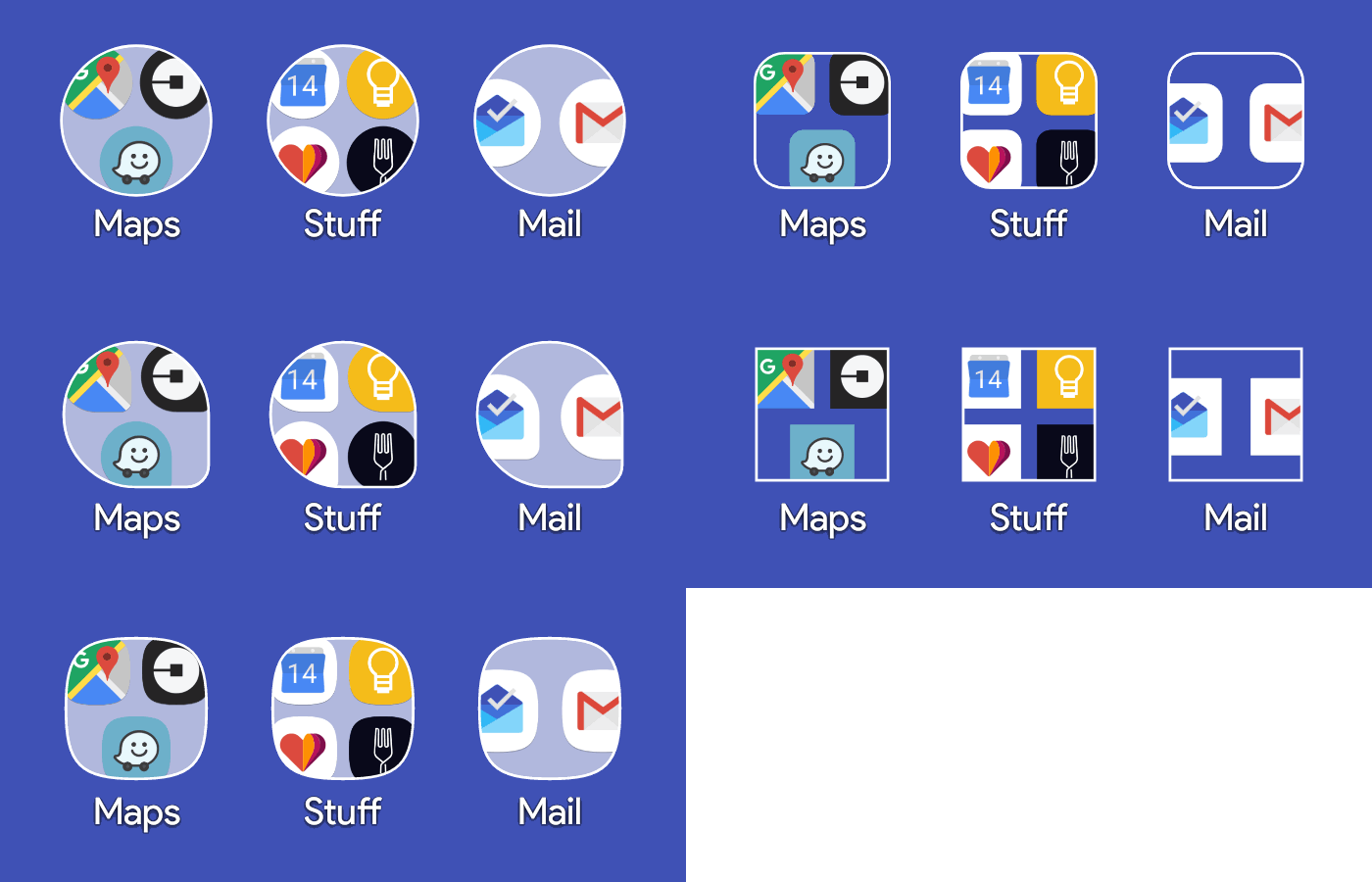
With adaptive folders, you are getting a similar experience to what you get with adaptive icons that are capable of changing shape. The thought here is that your folders shouldn’t be left out of the shape-shifting fun and should match the design of your icon set, assuming you are that level of anal. I guess it makes sense. You can see how that looks in the GIF below.
As for the Essential Phone support, Lacy doesn’t specify, but I’m assuming he means that Action Launcher now supports the weird screen shape and size (as well as the oddly shaped notification area) of the Essential Phone to give you the full, colorful experience.
I didn’t mention this in the opening, but he included support for Google’s Product Sans font too.
Finally, for Oreo compatibility, this update builds on previous Oreo enhancements by adding support for pinning widgets and shortcuts from external apps. Neat.
This used to be a great minimalist launcher. Flow was superb for how I used my phone/tablet. Not so much anymore. Has gotten way too gimmicky for me. If the dev wants to continue down this road to become just another launcher with bloated features, then I’m officially looking for something else. Just give me a “lite” version without all the adaptive garbage(i’ll even pay again). Tired of it being a resource hog.
just curious, and I am not meaning to be disrespectful in any way, but what are people like yourself doing that is maxing out the capacity of a smartphone? I have never had issues with any launcher or app slowing down my phone or taking up too much space and I feel like I use my phone for everything.
Nothing really. I reboot daily, clear storage/delete unused apps usually once a month. Not a big gamer. I don’t use social media apps. My phone can handle it fine considering it has 4gb of ram, but my tablets struggle with it at times to keep up during heavier usage. Biggest problems are lag going back to the home screen and during swipes, gesture issues, and the app drawer blanking out for 30-60 seconds. Re-draws are usually 3-4 seconds. Lost widgets after updates are also annoying. Like I said, these things just weren’t there 12-18 mos ago. I’m not a dev, so maybe there’s some other explanation.
I don’t need quickpage, adaptive icons/folders, quickbar options, Google now intergration, shutters, weather. I turn it all off. Still, all that stuff takes a toll on performance.
Amazing.