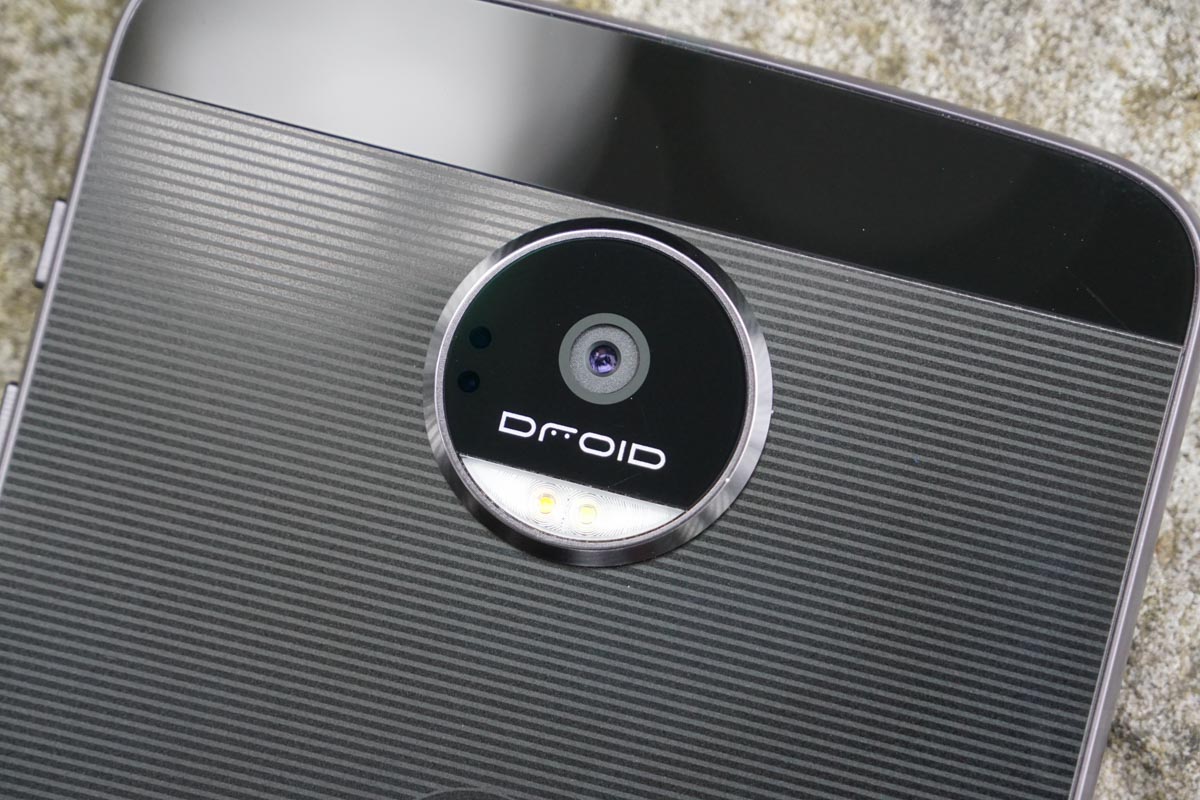
The Moto Z DROID and Moto Z Force DROID on Verizon are receiving updates to Android Oreo today after being teased about it for weeks. Each phone first saw the Oreo update at the end of last week in a limited soak test from Motorola, so we’re assuming things went well there.
Verizon posted the changelog this morning, showing a software version of OCL27.76-69-4. The update also includes the May 1 Android security patch.
What should Moto Z owners expect? The standard Android Oreo experience, which means picture-in-picture mode, autofill password access, smarter text selection, adaptive icons, faster and smoother apps, notification dots, notification channel controls, notification snoozing, new emoji, a new phone interface, Google Play Protect, and improved battery-saving background restrictions.
You’ll find the full list of changes at the link below.
To check for the update, head into Settings>System updates.
// Verizon
Cheers Tom, Chris, Andrew, and @BortFrenzy!
7/2/18: OK, the Oreo update hit my phone last week. #1.) Oddly, when I set wake up alarms, (or an alarm for anything through out the day), when the alarm goes off, I have to enter my security code to open the phone, then open the alarm options, slide the bar to the left to dismantle that particular alarm. The Volume buttons, nor does pressing the Power button on side of phone do anything. Even though I have indicated back in Settings that I do want the Power button to be able to shut off the alarm. #2.) When a call comes in, I have to enter my security code to open the phone, then either answer, or ignore that call. Calls do not open up anything on the front screen, nor does the Power button allow me to silence the call. Entering the security code to get to everything is a pain in the butt. Any ideas?
So when is 8.1 coming? All I really care about now.
too late I have switch to Pixel.
What about the original Z Play Droid? I’ve been waiting for months!
Iv’e been running it. i like the new moto display notification actions. you can reply to a text without opening the app and mark as read and archive emails. retweeting from lock screen. i like the changes. i hate the new command center. does not show mod battery% and can’t customize color anymore.
overall, good update.
Same here. I wish they would have kept the colors. My only big complaint is that the battery seems to drain very fast. I’m thinking it might have to calibrate for the new OS, but I don’t know. I guess we’ll see.
Z2 Play???
My thoughts exactly!
Installing now! Hopefully the battery life improves on the Z Force!
I’d imagine it will. Let us know!
Will do! The haptic feedback on the keyboard is amazing now, and I do love how the back/home/recent apps buttons are not as bright. Will try to provide battery update ASAP.
So many exclamation points! ❗
Glad you noticed my excitement 🙂