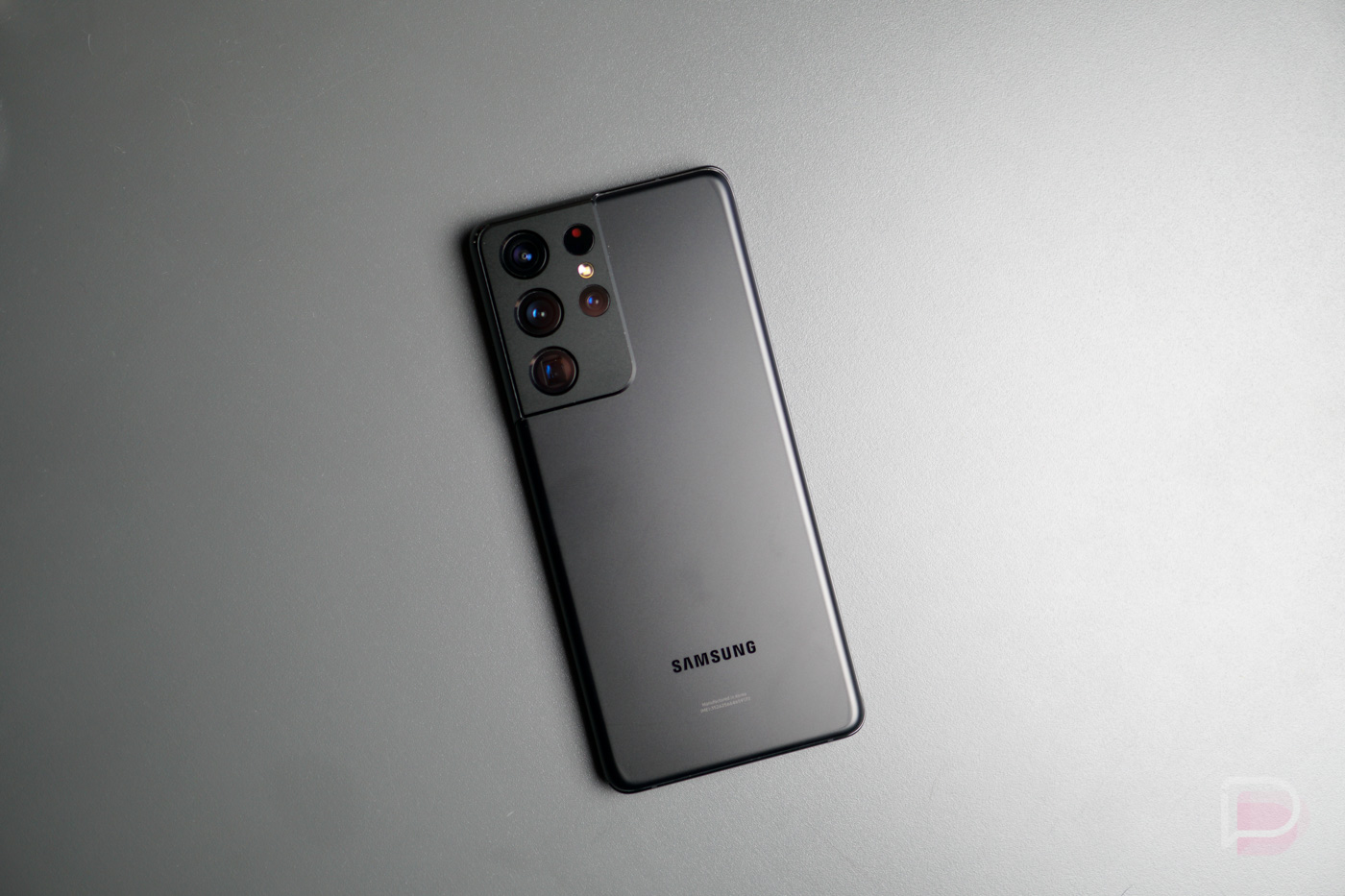
 Last year, Samsung released the Galaxy S20 Ultra for $1,400. At the time, I said it was nearly the perfect phone even at that high price, but the phone did have a few shortcomings. In 2021, we have the new Galaxy S21 Ultra, and spoiler alert, Samsung is offering one mighty fine package here. We have the year-over-year improved specs, the addition of S Pen support, a guarantee that you’ll receive 3 major Android updates, plus an improved camera system. I mention all of this because Samsung has made the S21 Ultra cheaper than last year’s S20 Ultra. $200 cheaper, mind you.
But still, $1199 is a large sum of money during times such as these, so in order to help you decide whether you should make such a purchase, we’ve run the phone through the paces. Allow us to share our thoughts.
This is our Galaxy S21 Ultra review!
What’s good about the Galaxy S21 Ultra?
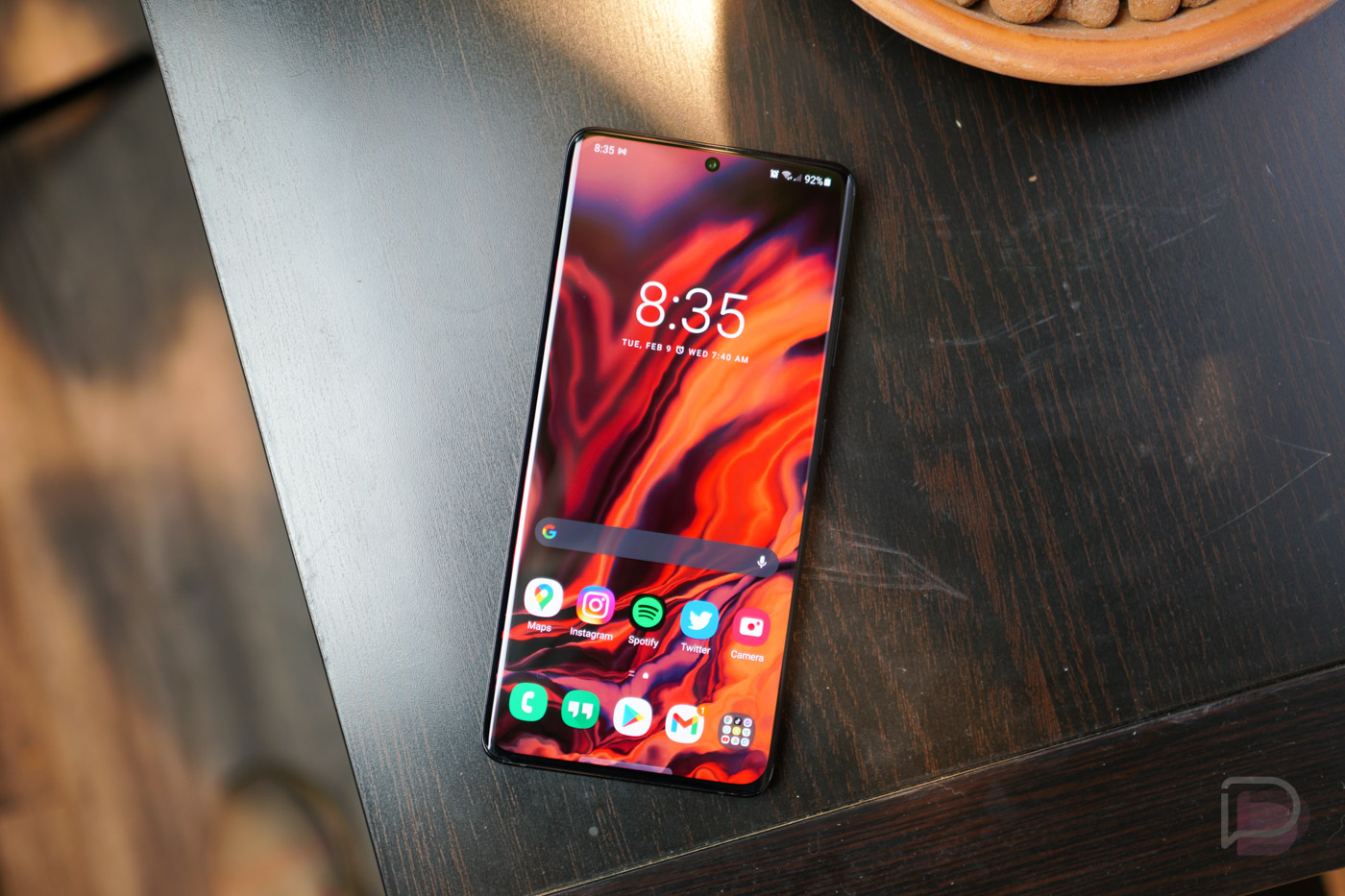
All the specs. As one might expect, the S21 Ultra is packed with all of the top specs you could need and want in 2021. There’s a high resolution display with high refresh rate, the latest Qualcomm silicon, plenty of RAM, a massive battery, and they even integrated the Galaxy Note series’ S Pen. Oh, and they did all of this while lowering the price. Not bad, Samsung!
To paint the full picture for you, the Galaxy S21 Ultra features a 6.8″ QHD+ Infinity-O display (3200 x 1440) with refresh rate of up to 120Hz (QHD at 120Hz is supported), Snapdragon 888 processor, 12GB+ RAM, 128GB+ storage, 5,000mAh battery (fast wired and wireless charging support), stereo speakers, IP68 rating, upgraded ultrasonic fingerprint reader, a quad rear camera system (108MP wide angle + 12MP ultra-wide + 10MP telephoto + 10MP telephoto), 40MP front camera, and Android 11 running One UI 3.1.
For a complete Galaxy S21 lineup spec rundown, look here.
Besides a desire for Samsung to include either expandable storage or more base storage, as 128GB isn’t very generous, the S21 Ultra isn’t missing much. Some may point out that the phone doesn’t include MST for Samsung Pay, but with NFC adoption at an all-time high, it doesn’t seem like that should be a dealbreaker for most buyers. This phone has most of what anyone may need.
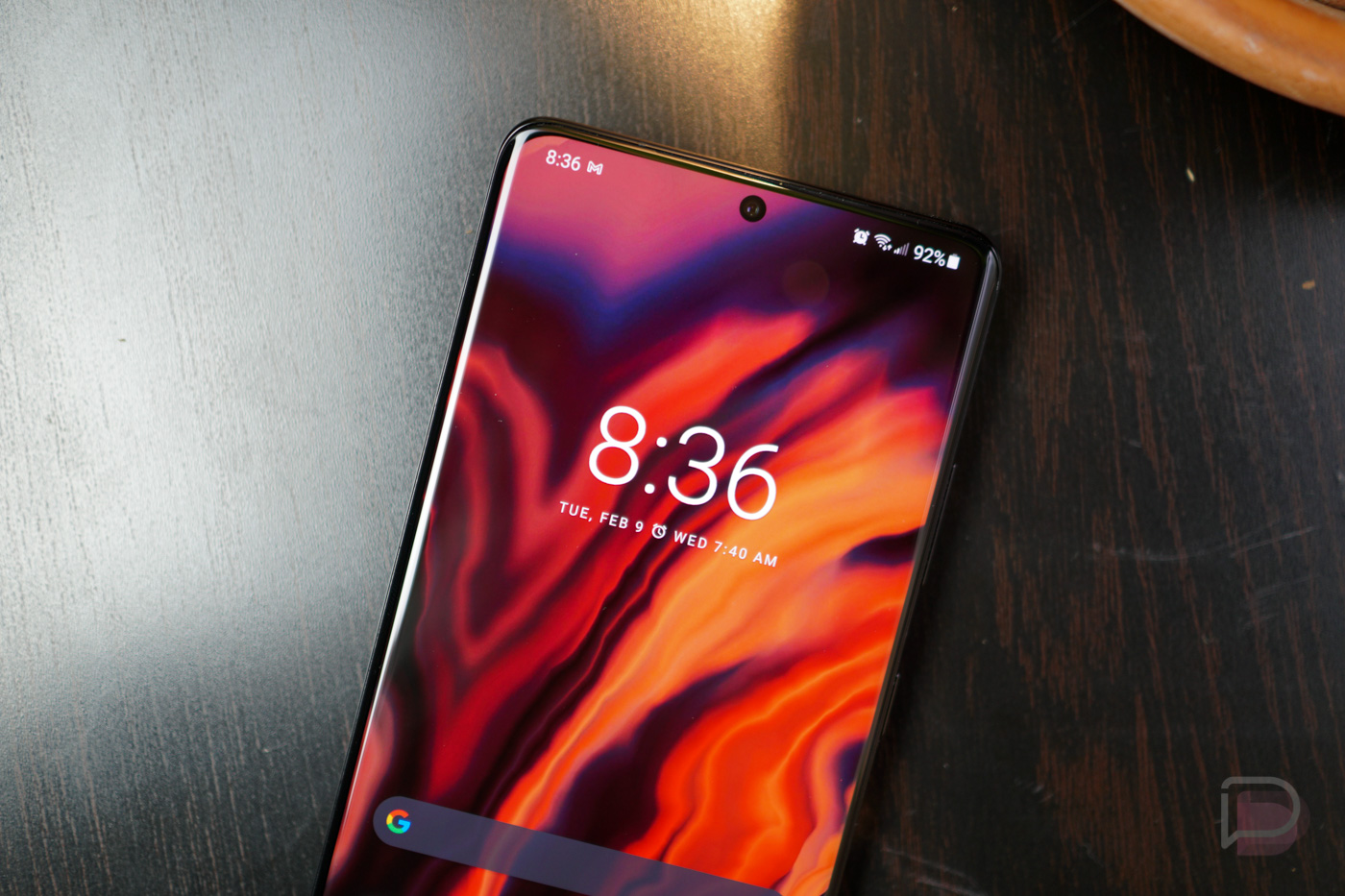
This Display. It’s bright, it’s crisp, and it flies at 120Hz. I’m not sure if DisplayMate has given it their A+++ rating yet, but I assume they will, as Samsung has provided what my eyes believe to be the best display in a smartphone yet. Colors pop, blacks are black, it gets exceptionally dark when you need low light to help not strain your eyes, it gets crazy bright in sunlight, and it just plain looks damn good. At 6.8″, it’s much larger than I’m used to coming from the Pixel 5, but when you’re consuming videos and playing games, it really is nice to have plenty of screen real estate. The display supports Always-on Display, Adaptive Brightness, and also allows the user to choose between screen modes like Vivid and Natural. The screen modes function isn’t new, but if you’re unfamiliar, the user can manually customize RGB values as well as white balance for the display itself. Pretty nice.
I’d love to also discuss the higher refresh rate, but that’s also not new. I can safely assume that everyone here understands the benefits of a higher refresh rate when it comes to smoother animations and performance appearance, but what is cool is Samsung’s Adaptive setting that allows for auto toggling between 10Hz and 120Hz. This ability should help the device conserve power when it needs to, but simultaneously, I do wish there was a way to lock in that 120Hz behavior. Battery life be damned.

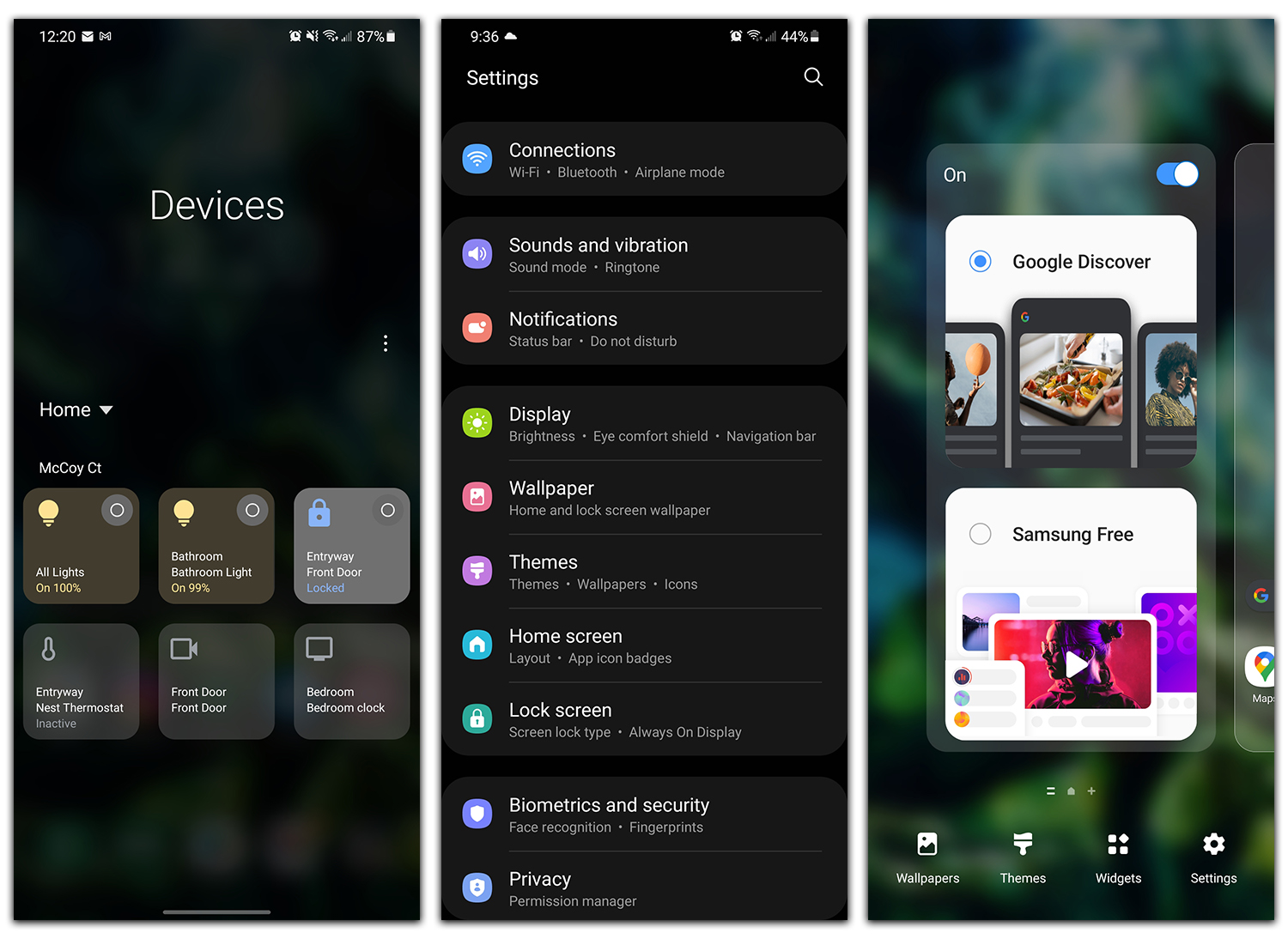
Software. Loaded onto the Galaxy S21 Ultra is Google’s Android 11, with Samsung’s own One UI 3.1 custom skin on top. While I know there are plenty who aren’t down with Samsung’s skin, I’ll be blunt and let you know that One UI 3.1 is awesome. A major change is Samsung’s acceptance that it’s possible no one wanted to use Bixby, so now they are allowing for users to integrate Google Discover into the launcher application. That change automatically makes the software experience 100x better in my book. On top of the fine things that come inside of One UI, Android 11 itself is good.
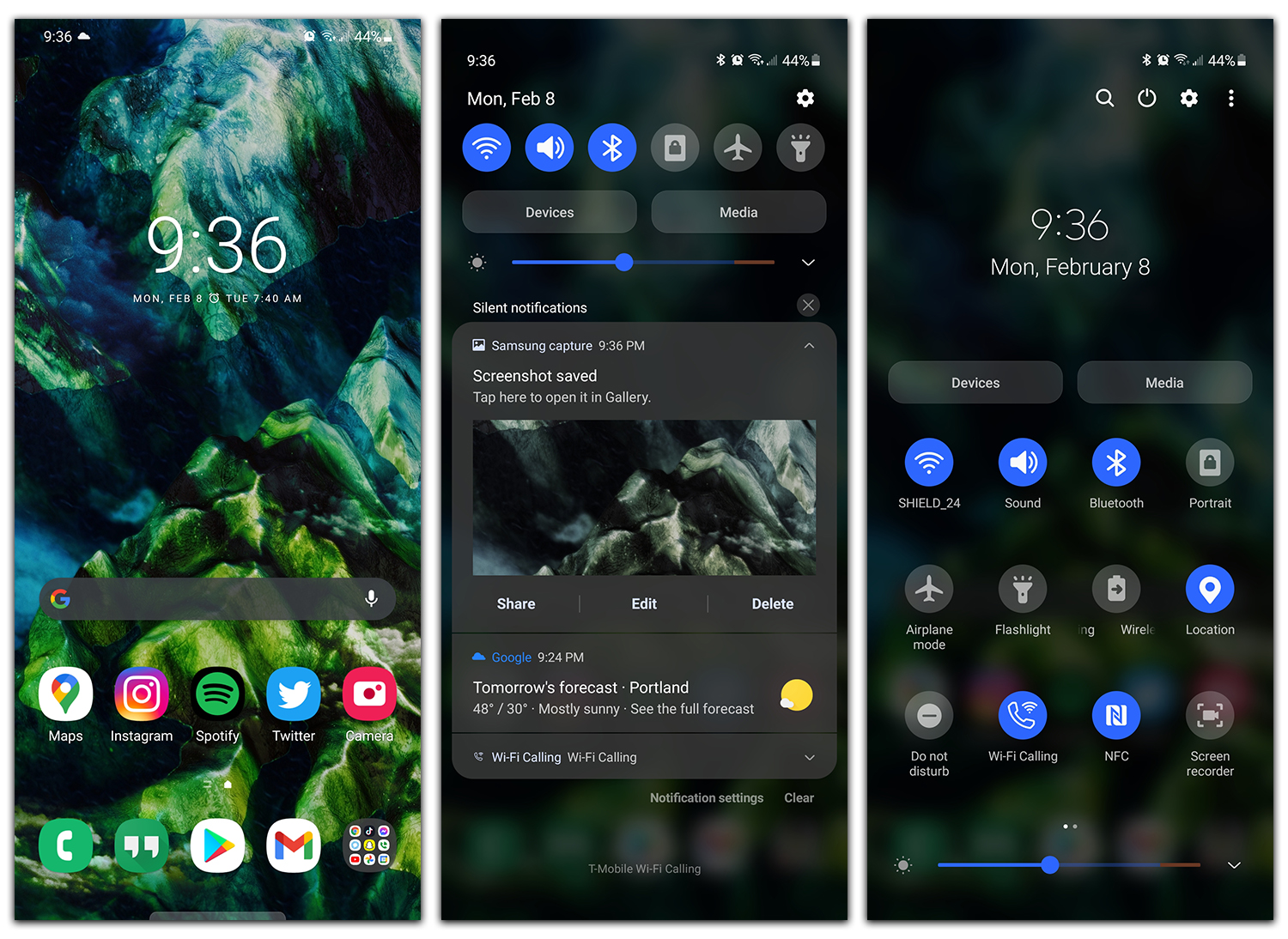
We’ve discussed Android 11 and its changelog tirelessly, so I see no need to repeat myself, but Android 11 does include some great changes. For example, Bubbles for your messaging apps, a notification pulldown broken into useful sections, one-time permissions for apps, and built-in smart home controls.
- 3 Major Android Updates: I’d be crazy not to mention that Samsung is providing 3 years of major Android OS updates for its latest devices. That’s right, this phone will eventually receive Android 14. When you think about buying a very expensive smartphone, it’s an investment, and Samsung is providing another reason why it’s a good decision to buy your next Android phone from them.
A few of the Galaxy S21 Ultra software things I’d like to highlight include most of what’s inside of the Advanced Features menu. Inside this menu is where you’ll find things like Samsung’s DeX (a full desktop interface for a computer monitor), Link to Windows (there’s actually a ton of Windows integration built into the device), plenty of motion gestures to learn, a sweet one-handed mode which is useful for such a large device, Bixby Routines (eye roll), as well as a built-in screenshot and screen recorder software. There’s an absolute ton of things built into the software of the Galaxy S21 lineup, and if you’d like a complete breakdown in the form of a Tips & Tricks video, look a bit lower in the Videos section of this review.
She’s fast. Thanks to what could be labeled as an abundance of RAM and the new Snapdragon 888 processor, performance on the Galaxy S21 Ultra is top notch. I will note, I have used only the 12GB + 128GB model, so I imagine the 16GB model could be even better, but for the most part, 12GB should be more than fine for buyers. I mean, what the heck do you need all that RAM for anyway? I’ve played games, I’ve multitasked and this 12GB amount seems fine. Now, that 128GB of storage is unfortunate, as it might be easy to fill up that much space and there’s no expandable storage, so I’m not saying this is the perfect setup. However, from what I experience the past week and a half, it’s a very well performing device.
Now, these new Android phones that appear to be fast to the human eye do have the upped refresh rate on the display partly to thank. On this Galaxy S21 Ultra, you can get up to 120Hz, which for your gaming is mighty fine. Heck, even scrolling through menus and playing with settings is nice to look at with these new devices. I see some folk say they can’t see any difference, but for me, even coming up from the 90Hz rate on the Pixel 5 is quite telling. And lord help you if you’ve been on a 60Hz device and then buy into 120Hz. It’s completely night and day.
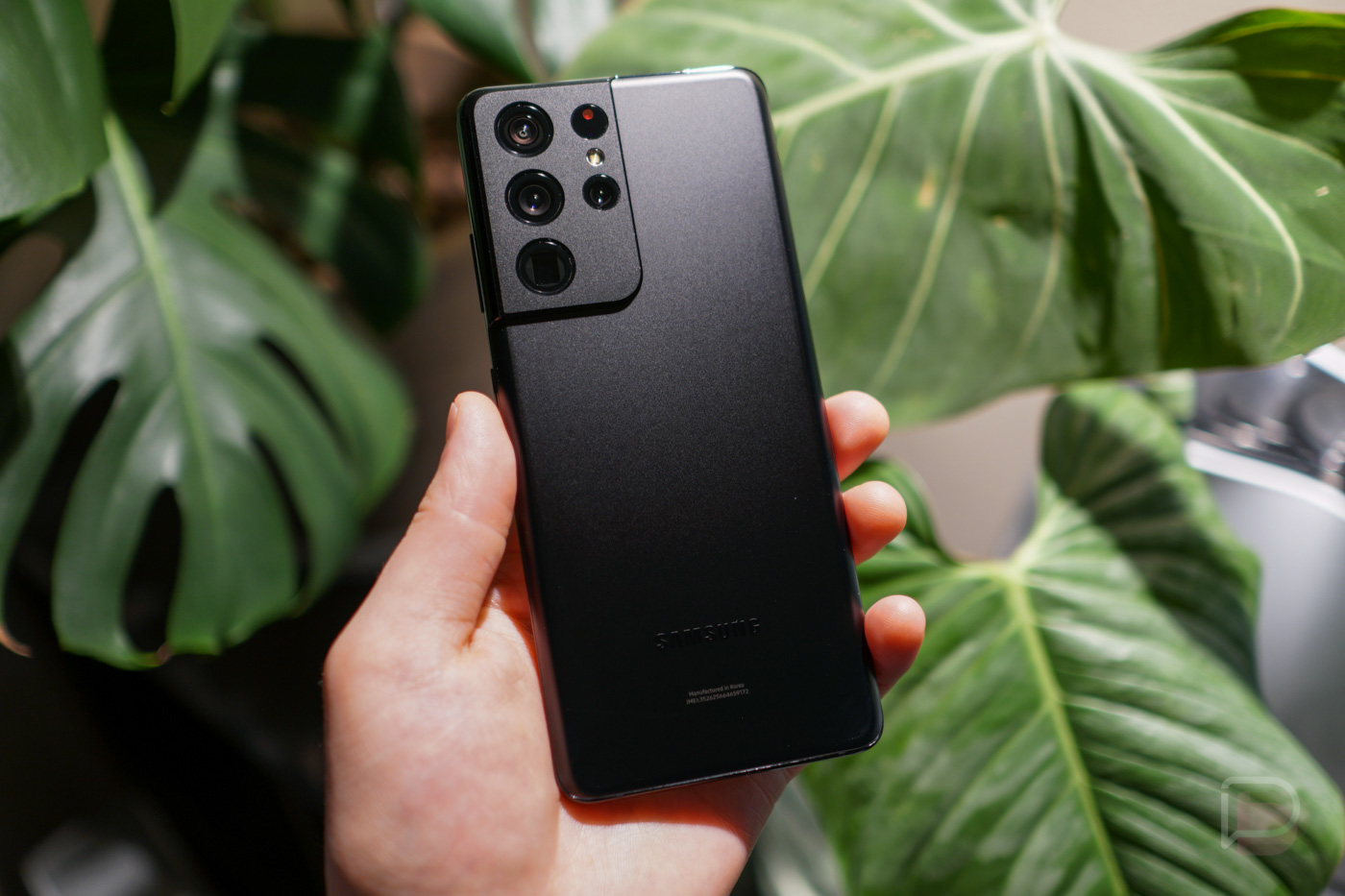
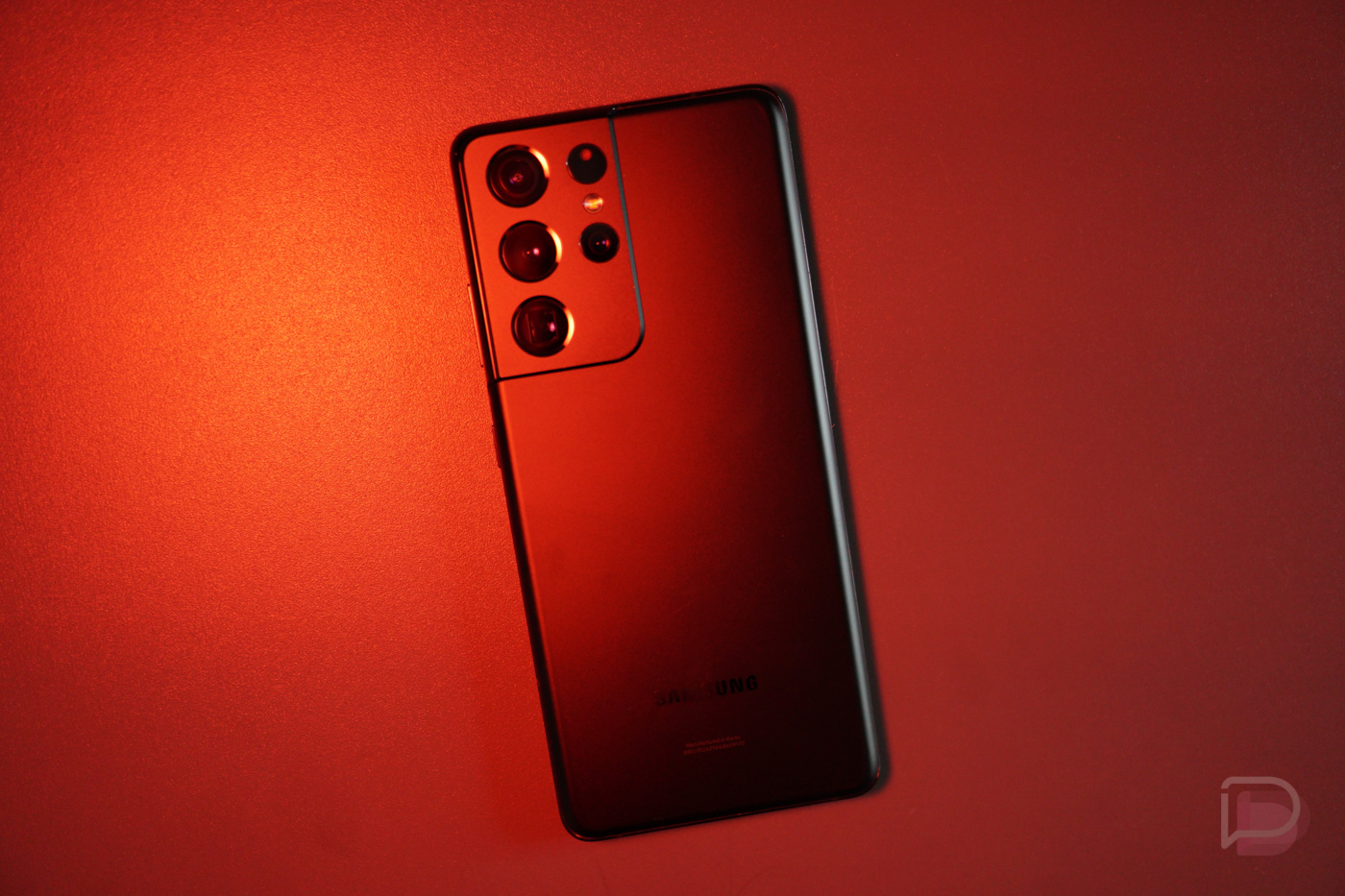
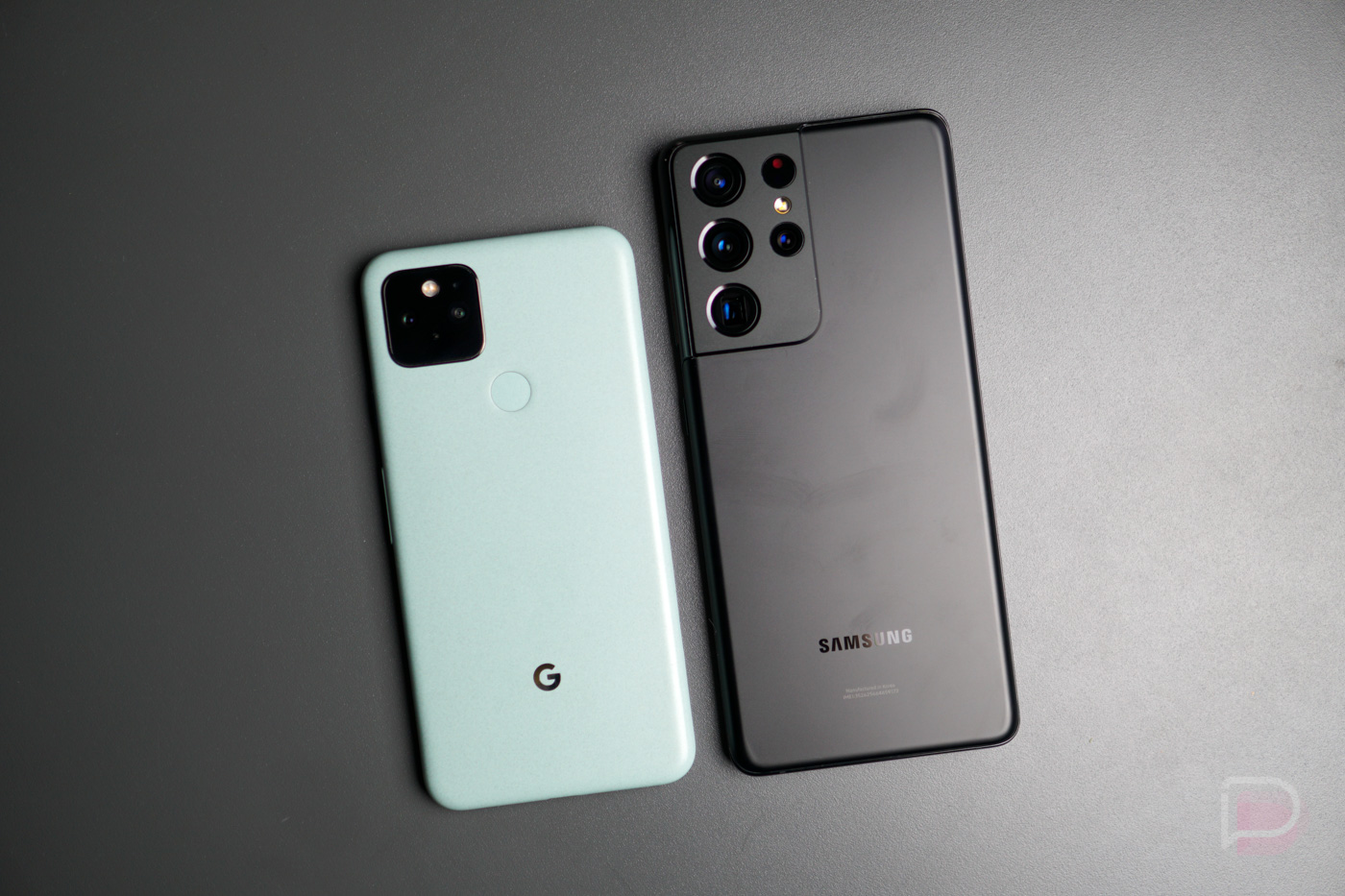
She’s pretty. I’m a big fan of the new aesthetic for Samsung’s Galaxy S21 lineup. The way the cameras are integrated into the body just looks clean and quite unlike everything we’re seeing on the market right now. Not sure why it took so long for a company to come along and realize it’s not attractive to throw a square or rectangle on the backside of a phone, but here we are and many devices are looking the same these days. This Galaxy S21 Ultra looks unlike everything on the market, and frankly, I like it. I have the Mystic Black color option, which is a true matte black color, another first for Samsung. In past years, we have seen plenty of glossy options from Samsung, but to my knowledge, this is the first time we’ve had a true matte option. It handles fingerprints and grease so well, it’s amazing.
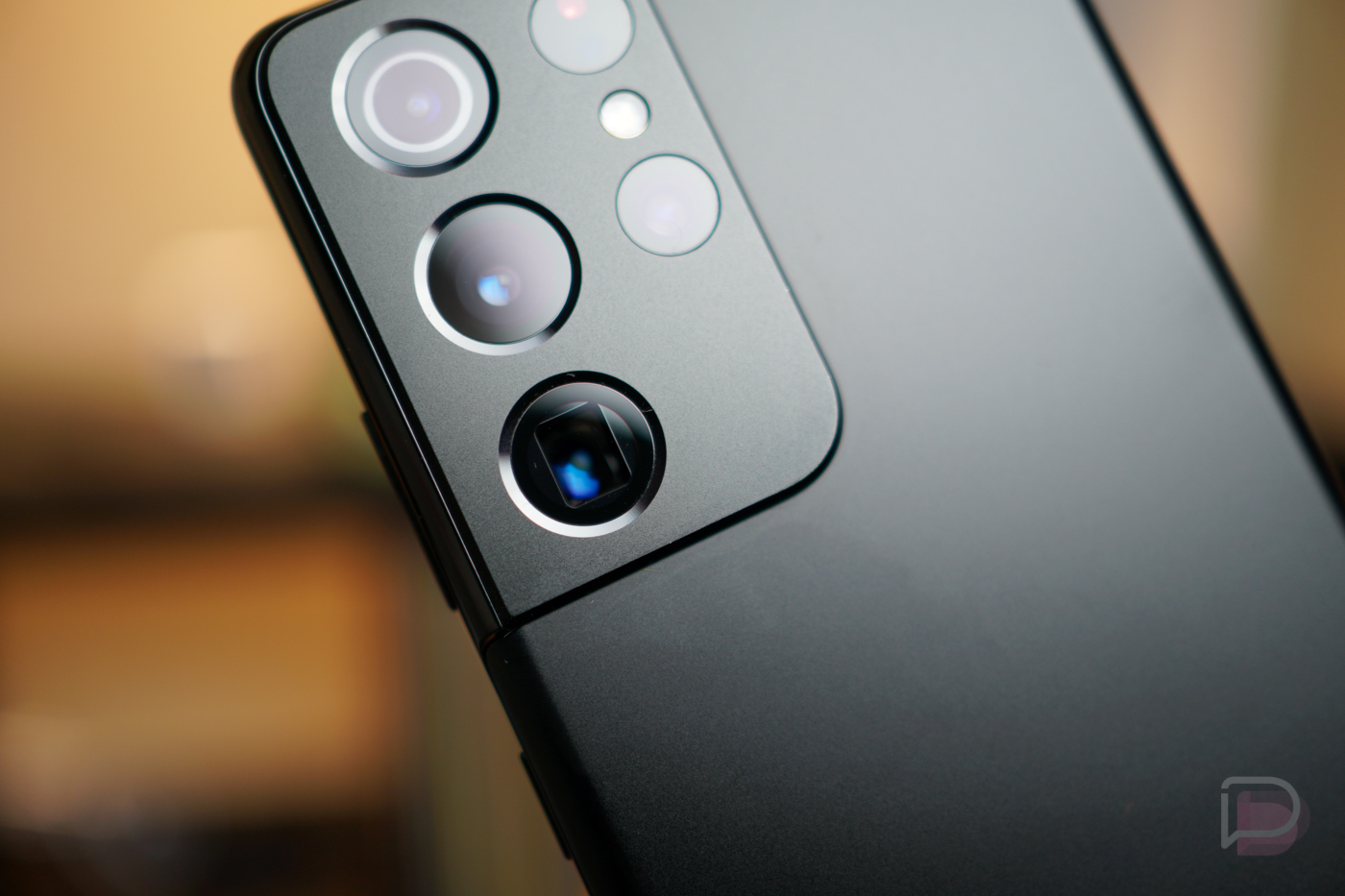
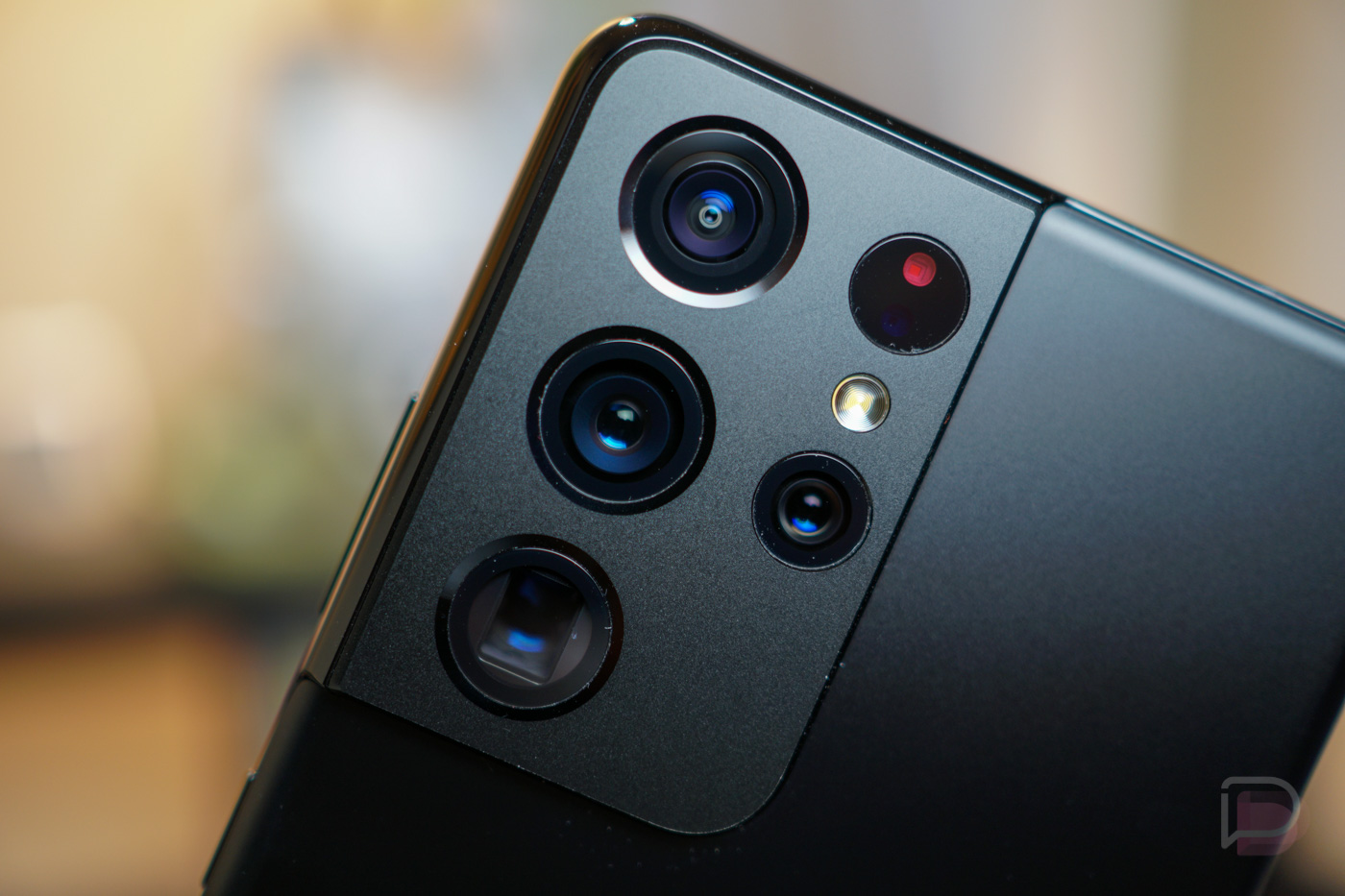
Cameras. There are a total of five cameras on the S21 Ultra, four on the back and one on the front. On the backside, there’s the 108MP ultra wide angle lens, 12MP wide angle, plus a pair of 10MP telephoto lenses. All of these lenses combine to make a very versatile camera system, capable of going super wide and super close with 100x Space Zoom, with both tight and wide functionality retaining a good amount of visual detail. I’m still not completely sold on Space Zoom, as many shots continue to look like oil paintings when not using a tripod, but the private eyes among us may get a kick out of it. For me personally, I still to shooting in 4:3 at 12-megapixels. You can enable the 108MP option in 4:3, but photos come in at over 15MB a pop and with there being a limited amount of storage on this phone available, it’s not really smart to use all of the phone’s capacity on high resolution photos. Same can be said for 8K video recording. While that’s awesome, you’d be surprised at how much storage a minute-long 8K video can take up (my testing is over 0.5GB every time), so a lot of those high-end features are going to cost you in the end in terms of raw storage.
When out and about with the regular 12MP shooter, there’s a lot to love here. The camera is insanely fast to focus on subjects, with its auto exposure capabilities quite good. I can simply point, shoot, and get many shots off in just a few seconds and the results are great. Even with the lower resolution, shots are plenty detailed and have lots of color pop. I also played around with Samsung’s stabilization for videos, and yes, it’s really, really good.
Software wise, there’s everything you might need. There’s Portrait mode, Pro Video Mode, Night mode, Super Slow-Mo, Hyperlapse, the new Director’s View, as well as Samsung’s beloved Single Take. It’s all in there and a lot of fun to play with.
Check out some photo samples below. Besides being resized, no edits have been made.


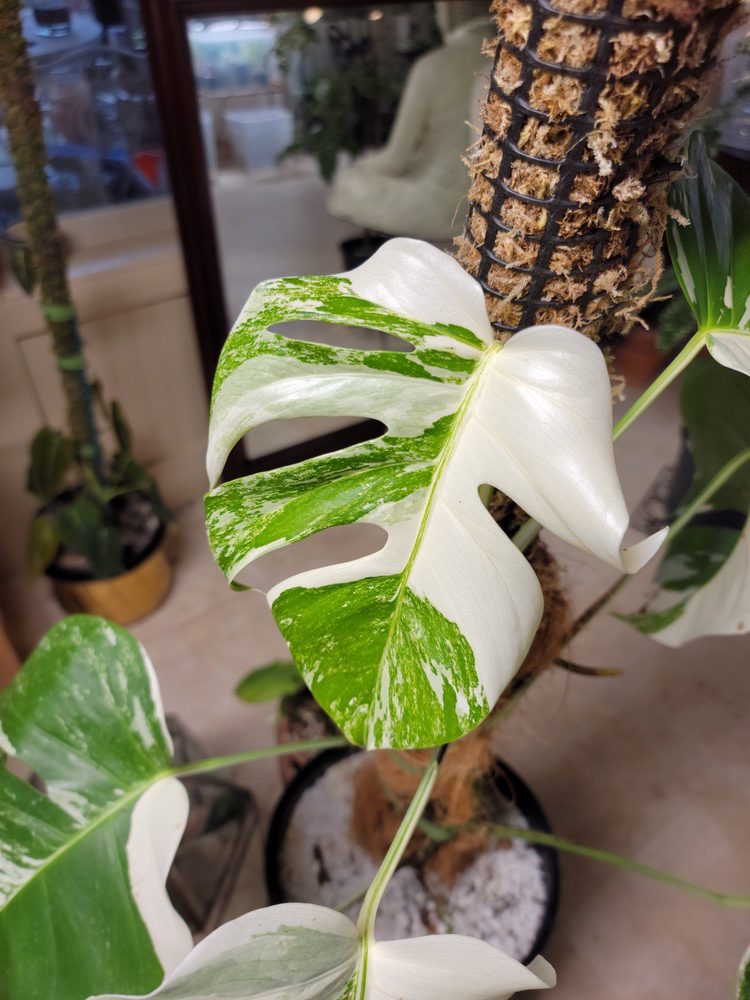




Space Zoom Examples (No Tripod)

Low Lighting Texture Fun
Macro Example

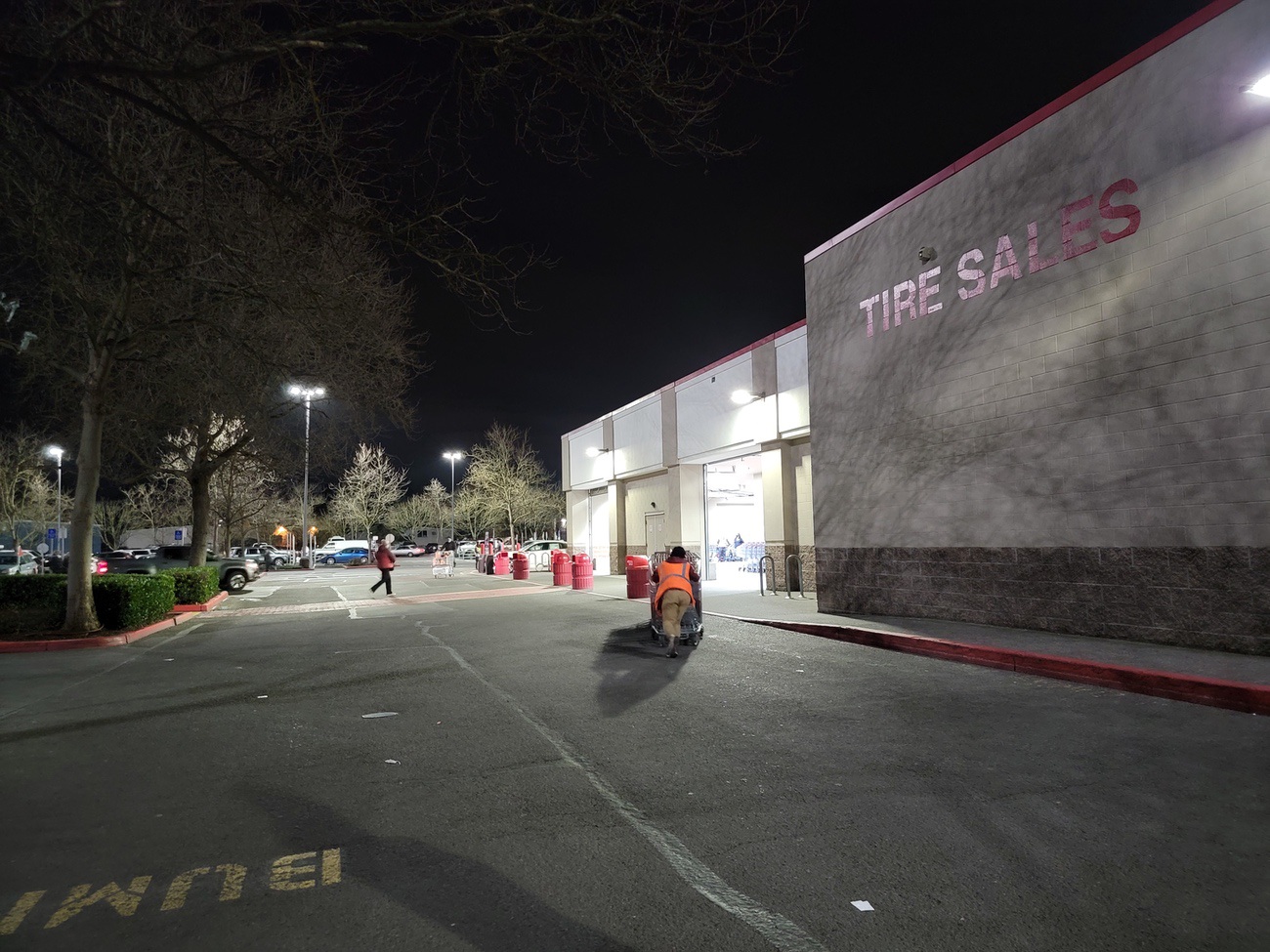

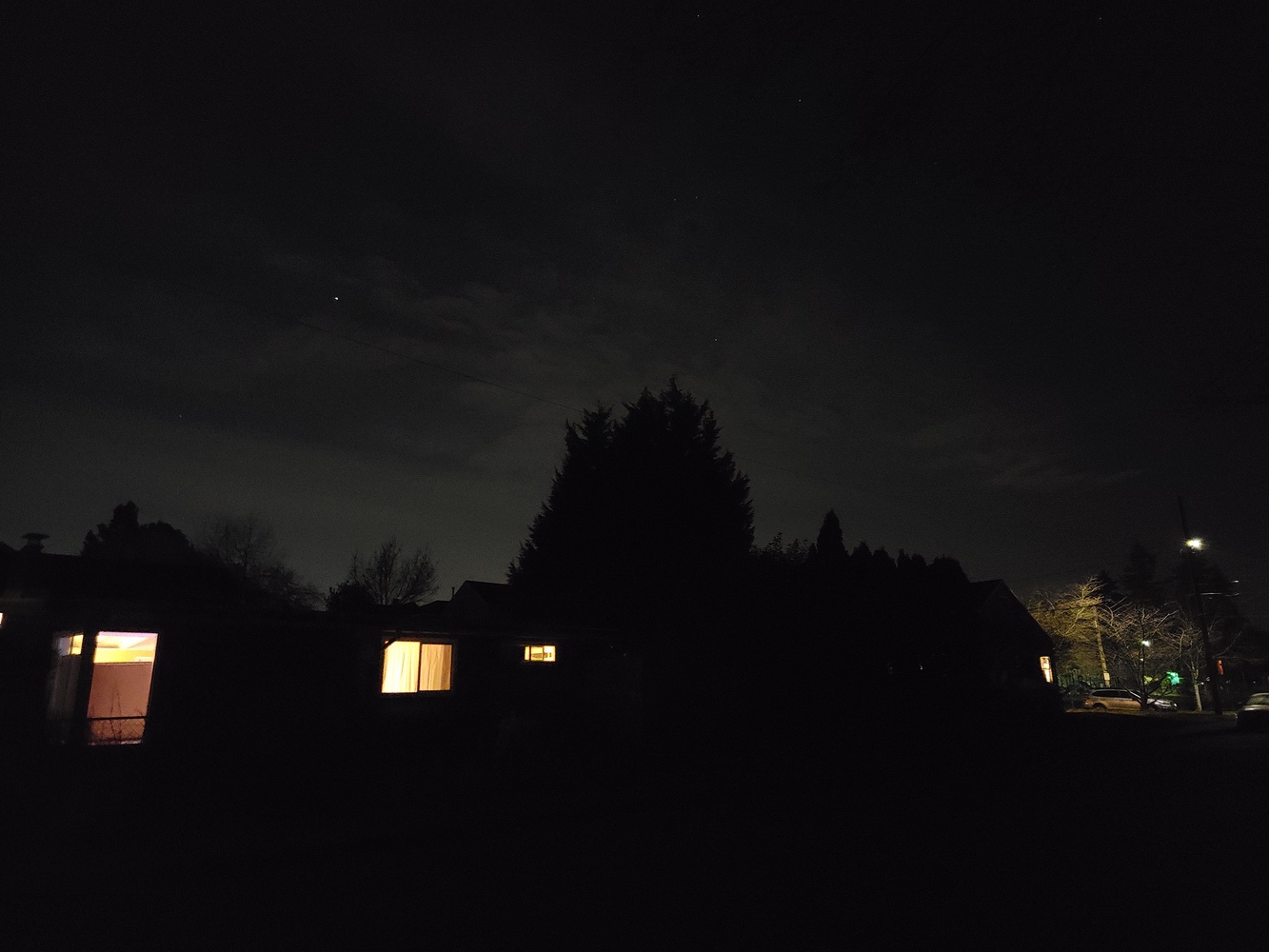

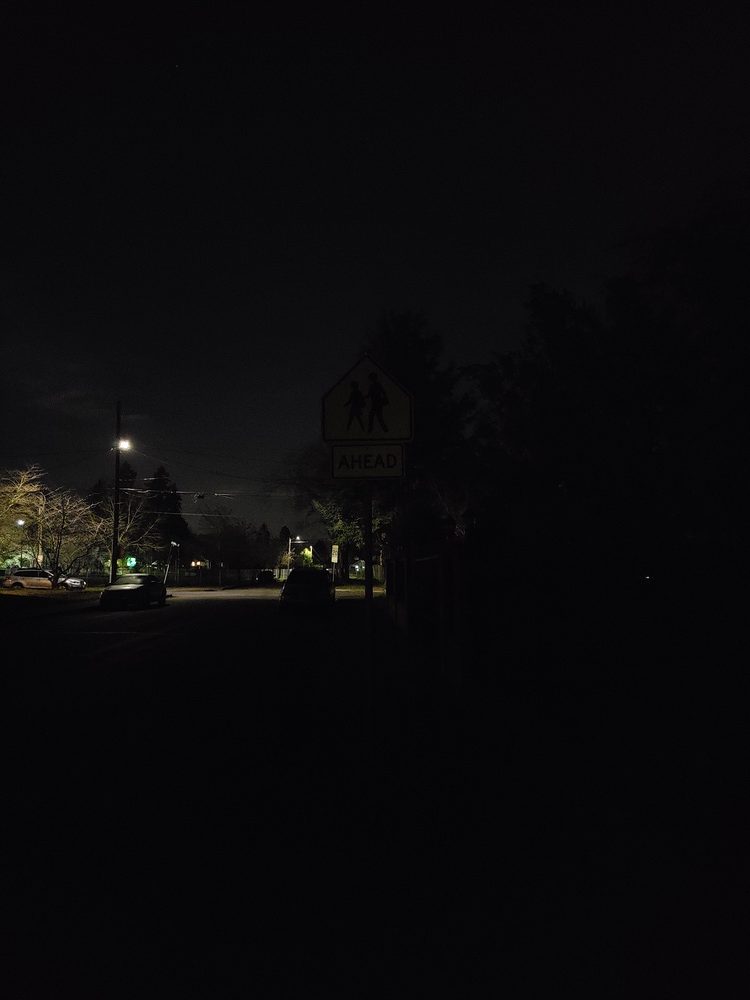
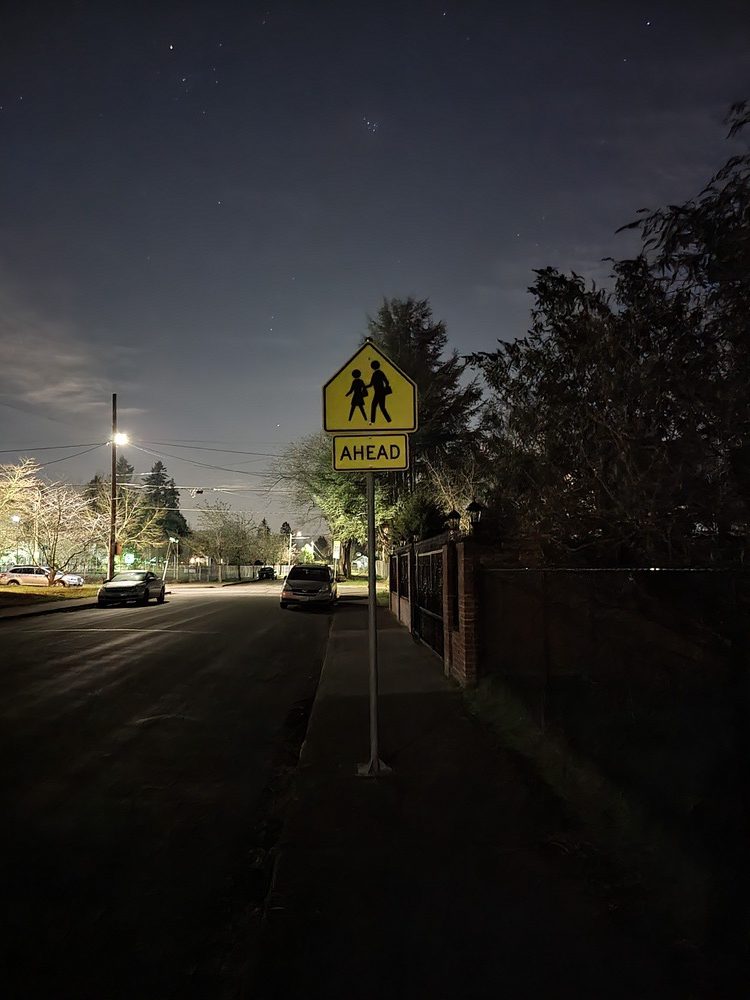
Night Mode Examples (No Tripod)


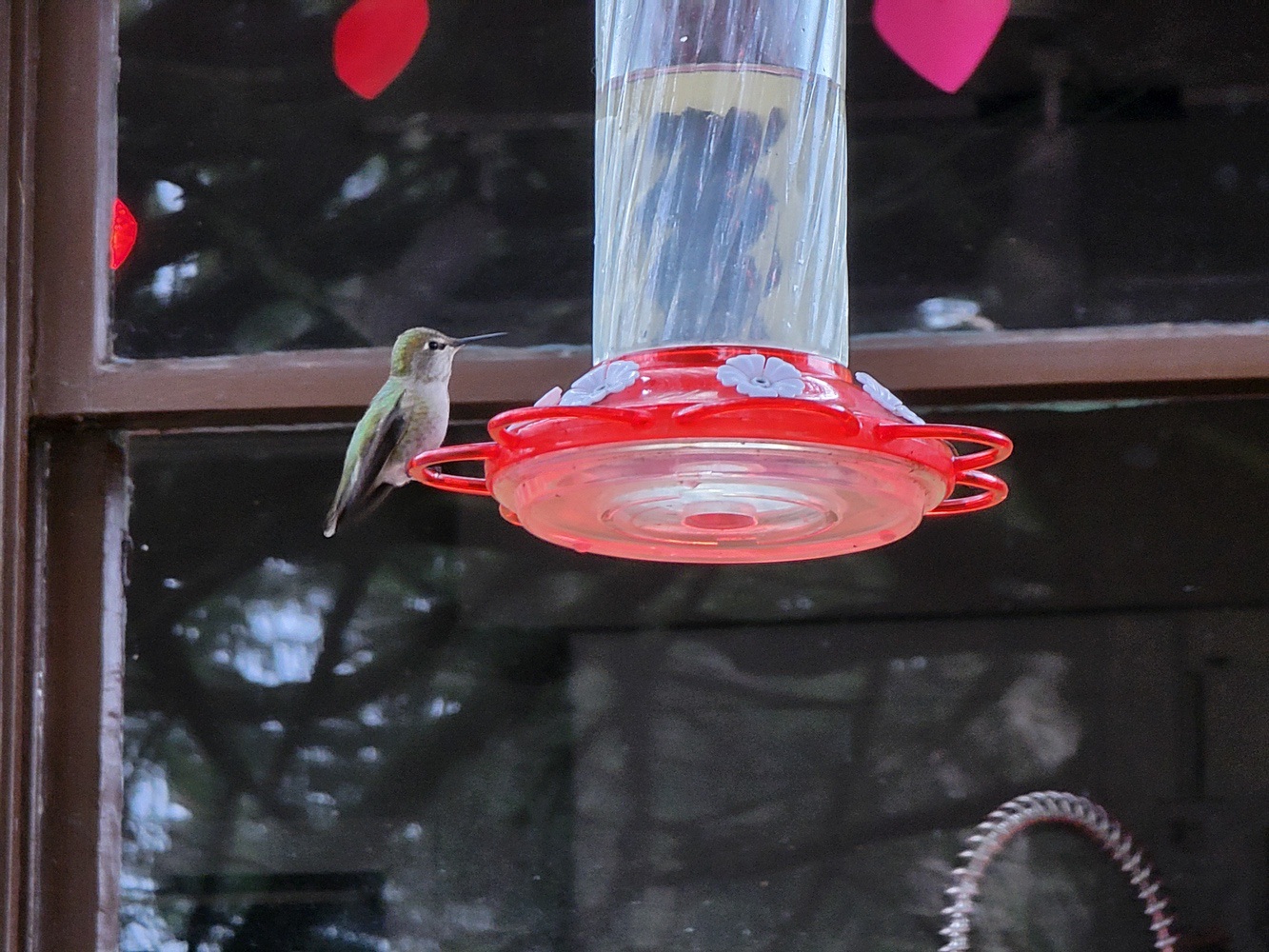
10x Magnification (No Tripod)
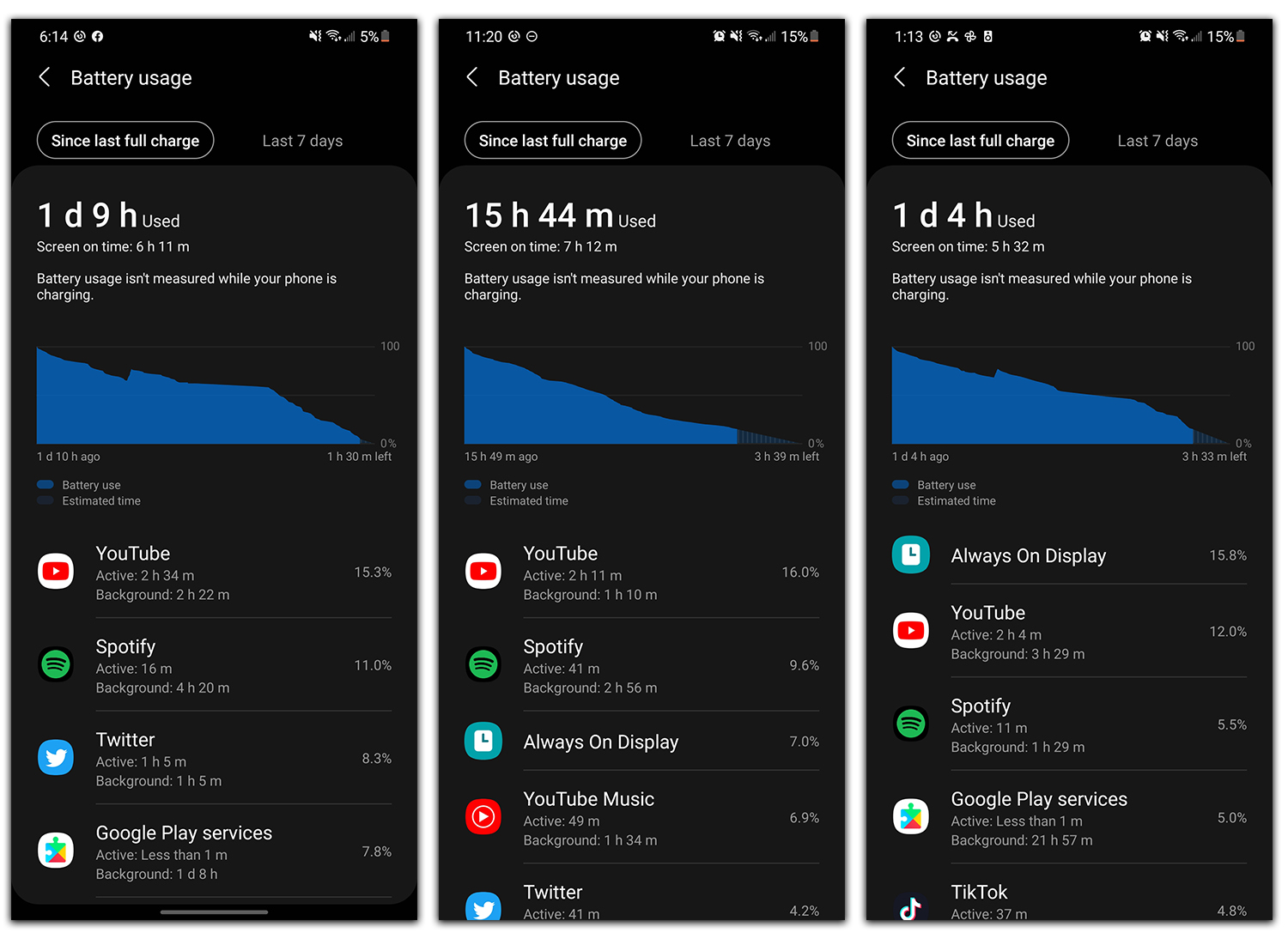
Battery life. With its 5,000mAh capacity and after a few days to learn my usage, this phone has fantastic battery life. Charging speeds are maxed at 25W, though, you do get fast wired and wireless charging. The phone also supports Wireless Powershare, which allows you to charge other devices via the phone’s backside. Nice.
For me, my day is usually around 7AM to 11PM, and I’m always getting at least 5 hours of screen on time. Most days I had enough juice to leave my phone unplugged overnight and still have about 30-40% of battery in the morning, so I’ve been nothing but content with my battery experience so far.
What could use some help?
S Pen feels like afterthought. While the Galaxy S21 Ultra does support Samsung’s S Pen stylus, the implementation feels a bit like an afterthought. On a Galaxy Note device, the S Pen has been outfitted with Bluetooth for remote functionalities, but the standalone $40 S Pen Samsung is selling on its store doesn’t feature Bluetooth. Plus, the cases they are selling that house your phone and S Pen appear to be garbage.
While the S Pen on the Note lineup has impressed me as of late, this does not. In terms of S Pen functionality, it’s like taking a big step backwards. However, this could change when Samsung decides to release the S Pen Pro, what we assume will be a larger $99 Bluetooth-powered stylus for supported Galaxy devices. Why they couldn’t push up the launch to coincide with the release of this phone, I have no idea, but I feel like people are getting ripped off if they’re purchasing a $40 S Pen and not really getting all of the features we know this system is capable of. Pretty lame.

Video
Unboxing
First 10 Things to Do
Tips & Tricks
Gallery


Should you buy a Galaxy S21 Ultra?
Straight up, if you’ve purchased Samsung devices in the past and want another one, you should buy the Galaxy S21 Ultra. It’s a fantastic device that I have zero complaints about. Now, does that means I will personally keep using it? Heck no, it’s way too big for me, but I can admit that it’s 1000x the phone my Pixel 5 is and it’s not even close. Yes, it’s quite a bit more expensive than the Pixel 5, but that price is getting you a phone that does everything well. It has the excellent battery life, great cameras, amazing performance, plus major Android software support for the next three years.
I hate to say it, but I don’t see any other OEM making a case for your money right now. If you’re in the market for a phone, you’re only doing yourself a disservice to consider something other than a Samsung phone. Pixel fanboys will hate me (don’t hate me, I’m one of you), but there’s no denying that Samsung is currently the unchallenged Android king and will likely remain so for the foreseeable future.
Got mine last week and this may be my first perfect phone. After being a Pixel purest for the last several years, I had forgotten all the setup required in a Samsung phone to stop it from acting like a Samsung phone, but once I got there…it literally does everything well.
I happen to be a bigger guy with large hands, so the screen size is not an issue. The battery lasts forever, it has some cool tweaks that Pixels don’t do (I love the discoverable devices feature in the settings screen), sound is pretty good (not as good as my old Pixel 3XL, but it’s up there), on-screen fingerprint sensor is very reliable, and the screen…that wonderful, beautiful screen….::swoon::
So I’ve also been a Nexus/Pixel guy since forever. My OG Pixel XL randomly went into a boot loop today and no matter of troubleshooting will fix it. With the Ultra currently on a pretty nice sale at many outlets, it does tempt me, but I’ve avoided Samsung for years.
What sort of setup is involved to de-Samsung a Samsung phone? Is it going to drive me nuts when I’m so used to “pure” Android?
They have themes available that give the phone a Pixel feel. I installed #HEX theme installer, made a few tweaks in the UI, and that was about it. You have to turn off Bixby and install Google Assistant, then make that default in a few different places. That was probably the most annoying issue.
I’ll need to see the Ultra in person to feel the curved edge design. I’m a flat screen aficionado.
Compelling arguments for sure. But would like to see point and shoot comparisons of photos between the Pixel 5. No adjustments. Fresh out of the box.
I feel the same way about my S21+. I’m coming from an S10, but I wanted bigger (than the S10/S21) and I couldn’t be happier. I got the 256G version in mat black. One UI 3.1 is a delight, it has the the smoothest scrolling best looking screen I’ve ever used and the battery lasts almost two full days with 7 hours of screen on time. The fingerprint sensor is orders of magnitude better than before! I didn’t care about the extra cameras in the Ultra or the larger size even over the plus (the ultra is 4mm taller, which I don’t care for). The deal I got from the T-Mo preorder was impossible to beat (they gave me an $800 credit for my S10 and I got a free pair of Buds Pro from Samsung).
AND, even though the pre-order deals are over, they’re already on sale everywhere for $200 off, even Samsung direct, no strings attached, no trade in required. THREE Android updates too. 🙂
The last Samsung phone i had was the S3. Since then, I’ve stuck with Nexus and Pixel phones. I have been a bit curious to give Samsung a try again and am really debating whether to buy this phone or wait for either the Pixel 6 or Note 21.
I dumped Samsung after that original Galaxy fiasco (the charger, the battery issues, the lack of updates…I love/hated that phone). This is my first time back with them after 10 years and I have to say I’m impressed 🙂
Just got One UI 3.0 on my unlocked N10+ and it’s damn good, I am set for atleast for one more year.
I’m sure you have 3.1 by now?
My only real gripe with this phone is the narrow aspect ratio. It annoys me enough that after the discounts, trade in and selling freebies etc I would be paying ZERO coming from my 128gb Note 20 Ultra (and that’s for the 16gb/512gb S21U) and I’m still on the fence due to the aspect ratio. Also, battery life hasn’t been as good as my N20U, which is…odd. But I have only had it for a few days so far.
This phone is a complete beast, but that damn narrow aspect ratio. Plus, my N20U got the February patch about a week ago and this still hasn’t (EDIT: Just got it). Also, no MST sucks, but I can live with it.
Hi Duffman.
19.3:9 vs 20:9. It’s seriously not that much different. But I do agree about making the phone a little wider, and shorter would be nice. 18:9 would be perfect.
Yeah, based strictly on the numbers it doesn’t sound like much, but in reality side by side it’s quite the difference.
Did we just become best friends? lol
This phone almost convinced me to drop my 12 Pro Max. Almost. But as I’m really not digging being back in such a huge phone, I’m going to wait until the end of the year to see what “normal sized” high-end options are available. I’m sure my choices will be limited to either the 13 Pro or Pixel 6 because I doubt Samsung will ever make their high end Ultra phone in two sizes.
The 21 and 21+ are essentially the same if you want an Ultra experience in a smaller package. The cameras just don’t zoom as far. But my S21+ has been performing amazingly. Battery life has taken me from early morning to late night. I had to plug in a little before bed (around 12am) ONE night due that day being much more heavy on usage. And the small handful of pics I’ve been able to take have come out phenomenally. I’d highly recommend looking at 21 or 21+. Especially at their given price points.
I hear ya, and it’s great to hear the S21 is working out for you, but unfortunately, they’re not “the best” that Samsung has to offer. That is, by most accounts, the S21 Ultra for its better spec sheet and better camera array. I guess I’m just one of those people that wishes Samsung made their best, no-compromises device in two sizes like Apple did with the iPhone 11 Pro, almost did with the 12 Pro, and is apparently going to be doing with their 13 Pro lineup later this year instead of saving the best of everything (display resolution, RAM, cameras, etc.) for their honkin’ huge Ultra lineup.
I can understand that concern, but I would encourage you to consider going to a store to check them out. The displays across the board look fantastic and the RAM is simply a non issue. Android 11 and One UI seem to be more than fine tuned enough to handle it. I know I sound like I’m trying to be a sales person lol but I genuinely think many people share your mindset that the 21 and 21+ “aren’t worth looking at” due to the few spec differences. When you play with one you’ll see that it really is a high end player. Just look at this portrait I took of our cat in crummy lighting lol
EDIT: Make sure to click in on that photo to see it in better quality
https://uploads.disquscdn.com/images/3827cf85488b0a1ac73866632c7ede841f4acdf3f46a1daf07a3c23f2f0c38be.jpg
I don’t doubt the phones are great, and I have seen them in person, but I have gotten used to certain niceties like optical zoom and great low-light photography. I also do use my camera a lot, so I want to have legit the best one available to me in a lineup. For example, I initially had an iPhone 12 Mini. It was a pretty great camera, but the difference between it and the 12 Pro Max’s camera became very noticeable.
Where a night shot could take 3-4 seconds on the Mini to process, so far all of mine have taken just 1 second on this Max, and the difference in zoom capabilities really stands out especially in low-light. For me, my usage, and my hard-earned money, I just wanna make sure I’m using the best of what an OEM has to offer for certain things, and if there’s a phone that can put all those things under one roof and come in two sizes, that’s all I want. 🙂
As a Pixel user for the past two years, now switched to S21 ultra. I kinda like the One UI. It grows on me????
The two things I had to fix were the back button on the right side, and the side scrolling app tray. Other than that, UI is actually pretty damned good!
Yes agreed. Especially the display. Ohh boi. Its freaking good.
I REALLY liked the flat screen on the S21+ but everything I read just says to get an Ultra. How obtrusive are the curved edges? Also, I switch to iOS about 18 months ago and I feel trapped because of iMessage… My house is an SMS black hole so I doubt I’d be able to talk to anyone on an iPhone again who won’t move to another chat app for me.
Any iOS -> Android switchers who solved this issue?
I just switched and had no issues…before activating the S21 I disabled iMessage on my iPad and Mac, waited about 15min and then activated my S21 and have had no issues texting with anyone on an iPhone…I don’t know if the waiting 15min actually did anything but for sure want to make sure iMessage is disabled on any devices you were using it with…
So my issue isn’t that iMessage is holding back texts, it’s more that my house has such poor cell reception that I can’t send MMS or SMS. 99% of the people I talk to have iMessage so it just uses data to send. Without iMessage i’ll have to use SMS/MMS and that is where my issues come up
Not sure about the technical side of it, but when connected to wifi I have zero problems sending/receiving sms or mms on my android phones. Got to really test this last summer when I went to middle of nowhere Oregon for a few days and Verizon didn’t have a signal, but somehow Fi did. So I activated Fi on my pixel and used it as a hotspot for my Note10+ on verizon and it worked flawlessly. So much so that’s what I’m going to do the next time I travel internationally.
that’s wild. I actually have Fi now so it would be good to test out. Thanks!
You need to disable iMessage on your iphone FIRST. The screen on the S21U is *almost* flat. It barely has a curved edge at all and almost no content resides in that portion. I hate curved screens (though they aren’t deal killers for me) and I don’t have a problem with it…I just hate the narrow aspect ratio.
I replied to BXRich based on your similar response to
The screen on this thing is insane. On the S20, I had to crank the brightness on Netflix to get a good contrast ratio, on the S21 if you crank the brightness it’s literally painful to look at the screen because it’s so bright. You could be in the middle of the Sahara at noon on the solstice and still use this thing.
No sale not happening S21Ultra has far to many missing features no true Galaxy user will buy this.
I’ll keep my Note20Ultra 5G, TabS7Plus 5G, and Note10Plus these products have all the missing features the S21 models will never have why go backwards.
Mind telling us what these “missing features” are?
Check on all S21 YT videos DL has put out. He posts the same comment over and over. (I respect his dedication to the message)
“No MST on Samsung Pay in the United States, No sdcard support on S21 models, No charger, No headphones, poor 1080p displays on the S21 and S21Plus, poor unboxing experience (NOSALE). I look forward to extremely poor sales for S21 models which Samsung deserves this isn’t 2015 when they did the same sdcard bullshit to the Note5 and S6EdgePlus”
Ah, that stuff, understood. Wasn’t questioning whether your thoughts are valid or not, just wondering what you were referring to.
Honestly, they are the last holdouts for removable storage, and it’s been a long time coming. The biggest use case for it is camera storage, and since the S9 you haven’t been able to use the external storage for most of the photo and video modes anyway because it’s not fast enough to keep up. So unless you are carrying around a bunch of local music still (which almost nobody does anymore, everybody streams), it’s not an overly useful feature.
Poor unboxing experience- my God we’ve become an intolerable species 😀
Lmao! It’s hilarious to see one of the biggest Samsung fanboys finally admit that Samsung is not meeting their needs. This proves everyone has a limit to what they’ll tolerate.
“no true Galaxy user will buy this.” LOL. You know where the most diehard Galaxy fans are, Richard? South Korea. That’s also where the Galaxy S21 lineup is selling 30% better than the S20 lineup did. But speaking in facts has never been your strength, has it?