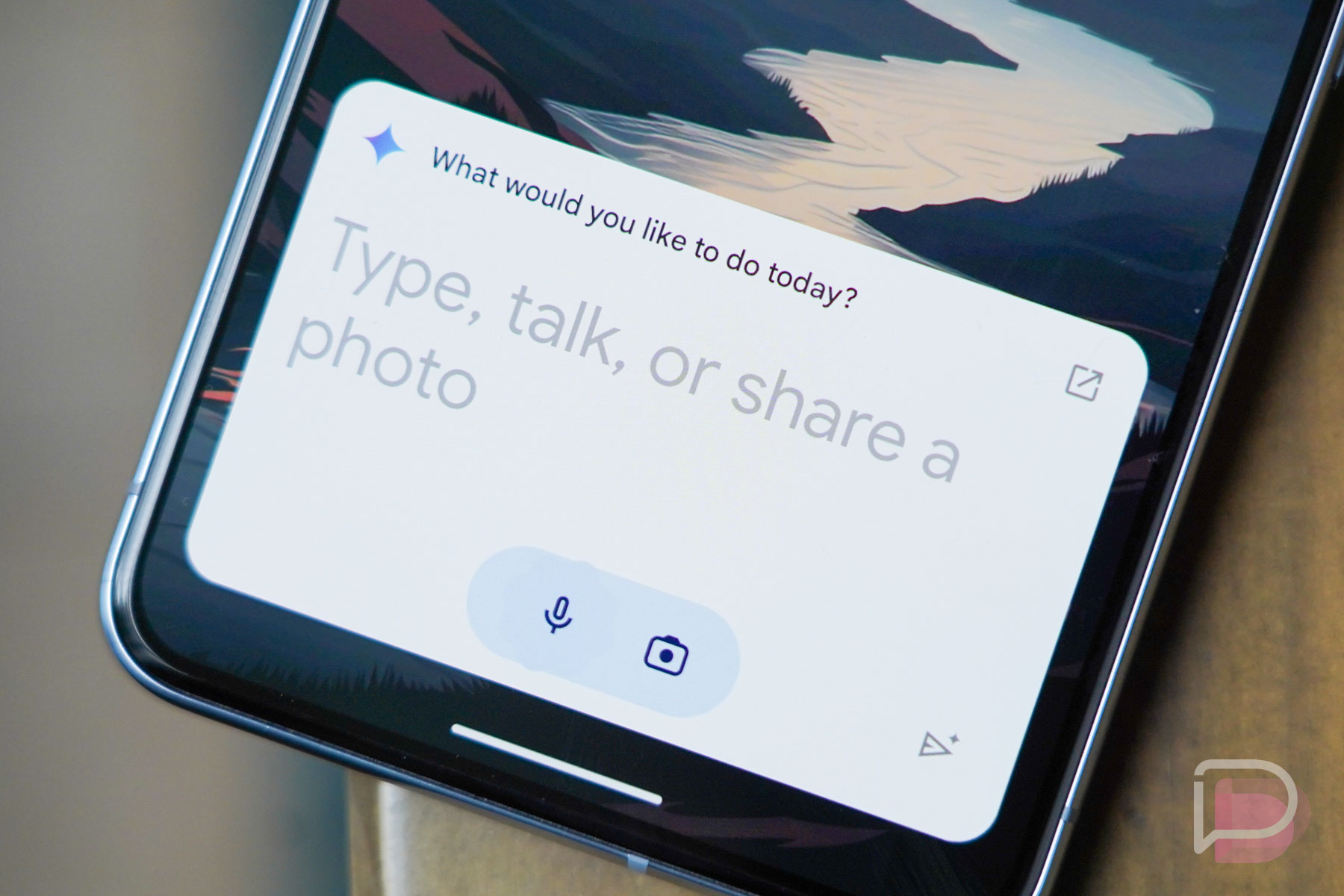
The big news in the Android space yesterday was without a doubt the announcement for Google’s Bard and it’s switch to Gemini with a simultaneous launch of an Android app alongside it. That app could replace Google Assistant on your phone to do both AI and Assistant tasks, at least in a semi-limited capacity.
For those who were hesitating on switching, I can’t say I blame you. Google said in its announcement that Gemini the app was there to use “generative AI to collaborate with you and help you get things done.” Since it was replacing Assistant, if you opted in, they also made it clear that Gemini could do some stuff, but that Google was “working to support more in the future.” In other words, current Assistant support is limited.
So what can Gemini do as a replacement for Google Assistant? Thankfully, Google gave us the list and it is indeed sort of short.
Google Assistant tasks Gemini can do: Below is the full list, pulled from a Google Support page that tells you what you can do with your Gemini mobile app.
- Create or modify alarms and timers
- Make phone calls, send messages, and read incoming messages
- Control your device, like turn on your flashlight or bluetooth, or open an app
- Control your lights, home security, and other smart home devices
- Broadcast messages on connected devices in your home
- Read a web page out loud (Pixel 8 or later)
- Get help with your Pixel by saying “Help me with my Pixel” (Pixel 8 or later)
So you can still create and modify timers/alarms, make phone calls and send messages, control settings on your device (like the flashlight), broadcast messages to connected devices, and control some smart home items like lights, home security, etc.
For those with a Pixel 8 or Pixel 8 Pro, you can also have it read web pages out loud or get help your Pixel phone. And that’s it!
What’s missing that might get you to not switch over to Gemini? A couple of things would stop me, one of them being reminders. You can’t set or check on reminders currently in Gemini. That’s a big one. You can’t check traffic for your commute, play music by voice, or see/add-things-to your shopping list either. There are likely plenty of other tasks you can’t do, those are just the few I typically use the most.
Switch between Assistant and Gemini: The good news is that switching back and forth between Gemini and Assistant is pretty easy. So if you test Gemini and decide it isn’t for you, you can flip right back to Assistant or go back to Gemini as Google improves it. Here’s how to do that.
- Open Gemini
- Tap your profile image and then Settings
- Tap into “Digital assistants from Google”
- Choose either Gemini or Google Assistant
Let us know how your first day with Gemini has been!
Comments
26 responses to “Can Gemini Do All of Your Google Assistant Tasks? Not Yet, Here’s a List”
Oh well, that nice long weekend is over, today was the first weekday after Gemini launched and… my ALARM DIDN’T WORK!!
More specifically, the Google Assistant Routines triggered from Google Clock natively didn’t start. So coffee wasn’t ready, lights & TV didn’t come on, curtains didn’t open, and speakers didn’t start playing the news. Now we need routines to switch between Gemini and Google Assistant ????
You also can’t ask it to tell you the news, a key feature I use Assistant for every morning.
I’m pretty sure we all know this will evolve into something we desire it to be. Right now we’re pretending like it won’t happen.
Why does it require pressing send button to respond to a question???
I switched back to the regular Google Assistant. Gemini doesn’t let you start navigation, can’t change the voice, it doesn’t respond verbally in all the situations that Google Assistant does, the answers to questions are overly wordy and it’s significantly slower to respond.
The things that Gemini can’t do are the same things that Google Assistant consistently gets wrong for me, so I see this only as an upgrade. Google Assistant by default is utterly useless when compared to it’s former state.
Google transferring from one service to another service and the new service doesn’t have all the features of the old one? Color me shocked.
I have some very specific broadcast routines that will run when I click on their shortcuts. None of them would work when I switched to Gemini so I switched right back… Total time used (less than 60 seconds)
It’s kind of crazy that I can’t use Google assistant for my assistant, but also use the Gemini app for chat bot stuff. You have to have it as your assistant to use the chat bot
Glad I am not the only one not feeling Gemini as a replacement yet. Still needs more time in the oven.
as soon as I hit a widget to turn the lights up and it said it couldn’t do it I dumped that garbage
Why on earth do you have to hit the send button after issuing a command?
Can’t add items to my lists, like groceries
Hated it: lots of shortcomings. Will remain with Assistant.
My first day with gemini was also the last. At least until they get it working on par with assistant. I tried to set a reminder, and it had me go through 2 extra steps. I asked it to spell a word for me and it fumbled that. I un-installed it and went back to reliable assistant.
It would be nice if some company would come out with something that worked.
Building out core functionality before their initial release would have really helped with initial reception. Classic Google.
Can’t control a room like Assistant can.
It won’t do routines either
My main issue is that I still swipe in from one of the bottom corners to bring up assistant. Now Gemini takes that over and I have to hit send for it to actually process my request. So I can’t just swipe in and say “set and alarm for 5:00pm”. I have to do that and hit the send button to actually get the alarm set.
So Gemini won’t work with my Google speakers at home? I’m willing to try anything that’ll work with Android Auto and my Google speakers at this point. Google Assistant has been ass for the past year. It doesn’t play what I want it to play. It doesn’t understand half of the questions I ask. It’s worse than it was when it first came out. I’ve been contemplating going back to Alexa, but I have so many Google speakers now. Maybe, just maybe, Gemini will eventually replace Google Assistant.
Odd. Assistant on my Nest speakers is spot on when I ask questions. Sometimes it will send a link to my phone if it doesn’t know the complete answer. As far as music, I have no issue on my Google speakers as long as I am specific….”Play Fast Cars by Tracy Chapman on Spotify.” Maybe be a little more specific or retrain your voice model. Americans are a little lazy in our voices especially when asking for something
I could t agree more. We have had trouble even setting timers. I almost feel like Google and Amazon have killed of support so that they can force a pay wall down the road. I hope I am wrong.
I tried using Google AI to ask when is my next appointment and it couldn’t do that. Assistant does that easily so definitely not switching over to something less efficient just so I can get pictures made of blue elephants in yellow submarines or whatever crazy things people are asking AI to do instead of improving their lives.
Also, Google spent years on Assistant refining it’s privacy to the point that most Assistant requests take place on the Pixel and not sent to Google servers. Gemini everything is sent to Google servers first to their LLMs then back to you. Again, Assistant is the better choice for me and my comfort level with my personal data.
i tried it yesterday and the no reminders was a deal breaker. I use that all the time. Also, the UI sucks! Why do I need to tap the enter button after talking to it?! That’s insane.
I tried Gemini yesterday. The biggest thing I’ve notice so far that it can’t do is start navigation.