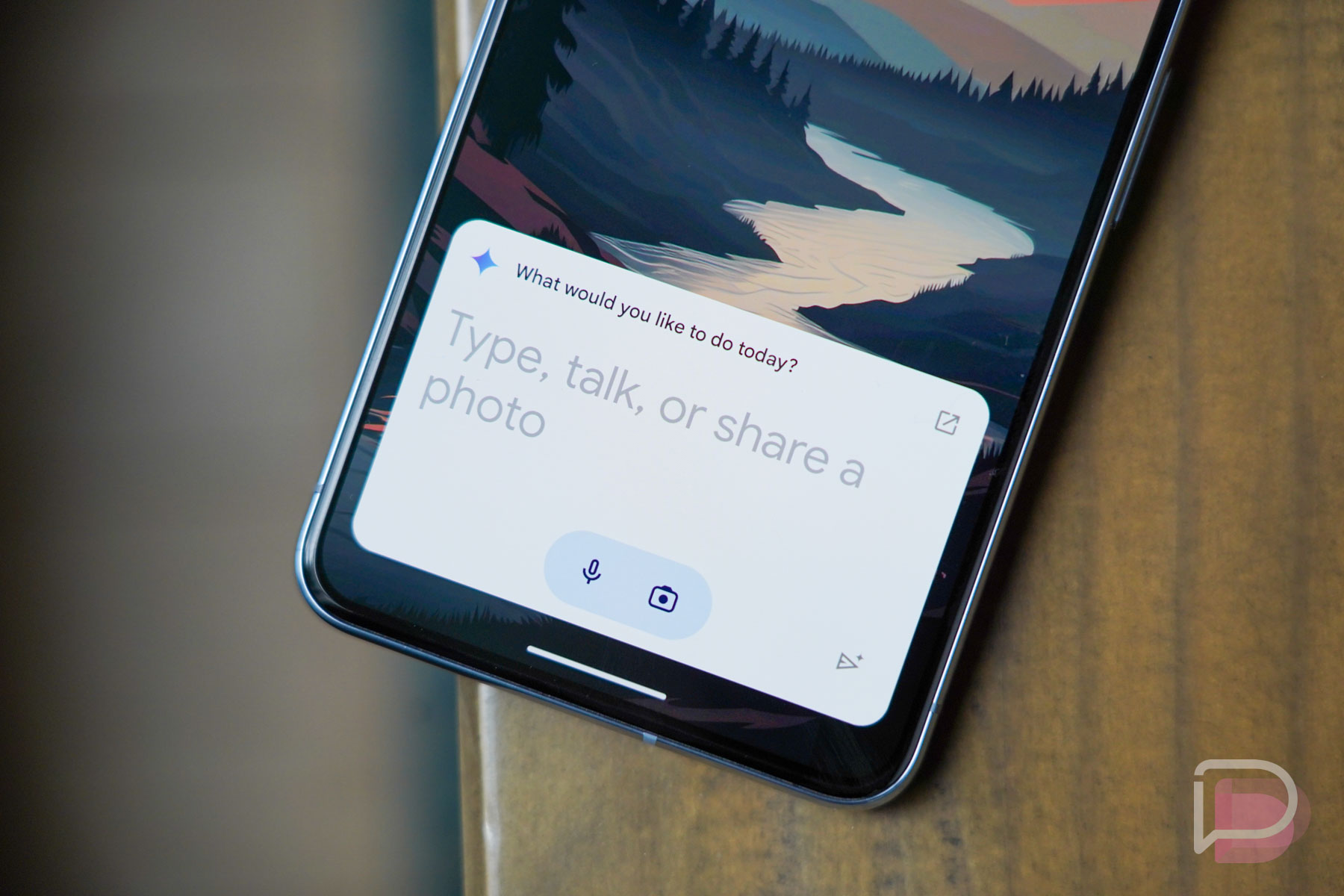
You don’t have to own a Google Pixel phone in order to experience the wonderful world of feature drops. All you need is an Android phone or device and you’ll get regular (basically quarterly) updates with new features (like this one) to take advantage of within the apps you use. Today is one of the days where all Android users are getting in on the fun.
Google is pushing out at least 9 new features to Android, touching on Google Messages, Android Auto, Google Docs, Health Connect, Spotify, Wear OS, and more.
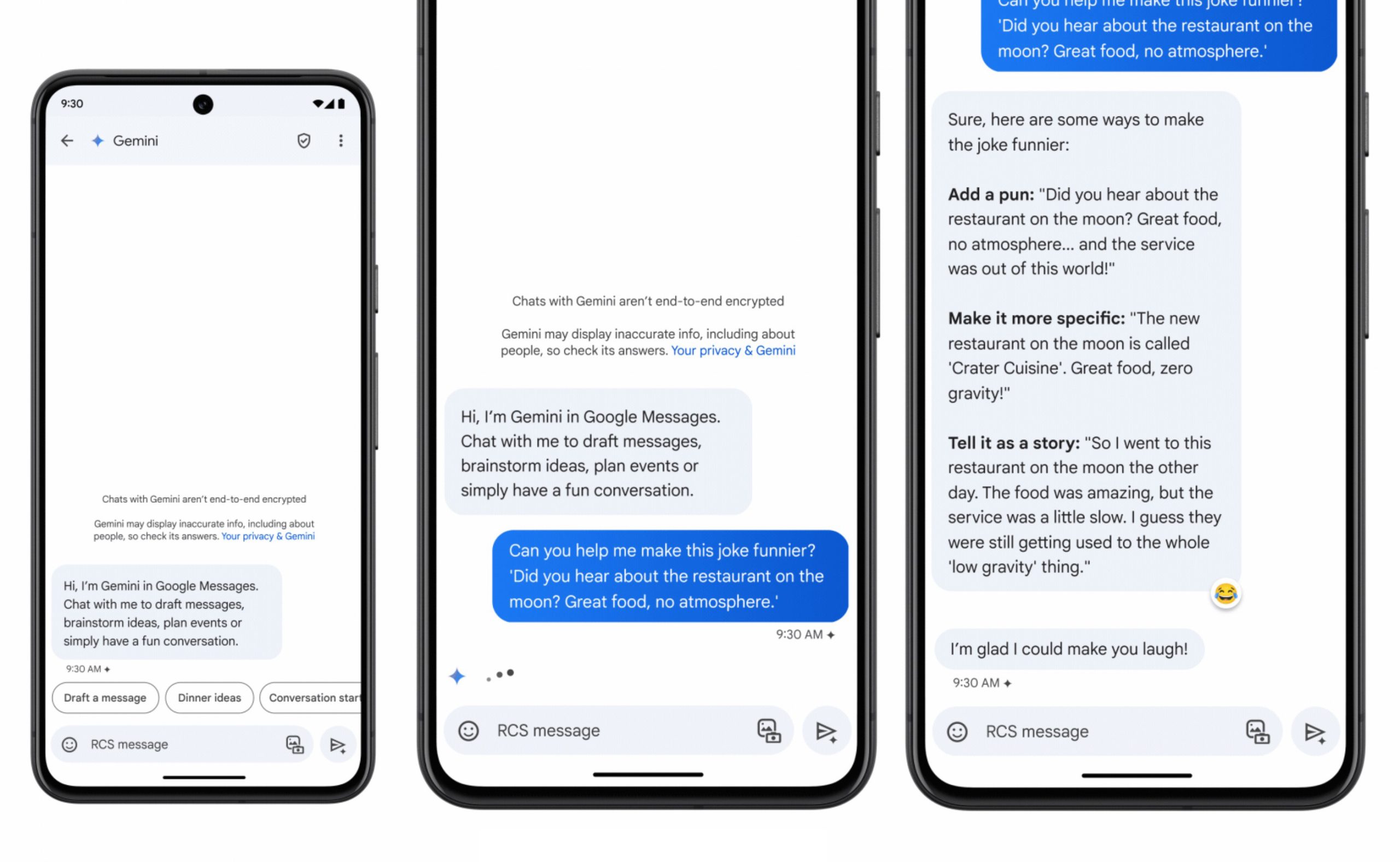
GOOGLE MESSAGES GETS GEMINI: This is probably the biggest new feature, because Gemini is all Google wants to talk about these days. So yeah, Gemini and its AI smarts now live in Google Messages as a contact you can message to get more info on places to dine, to learn new jokes, draft messages, plan events, etc.
This new Gemini feature is rolling out to Google Messages in beta first, and only in English to start. You can sign-up for the Google Messages beta here.
ANDROID AUTO GETS AI TEXT SUMMARIES: Continuing on with this AI thing, Google says that Android Auto can automatically summarize long texts or busy group chats for you as you drive. It can, of course, suggest replies or actions, giving you the chance to quickly respond with a single touch or do things like send an ETA of your drive.
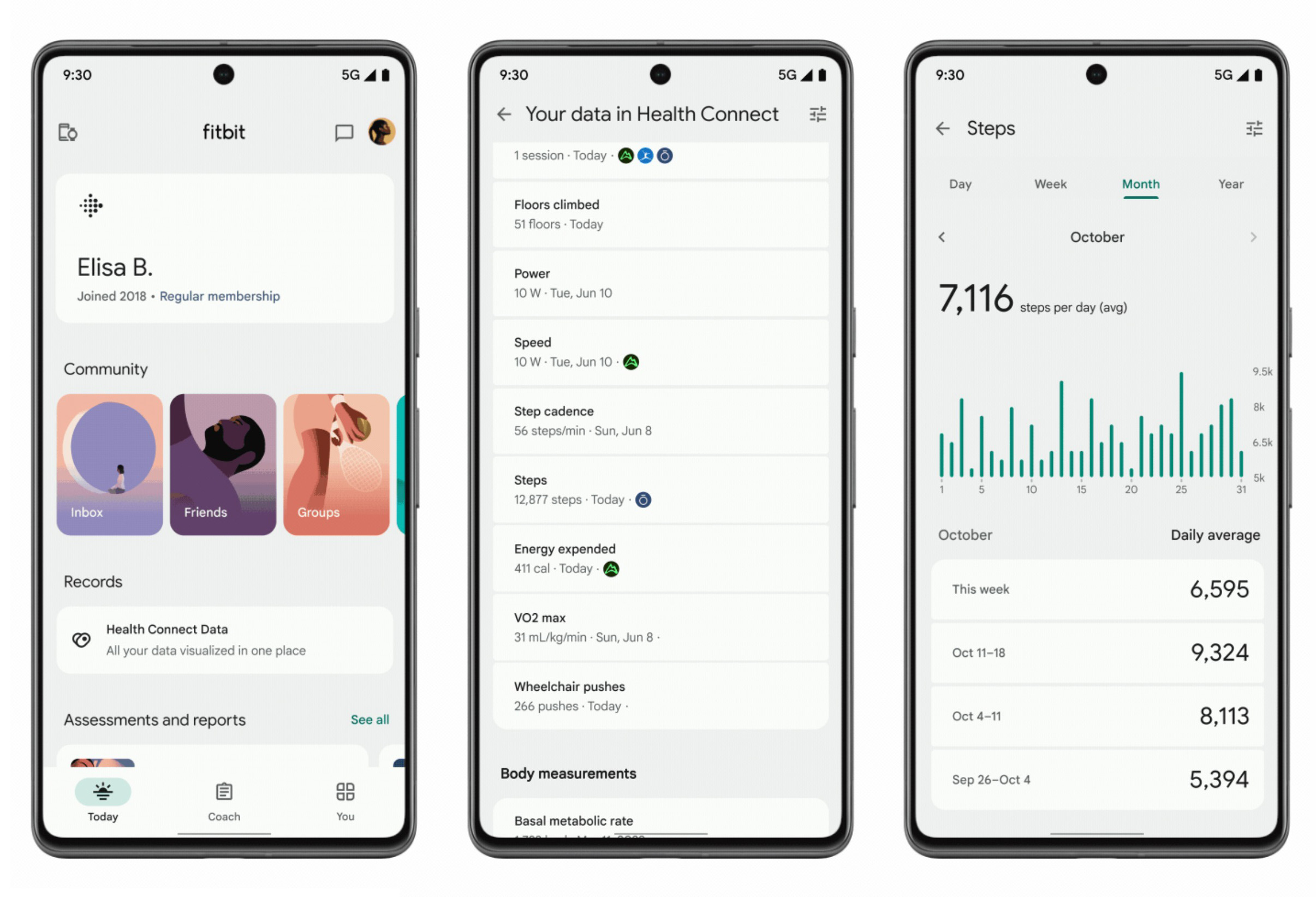
HEALTH CONNECT AND FITBIT GET CLOSER: Google appears to be turning the Fitbit app into more than just a Fitbit service. Google says that if you have other fitness or health apps connected to Health Connect, you’ll start to see that data within the Fitbit app, giving you a place to track everything.
You’ll find much of this data from other apps in the “You” tab of the Fitbit app, plus there can be steps, calories burned, floors climbed, or other exercise numbers in the “Today” tab. Google specifically mentioned today that AllTrails, Oura Ring, and MyFitnessPal are supported to start.
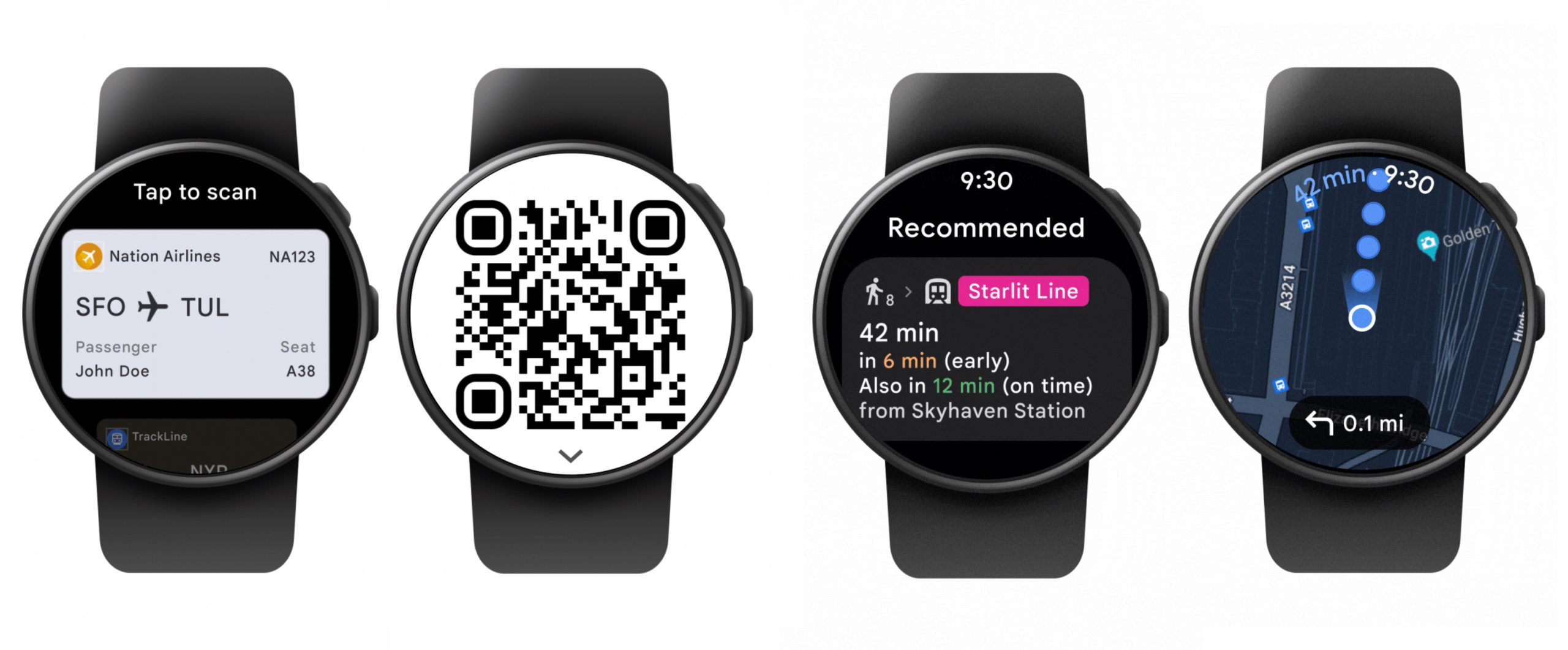
WEAR OS ADDS WALLET PASSES, TRANSIT DIRECTIONS: Google is adding a couple of items to Wear OS as a part of this feature drop, the first being passes from Google Wallet on your wrist. Now, you can find boarding passes or event tickets or gym/loyalty cards without needing to first open your phone up. And yep, that should mean QR or barcodes that can be scanned, all from your watch.
The other item is public transit directions from Google Maps on your smartwatch. While you can still use your phone to fire up directions and mirror them to your watch, you can also now just pull up transit directions on the wrist, see departure times, and get compass-guided navigation directions to wherever you are headed.
GOOGLE DOCS GETS HANDWRITTEN MARKUPS: Big Google Docs user who edits regularly? Using your Android phone or tablet and a finger or stylus, you can use markup tools to leave handwritten notes as you review something. That’s pretty neat.
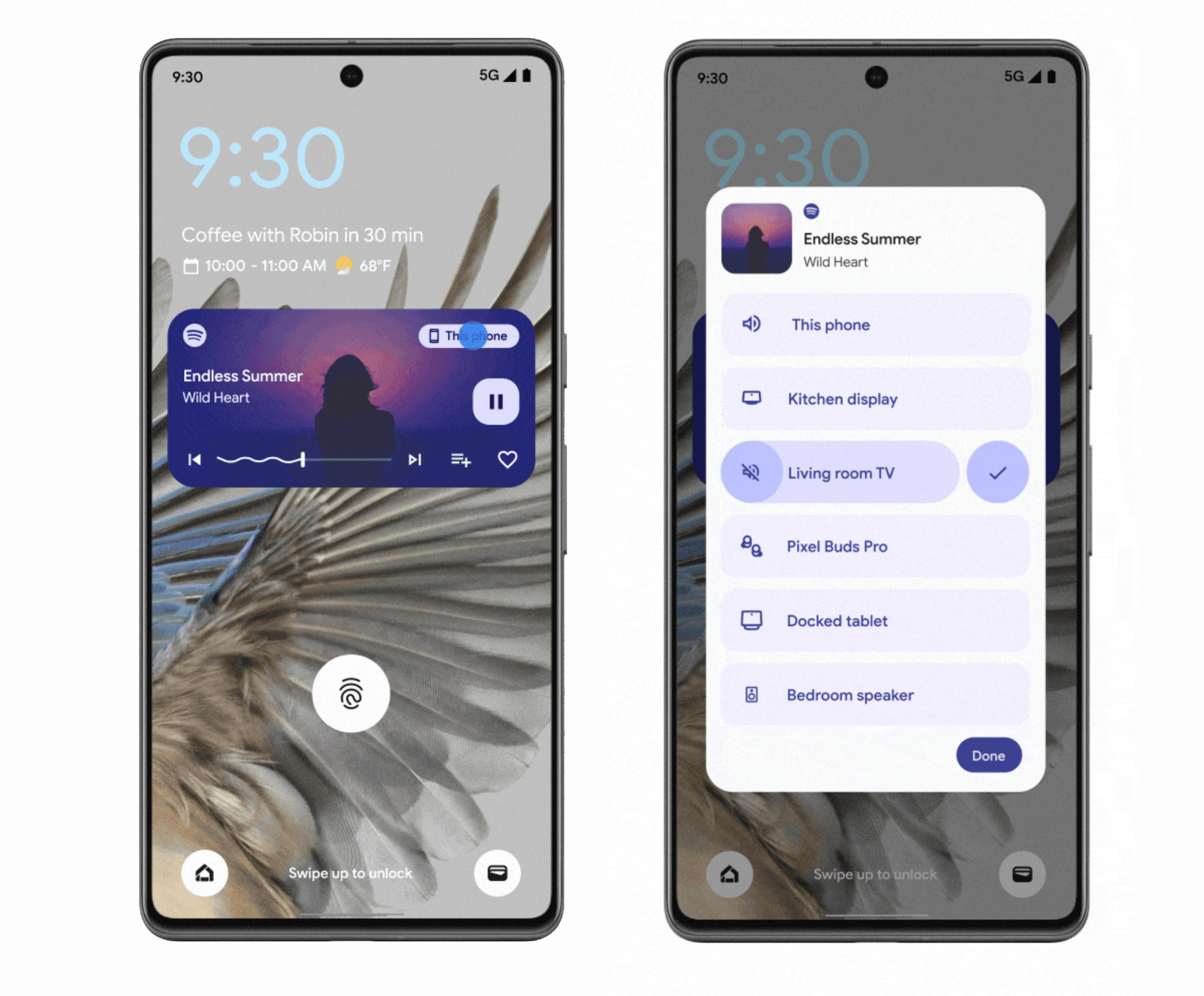
SPOTIFY’S UPGRADED MEDIA SWITCHER: You know how YouTube Music has had this really cool media switcher in quick settings (or your lock screen) that lets you tap and then choose from all of the devices in your home to quickly move music around? Spotify now has the same thing. Google says this is a part of Spotify Connect and you should be able to access it by sliding down your notification panel and tapping the media output button to change devices.
This should let you quickly choose from devices including smart speakers, headphones, a TV, or your own phone.
- ENHANCED SCREEN READER IN GOOGLE LENS: Using Google Lens in Google Maps, you can now point your camera at surroundings and Talkback will read information about the place, including directions on how to get there, ratings for it, and its business hours.
- IMAGE CAPTIONS IN LOOKOUT: Finally, in Lookout for Android, you can now listen to auto-generated AI descriptions of photos, online images, and pictures. This is expanding across the globe in English.
This seems like a really solid list of new goodies, especially for those of you into AI and Gemini.
Once we know more specifically about rollout timing for each, we’ll be sure to let you know.
“Gemini and its AI smarts now live in Google Messages as a contact you can message to get more info on places to dine, to learn new jokes, draft messages, plan events, etc.”
Sooooo it’s basically an internet search, in my text messages? No thanks.
I’d like less of “Google listening and reading all my personal info” on my phone please.
Also remember everything that Google “summarizes” they now document, track and own. It happened with Zoom meetings auto-summary. Scary stuff.
Is that a real watch in the picture or just a render?
Allo all over again.????????♂️
People really need to think long and hard about whether they want to activate Gemini AI in their text messages when it comes. Google has stated that for it to work properly that it will need to break RCS encryption. For me, there is nothing that I need AI in my text messages that is worth having end-to-end encryption broken for. Google is being transparent about this but I think most people are just glazing over this.
Totally agree on all points. I won’t be updating Google Messages. I will keep the last stable version prior to this new Beta.
AI in Google Messages will be opt-in so you can update the app, just don’t activate AI. The same with AI replacing Google Assistant….it’s opt-in.
Amazing