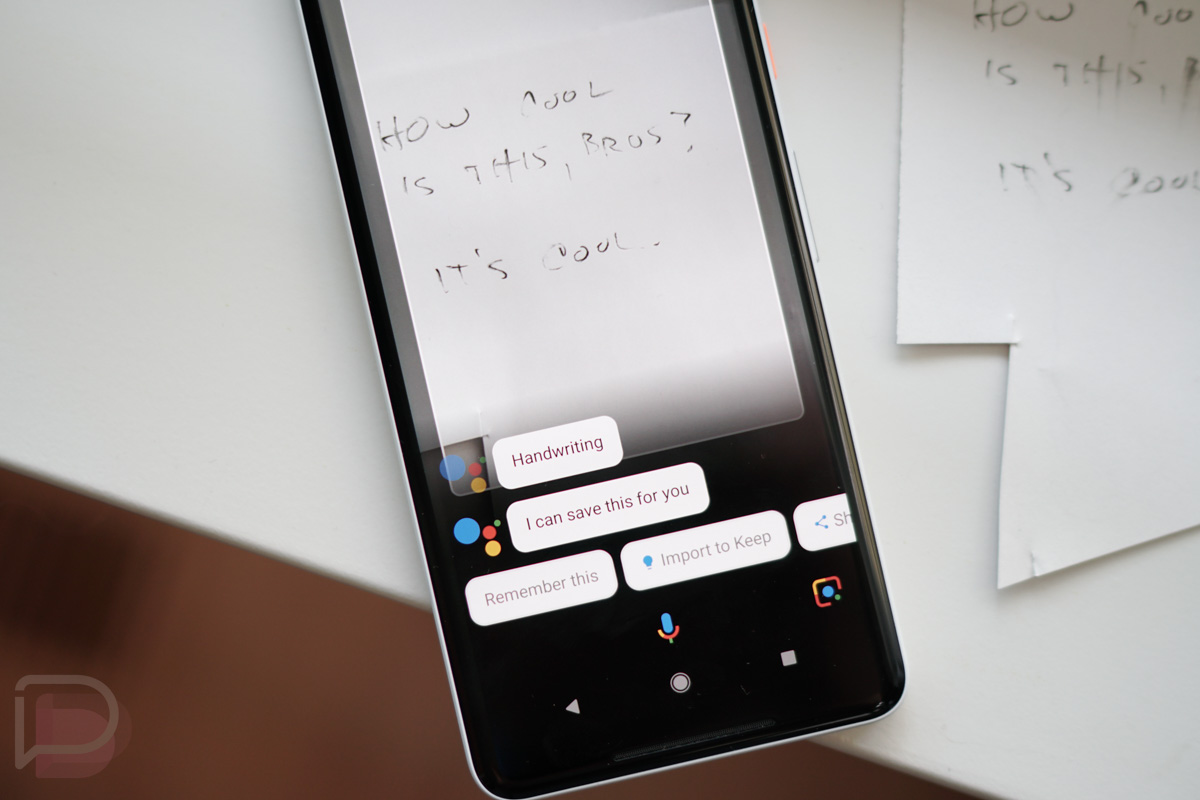
Google Lens is well into its full rollout to Google’s Pixel and Pixel 2 devices, which means that most of you should have it by now. Because of that, we’re starting to see specific uses pop-up that are worth calling out. As you can imagine, since this is a Google product, Lens will likely do much more than the basics Google lays out when promoting it.
For example, a reddit user noticed that when pointing at a handwritten note, Lens not only asked if it could save the info for later, but if they wanted to directly import it to Google Keep. The “Remember this” option isn’t necessarily new to Assistant, yet is still cool in this situation because you can ask Assistant to pull that information up later, which it’ll do as an image.
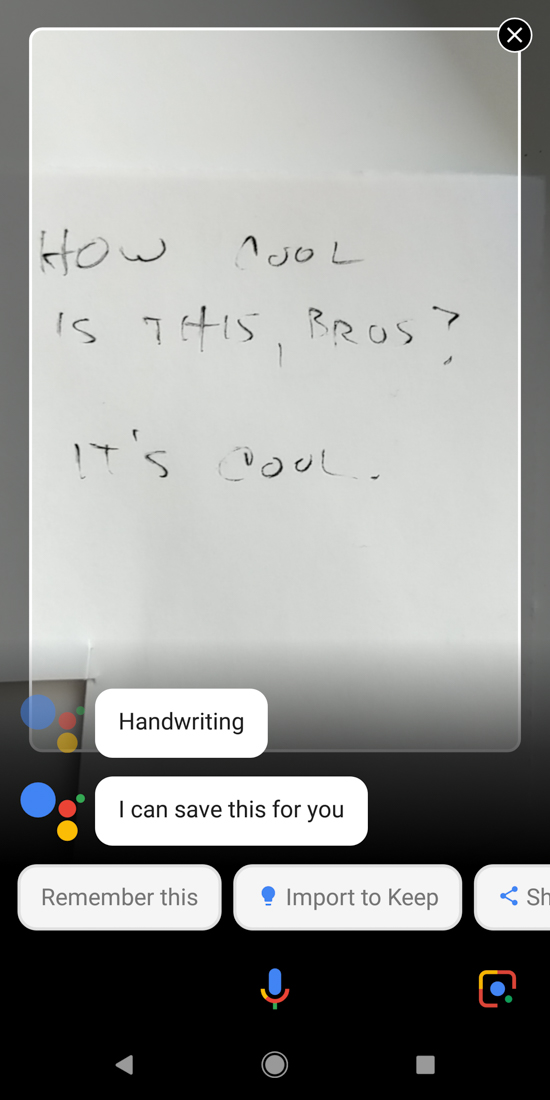
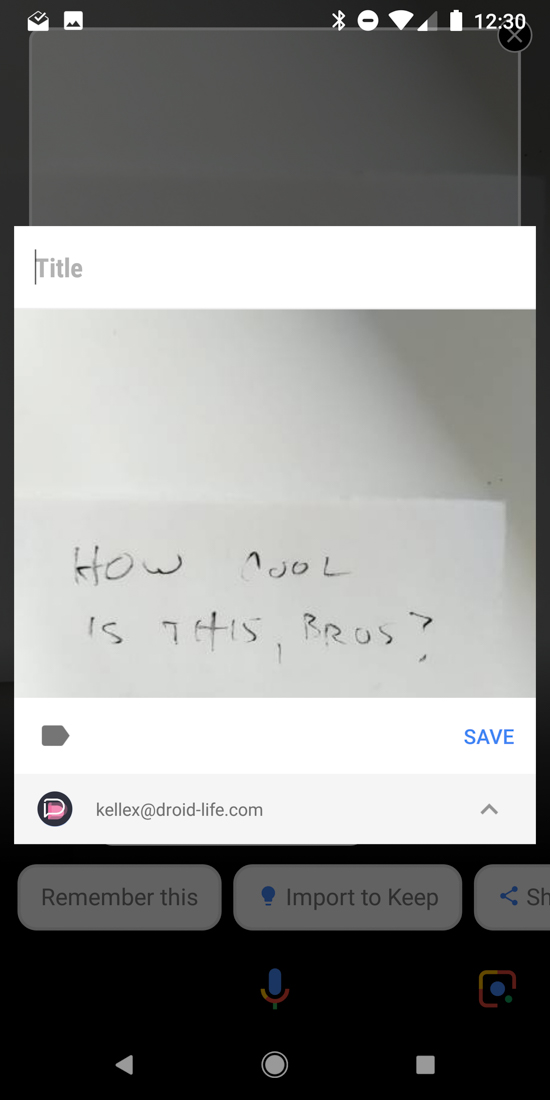
For the Keep stuff, we’re talking about instant note creation, with an image of the text. Now, I know you could take a picture of something and then share it to Keep or open Keep and start a note with an image, but this could be much easier if you think about. Assistant can be fired up quickly by voice or with a squeeze on the new Pixels, followed by a tap on Lens to read out the note, followed by another quick tap to “Import to Keep.” Of course, it could translate text for you that might be something you’d want to remember for later too, which your camera or Keep wouldn’t do before saving.
Also, while importing to keep, you get to name the note, add tags, and even choose a different Google account, assuming you have multiple on your phone.
Just a cool Lens trick. Anyone finding others?
Comments
12 responses to “Cool Trick: Google Lens Can Directly Import Handwritten Notes to Keep, Remember for Later”
Cool.
So wait you can take a picture and save it in Keep instead of your gallery/Photos. I’m lost what is the advantage of this? I initially took it as I could take a pick of my handwriting and Lens transcribes it into text, now that would be awesome. This is just a picture of your handwriting, I don’t get it.
Just tried on my Penguin. No dice. Just says, “this might be handwriting”.
works on my penguin xl. I’m running 8.1 DP2 if that matters. Try again but tap on the hand writing in the photo and then the bubbles at the bottom, scroll them to left until you get to “remember this” or “important to keep”
That’s what most people say about my penmanship anyways.
I love the Googs, but I think they do a lousy job of explaining their software to people. While I like digging for features, the average user (most people not on DL) don’t know that these features exist.
100% agree. Google puts out really cool stuff and rarely tells us all of the stuff that can be done with it. So we have to hunt and hunt and hunt. Not that we don’t mind doing some work, but Google should be proud of their stuff and just want people to know to grow its usage.
Weeds out the power users from the sheeple
They do this because when they eventually abandon the feature they can do so quietly.
More importantly, the wider these features’ usage is, the more feedback Google can gather in order to improve them.
Then again, maybe that’s exactly why Google keeps’em quiet. Google doesn’t want to be inundated with users not so tech savvy complaints. Us tech heads understand that sometime these features aren’t perfect, and are works in progress, so we cut Google some slack. Your average user may not be so forgiving/ understanding. This seems to be Google’s MO: slow and small releases which once are 110% baked, or go “viral,” get wider releases (some examples: gmail, google maps, lens, every android update).