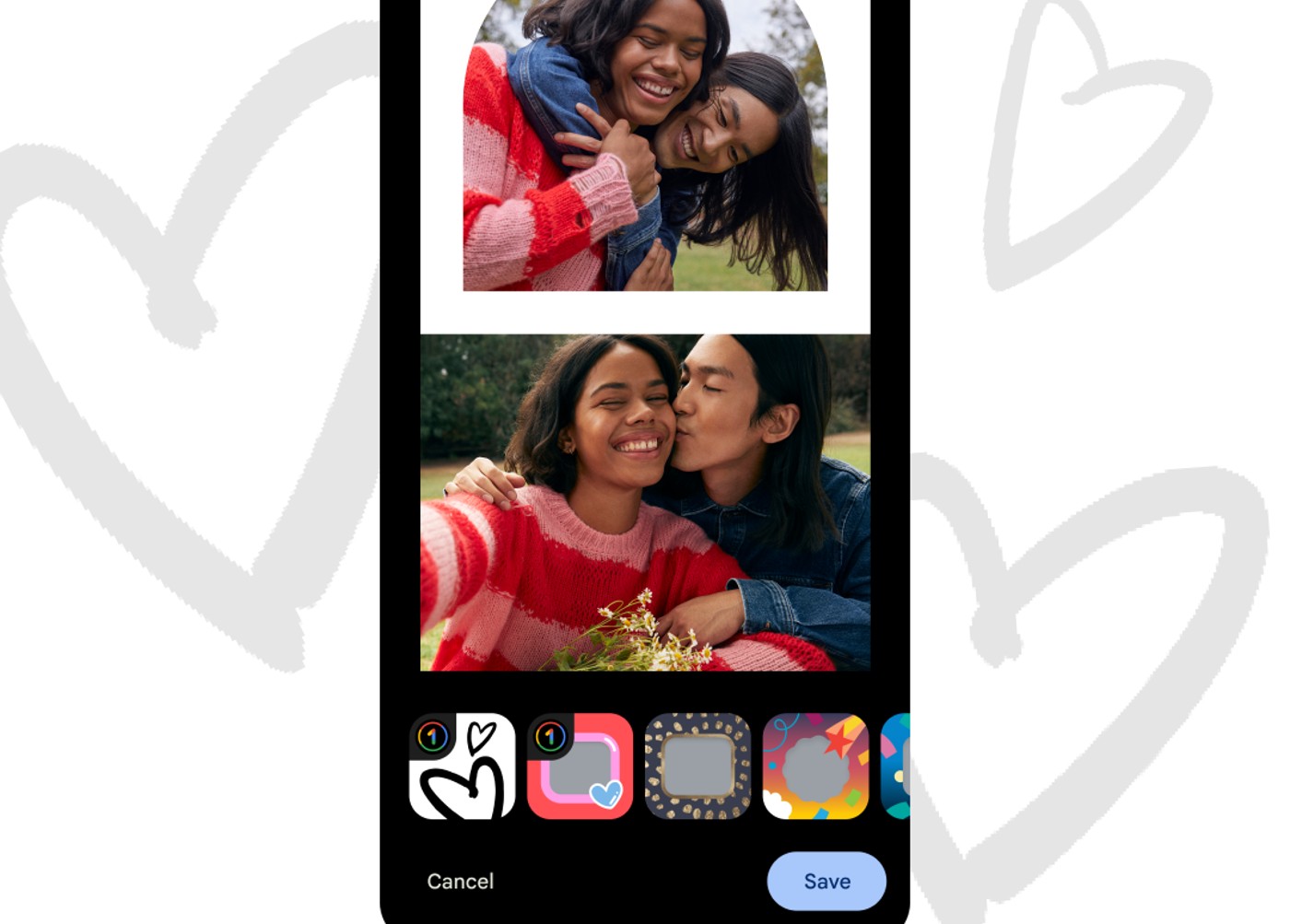
Google announced the addition of two new photo collage options inside of Google Photos today, both featuring hearts, which is perfect timing considering it’s Valentine’s Day here in the US. Oh, you didn’t forget, did you? You better get some flowers and try to score a last minute dinner reservation at Dorsia.
To access these new collage options, you’ll either need a Pixel phone or a Google One account. I suppose that means these are semi-excloos collage options. Neat. With them, you can combine photos of you are your partner, or heck, even photos of you with your beloved pet. Both are totally viable options.
Go check ’em out inside Google Photos starting today.
Comments
8 responses to “Google Photos Adds New, Lovely Collages in Time for Valentine’s Day”
Don’t care. Stopped uploading photos to them when they pulled the rug out from under the free photo uploads. I’m not interested in having my Google storage balloon until I have no choice but to pay for yet another subscription every month.
No amount of added features will change that for me.
You go, tough guy.
You go, edgelord.
What service do you use for free unlimited photo storage?
I mean, Amazon Prime still offers free unlimited storage. But I’m already paying for iCloud and Office 365, so I upload my photos to those places. My point was that I’m not filling up my Google storage to the point where I have to pay for Google One too. Especially since Google keeps discontinuing or changing products and services I care about. Apple and Microsoft services are a lot more predictable and I’d rather give my money to them.
Not to mention they magically changed their upload recommendation from “high quality is seriously all you need” when it was unlimited to “you really should keep full quality’ when it fills your storage. Wonder why that is.
They absolutely want people to become dependent on them. Once you fill up your storage with photos, you basically have to keep paying until the end of time unless you want to go through the painful process of migrating all of your data to another provider.
I make the best of both worlds. I have locally stored full quality copies with a backup and also have it set so whenever I’m at home, my phone auto-syncs photos over to a Pixel 2 which then uploads them in unlimited HQ and wipes them out itself as local storage fills.