Tag: Android 8.0

  • “Couple Issues” Cause NVIDIA to Pause Oreo Update for SHIELD TV

    “Couple Issues” Cause NVIDIA to Pause Oreo Update for SHIELD TV

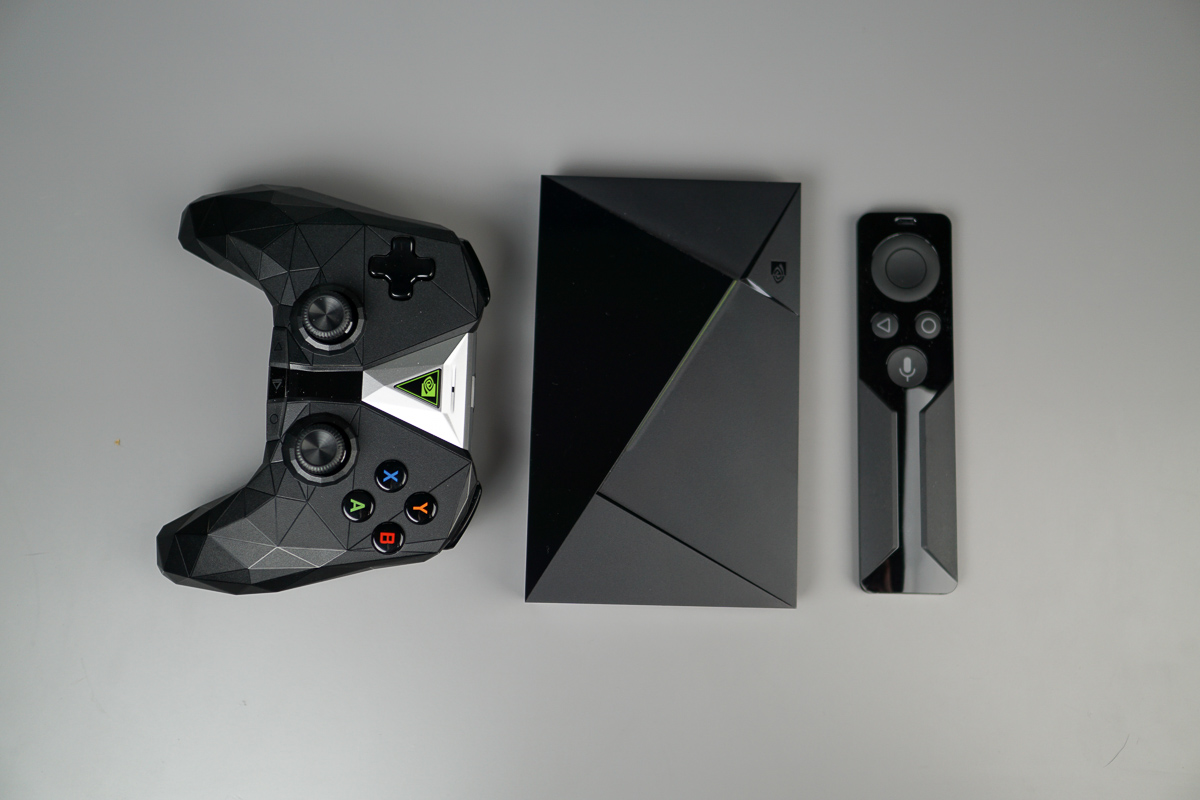
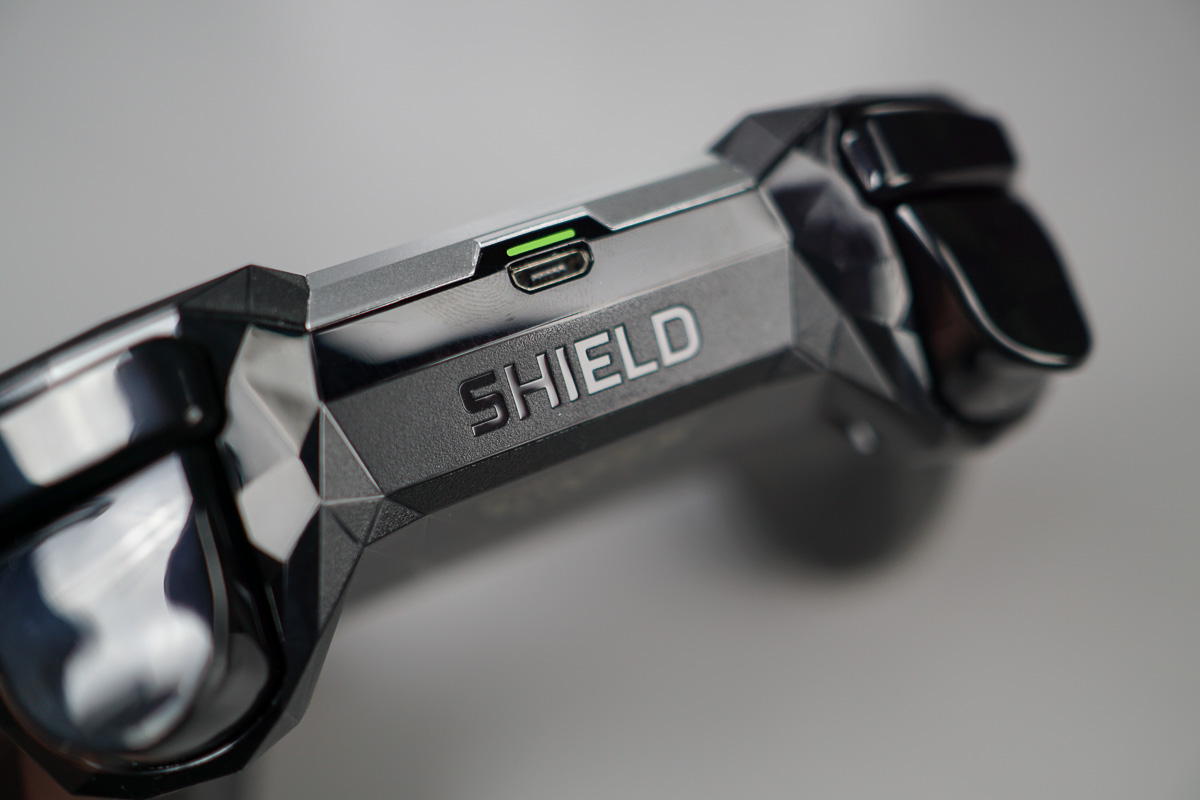
    I managed to pickup the Android Oreo (SHIELD Experience 7.0) update for the NVIDIA SHIELD TV on the day it was announced, but a number of you have been unable to pull it. That’s because NVIDIA was quietly only pushing it to members of its preview program at first and has since paused the full rollout.

    They discovered a “couple issues,” according to a post on the Geforce forums and want to fix them before rolling the major update out to everyone else. Once those are fixed (and they are “actively working” to resolve them), the update will begin again. They hope to be able to do that “shortly.”

    Until then, you can stop checking for updates multiple times per day. The update isn’t coming just yet, friends.

    // Geforce Forums | Android Police

  • NVIDIA SHIELD TV Gets Update to Android 8.0 Oreo With New UI

    NVIDIA SHIELD TV Gets Update to Android 8.0 Oreo With New UI

    Both NVIDIA SHIELD TV units are getting a major update to Android 8.0 “Oreo” today, as well as to SHIELD Experience 7.0,  that will completely change your experience. This is the new layout of Android TV that Google’s Nexus Player has been running for months and certainly takes some getting used to.

    The UI is now setup sort of like a TV guide, in that the home screen still has an Apps section at the top, but then rolls down into a program guide powered by apps. It’s like Google showing you recommendations of content from HBO NOW, Netflix, Google Play Movies, YouTube, or Hulu. Google calls them “Channels,” because it really is like a TV guide layout. There is also a “Play Next” section that offers up selections from a variety of sources.

    Here, this is what it looks like:

    shield tv oreo update

    In addition to the 8.0 update, Google Assistant should now have the 6 new voices that Google showed off at Google I/O, as well as support for Arlo cameras, Ikea Tradfri, LG Smart appliances, UPS, Dunkin’ Donuts, and more.

    As for other release notes, read the following:

    • The latest monthly Android security updates
    • Quick access to Settings when you’re on the home screen by holding the Back button
    • Support for high polling rate gaming mice for NVIDIA GameStream
    • Improved support for game controllers:
      • Customize SHIELD controller thumbstick dead zones (Settings-> Apps-> Input viewer)
      • Xbox 360 and DualShock 4 v2 controllers
      • DualShock 4 controllers using USB wireless adapter
    • Adds “Connect” option to re-pair disconnected Bluetooth accessories (Settings->Accessories)
    • Ability to connect to Wi-Fi without disconnecting Ethernet (Settings-> Network-> Ethernet)
    • General stability fixes on SHIELD remote (2017) and controller (2017)
    • Latest accessory firmware versions:
      • SHIELD controller (2017): v1.24
      • SHIELD controller (2015): v1.96/99/3.71/0.32
      • SHIELD remote (2017): v1.33
      • SHIELD remote (rechargeable): v.1.30

    Go grab that update and let us know what you think of the Oreo layout!

    // NVIDIA [2]
  • LG V30 Picks Up Android 8.0 “Oreo” Update

    LG V30 Picks Up Android 8.0 “Oreo” Update

    In Korea.

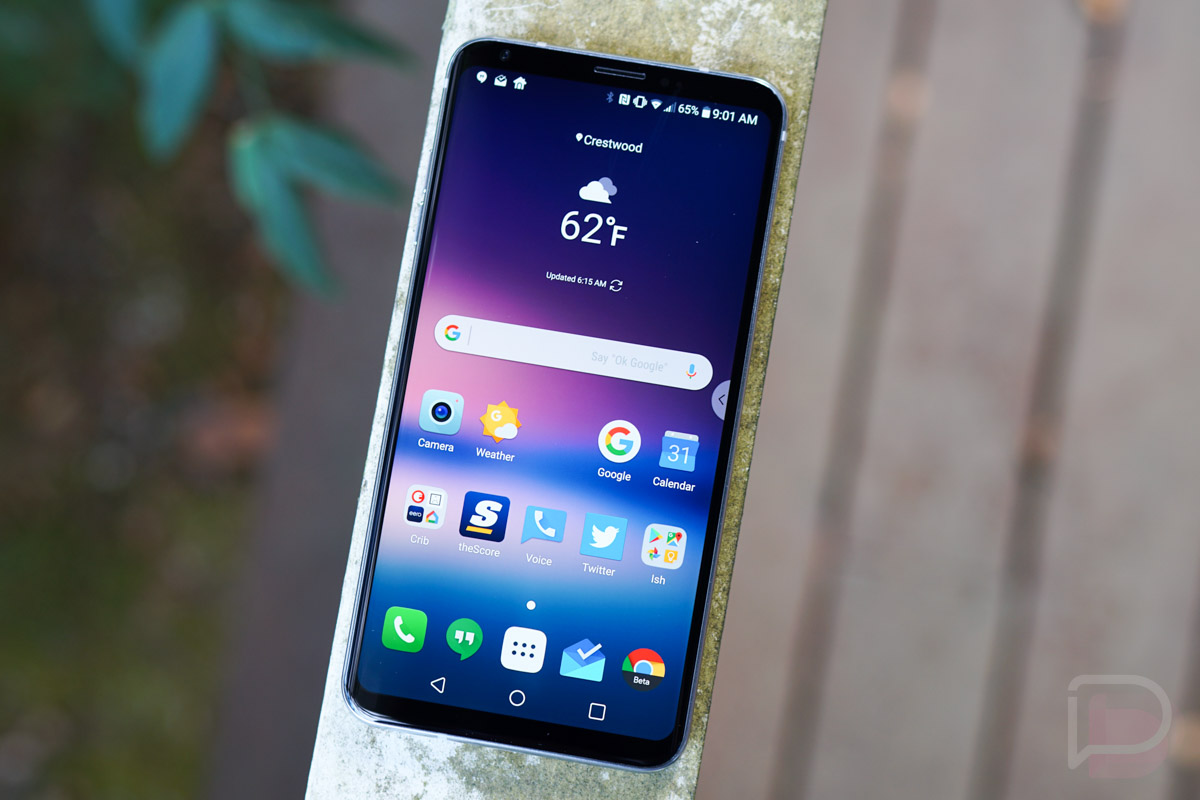
    After going into beta back in early November through the “LG OS Preview” program, LG released stable Android Oreo to the V30 in Korea this morning. That preview build let only 500 people get in on the early Oreo action, but LG is ready to send it out now to everyone.

    The update includes improved speed, battery, and “basic” performance improvements, picture-in-picture mode, and enhanced screen configuration, graphics, and other “convenience” features. That’s all from a Google translation, since the news was delivered from LG’s social blog out of Korea. But that all lines up with what they previously told us to expect.

    We still don’t have word on when the LG V30 in the US will see the update to Oreo. There is an unlocked model that could get it sooner than later, but the rest will have to go through carrier channels for approval. We all know what that means.

    // LG

  • You Can Sideload an Oreo Beta to the Essential Phone Right Now

    You Can Sideload an Oreo Beta to the Essential Phone Right Now

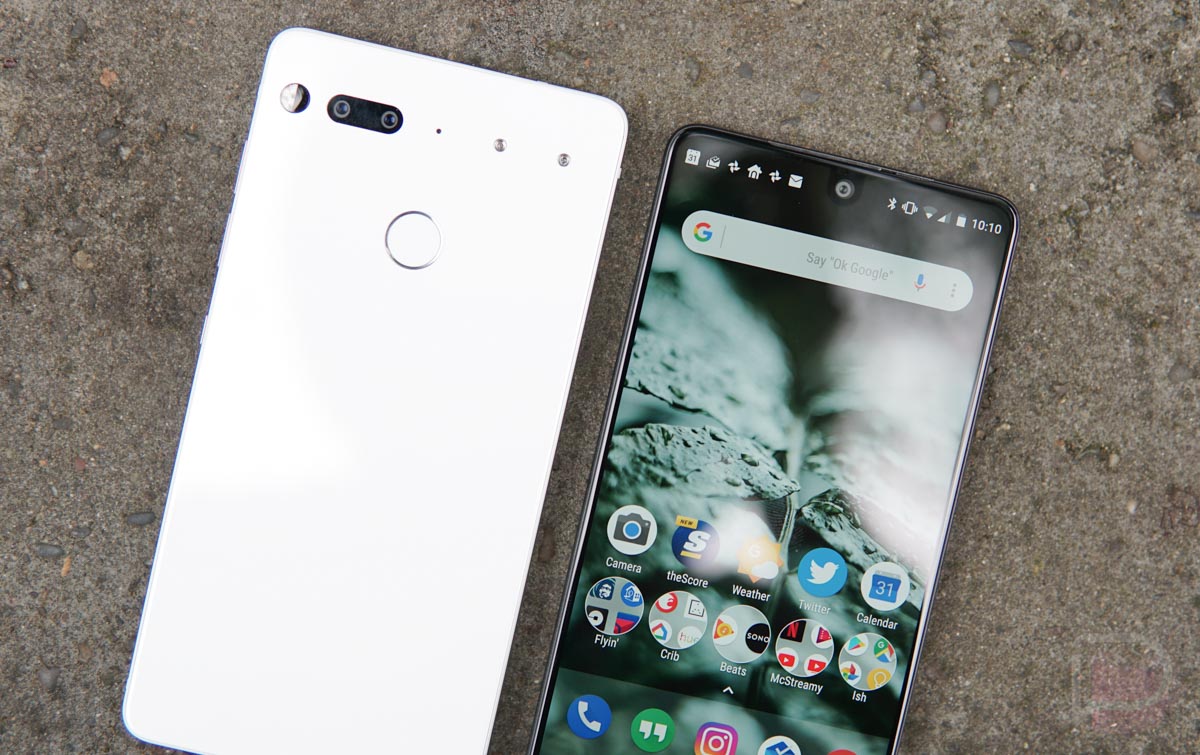
    Brought to our attention this afternoon, a beta for Oreo is now available for download to the Essential Phone, but you’ll need a bit of ADB experience if you intend on flashing it.

    Listed as OPM1.170911.130, this is the first beta for the Oreo update, so you can expect some bugs. Currently, Essential lists that flashers may experience:

    • Increased battery drain with bluetooth enabled
    • Android Auto compatibility issues with some vehicles

    On Essential’s website, they provide a complete list of instructions for how to download, sideload, and flash the update. They also specifically state that you won’t need to wipe your data, so that’s a plus. If you want to give this beta a try, we also have complete instructions on ADB sideloading here.

    Essential is not messing around with the updates, folks.

    Download Here

    Cheers Apollo!

  • Sony’s Xperia XZ Premium is Getting Oreo Update Starting Today

    Sony’s Xperia XZ Premium is Getting Oreo Update Starting Today

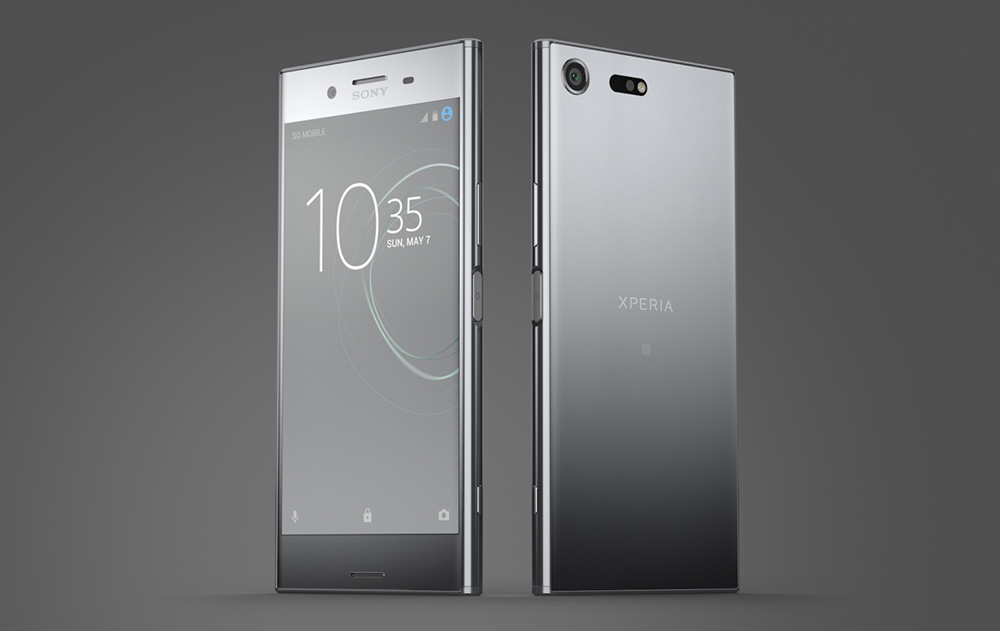
    Wow, so, Sony said this morning that it has started the Android Oreo update rollout for the Xperia XZ Premium. That’s huge news for those in the Sony ecosystem. That basically makes them the first to grab Oreo in an official capacity that isn’t just an early beta (feel free to correct me if I’m missing a phone).

    Along with the expected Oreo goodies, Sony tells us to expect 3D Creator (3D avatar creation tool), Predictive Capture (like a smile “green light” to the camera), autofocus burst, improved sound quality in the front-facing speakers and when using wireless headphones, and App Shortcuts for apps on home screens.

    As is noted in the announcement, this will be a “phased process,” so it may be some time before your phone get sit.

    // Sony

  • Android 8.0 Arrives for Android Wear in Form of Beta for LG Watch Sport

    Android 8.0 Arrives for Android Wear in Form of Beta for LG Watch Sport

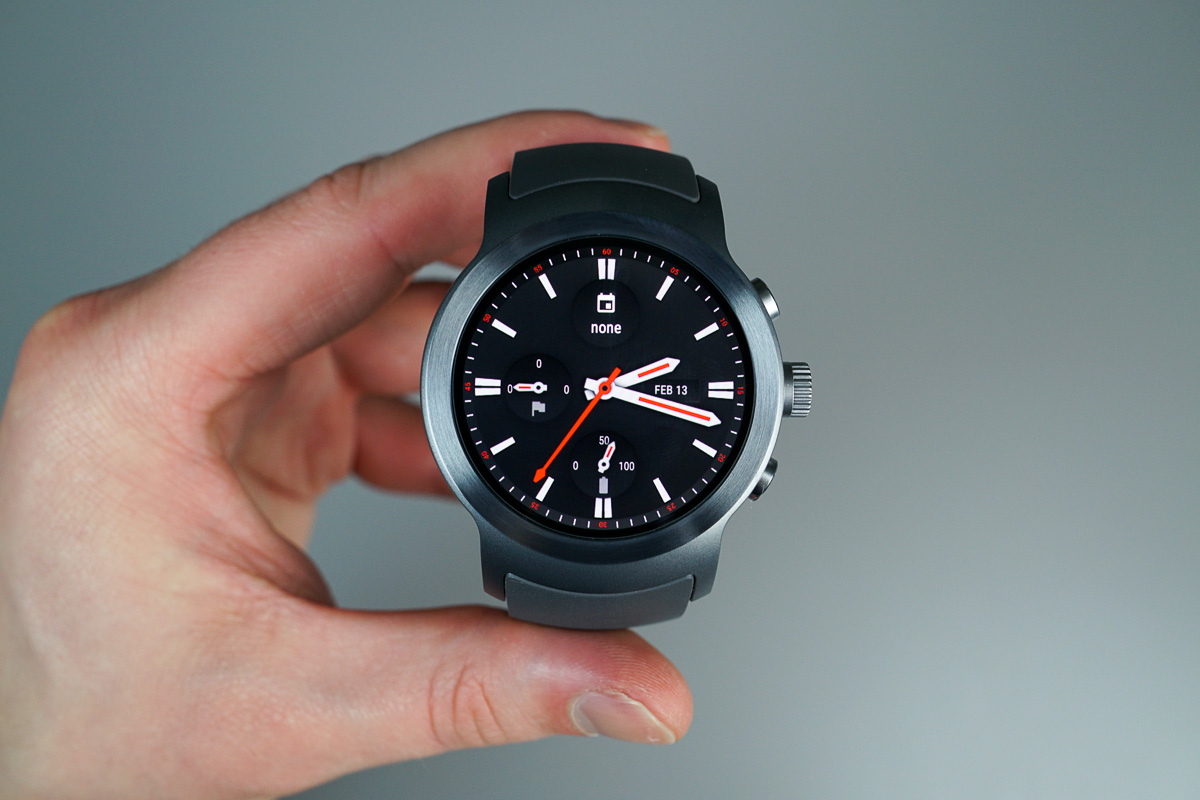
    Android 8.0, known in the developer circle as API level 26, is rolling out in the form of a beta for LG Watch Sport users. While you won’t see many drastic changes, this Android Wear beta does include support for Notification Channels, as well as increased restrictions on background services.

    As described by the Android Wear team, “In this update, users can choose the types of notifications they receive via an app through notification channels. This gives users finer-grained control than muting all notifications from the app. For notifications generated locally by Android Wear apps, users will be able to customize the notifications channel they want to see, right on their watch.”

    Downloads for this beta are available via the Android Beta Program, meaning getting it is rather easy. Once your device is enrolled via the program, you should see an OTA hit your device shortly thereafter.

    If you own a Watch Sport and would like to test this beta, look here.

    // Android Developers

  • Android 8.0 Factory Images and OTA Files are Ready for Nexus and Pixel

    Android 8.0 Factory Images and OTA Files are Ready for Nexus and Pixel

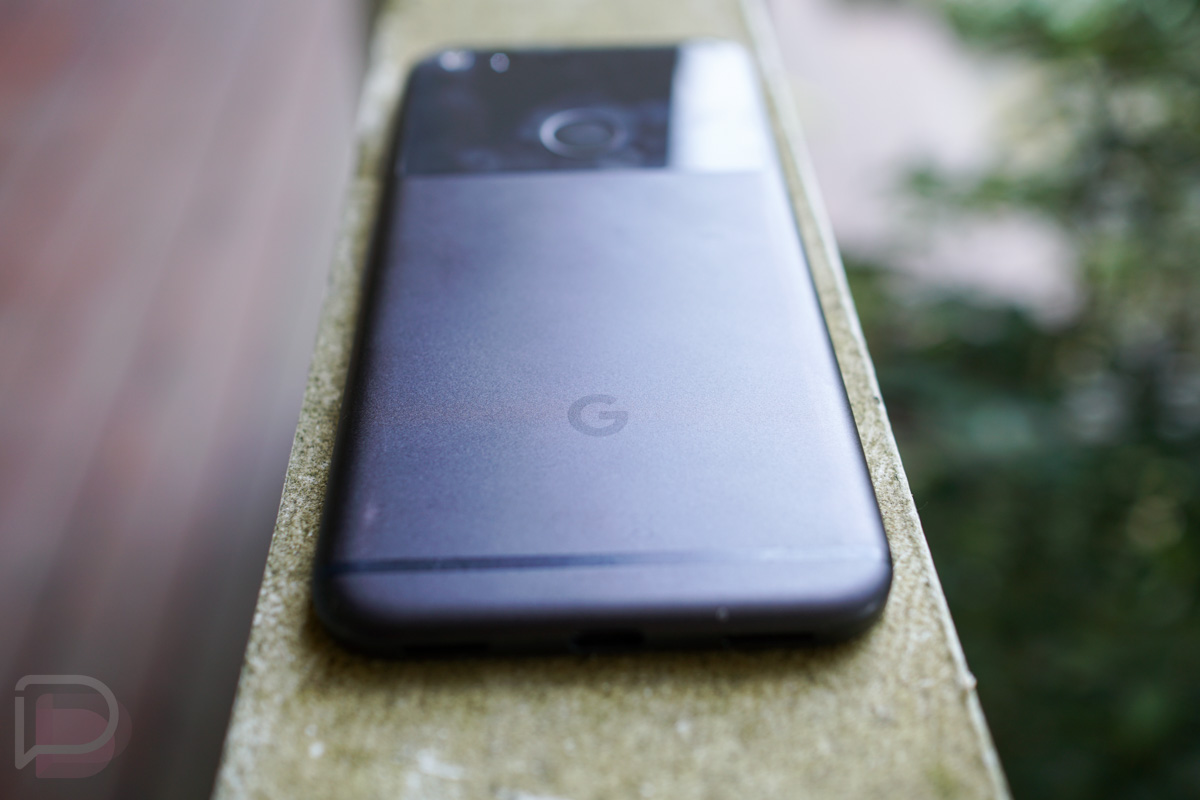
    Yesterday afternoon, only a few hours after Verizon told us to expect the Android 8.0 “Oreo” update to reach its Pixel and Pixel XL phones, Google posted factory image and OTA .zip files to the standard factory image page we’ve all utilized for the past handful of years. Previously, Google only posted Oreo factory images to the Oreo developer page and also only pushed the update to Android Beta users.

    With this move, we’ve now got proper build numbers depending on phone or carrier variant. As of this morning, we’re seeing Android 8.0.0 builds for the Pixel and Pixel XL (OPR6.170623.011, OPR6.170623.012), Pixel C (OPR6.170623.010), Nexus 6P (OPR6.170623.013), and Nexus 5X (OPR6.170623.013). We do not yet have files at this location for the Nexus Player.

    Google says that build OPR6.170623.011 for the Pixel and Pixel XL is for Bell, Telus, Telstra, T-Mobile, Sprint, US Cellular, and Rogers/Fido, while OPR6.170623.012 is for everyone else. For the Nexus 6P, Google says that build OPR6.170623.013 is not for T-Mobile, US Cellular, or Project Fi, but doesn’t list another compatible file. The Nexus 5X and Pixel C builds have no restrictions.

    As new builds arrive, we’ll update this post.

    You can grab each image or OTA file at the links below. For instructions on how to flash a factory image, here you go. For instructions on how to flash an OTA .zip file, here you go.

    Links:

  • Verizon Says Its Pixel and Pixel XL Units are Getting Android 8.0 Oreo Update Today

    Verizon Says Its Pixel and Pixel XL Units are Getting Android 8.0 Oreo Update Today

    Android 8.0 “Oreo” may have gone stable last week for Pixel and Nexus devices, but it sure seems like only those enrolled in the Android Beta program actually received a notice to update to it. That could change here today, according to Verizon. Big Red’s software support pages for the Pixel and Pixel XL are telling us that each should see the update to Oreo and it’s the almost the same build that began rolling out to beta users last week.

    Build OPR6.170623.012 is listed on both pages (last week was OPR6.170623.013), along with a list of the big Oreo changes like picture-in-picture mode, notification changes, notification badges and channels, tweaked always-on display, system-level autofill, etc. To find out more about Android 8.0’s changes, hit up this post.

    To check for the update on your Verizon Pixel or Pixel XL, head into Settings>About phone>System updates>Check for update.

    Let us know if you see it!

    // Verizon [2]