Tag: One M8

  • Relax, HTC One (M8) Sales Aren’t Struggling, Phone Hasn’t Even Fully Launched

    Relax, HTC One (M8) Sales Aren’t Struggling, Phone Hasn’t Even Fully Launched

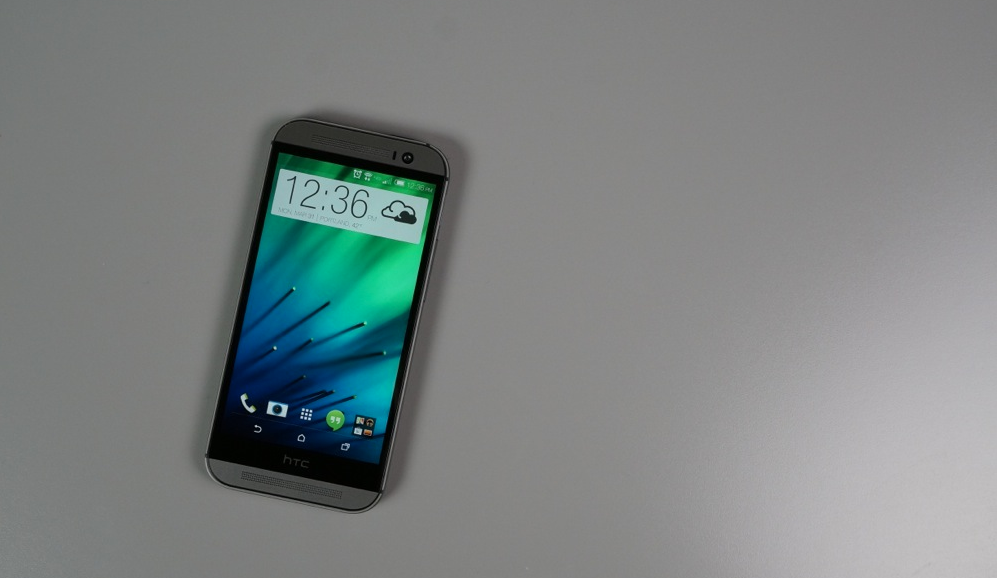
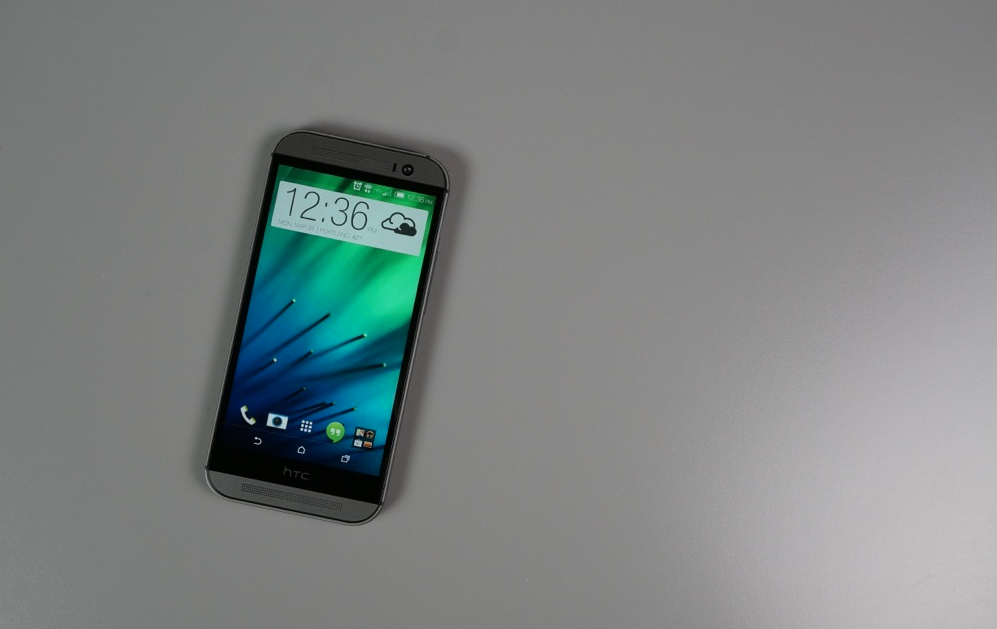
    It’s been a little over a week since the HTC One (M8) “launched” here in America, although, the company would like to remind us that the M8 doesn’t hit “full retail” until April 11. However, while it still may not be available through all retail outlets globally, if you live America, and want to buy the phone, it’s easy to get your hands on it.

    According to a new report from Chitika, a company which measures web traffic on its network, the One (M8) is off to a rather slow start. When compared to all other HTC devices currently activated on the network, the M8 sits at just 0.1% after a week and a half of being on sale.  (more…)
  • Video:  Using Duo Camera, Motion Launch, BoomSound and More on the HTC One (M8) Google Play Edition

    Video: Using Duo Camera, Motion Launch, BoomSound and More on the HTC One (M8) Google Play Edition

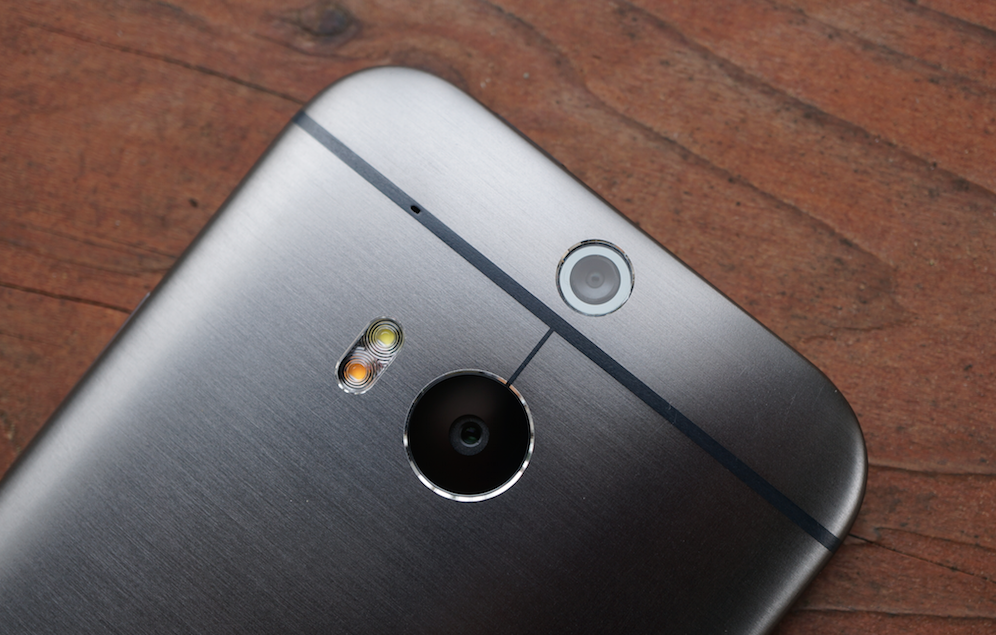
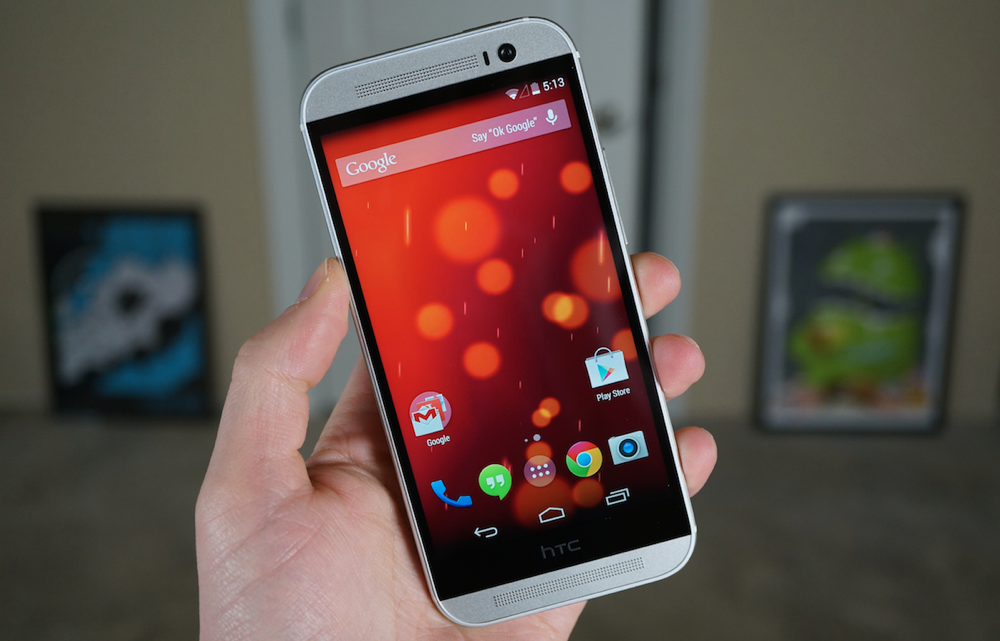
    After running through a quick unboxing of the HTC One (M8) Google Play Edition, we spent some extra time cruising around the software, seeing if Google or HTC had left any of HTC’s goodies behind in the stock build of Android 4.4.2. Actually, we really just wanted to figure out the Duo Camera and if it really worked, since Google is advertising it as working in its Google Play listing for the phone. Thankfully, it does. But there are other little leftovers as well that are worth noting.  (more…)

  • HTC One (M8) Google Play Edition Unboxing and Quick Look

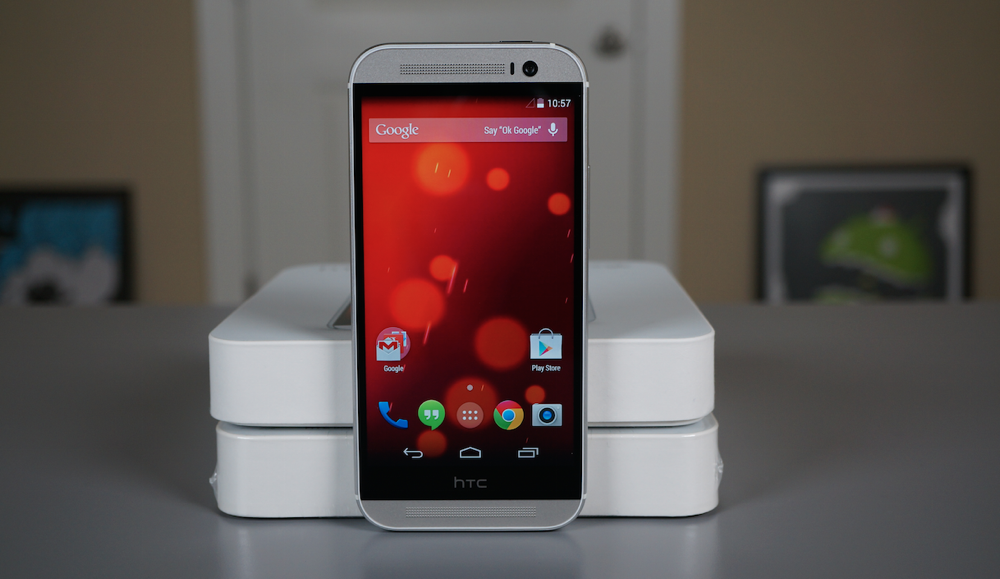
    HTC One (M8) Google Play Edition Unboxing and Quick Look

    Last year, during Google I/O, Hugo Barra stood on stage to announce Google’s new Google Play Edition program of Android devices that would offer stock software experiences, with timely updates, on the same hardware sold through carriers with manufacturer skins. Samsung and HTC wound up having the first two entries, since their flagships at the time – the Galaxy S4 and HTC One (M7) – were still fairly new. Both were received with praise, even though they each carried premium prices.

    Since HTC decided this year to make their new flagship, the HTC One (M8), available in as many different ways as possible, we once again have a Google Play Edition to check out.  (more…)

  • Last Day to Purchase HTC One (M8) Developer Edition at Discounted Price of $649.99

    Last Day to Purchase HTC One (M8) Developer Edition at Discounted Price of $649.99

    Today is the last day you can pick up an HTC One (M8) Developer Edition for the discounted price of just $649.99. After that, it goes up $50 to $699.99, which might have a few people screaming.

    Regardless, Developer Edition units of the M8 feature support for 4G LTE connectivity on both AT&T and T-Mobile, 32GB of on-board storage, and also comes with an unlocked bootloader.  (more…)

  • How to:  Turn Off HTC One (M8) Voice Dial Gesture, Other Motion Launch Gestures

    How to: Turn Off HTC One (M8) Voice Dial Gesture, Other Motion Launch Gestures

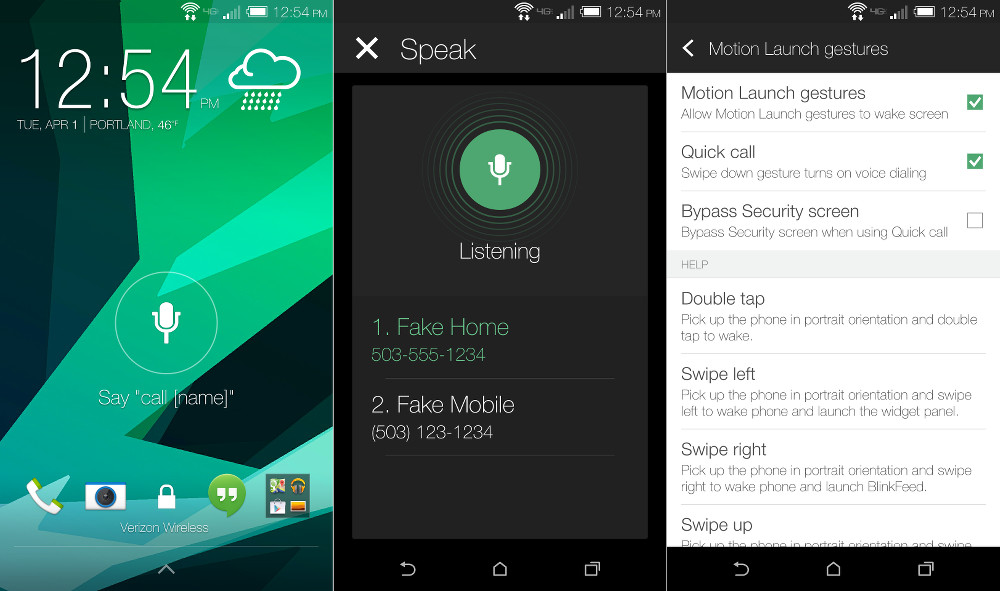
    HTC may be in a neck-and-neck battle with Samsung for king of the gimmicks, but even I can admit that they innovated or at least created something useful in one area – the lock screen with Motion Launch Gestures on the HTC One (M8). Motion Launch Gestures allow you to quickly wake your phone, unlock it, jump to your home screen, launch BlinkFeed, or even activate a voice dialer for making mostly-hands-free calls. Most of the gestures are incredibly useful, especially since the phone is uncomfortably tall with a lock/wake button placed at its very top. With these gestures, you almost never need to press that button.

    But what if you find the gestures to be a nuisance? For example, we have found that voice dialing on the M8 is mostly miss, with a few hits here and there. It’s also confusing to dismiss should you accidentally activate it, since there isn’t a cancel button.  (more…)

  • HTC, You are Guilty of Gimmicks Just as Much as Samsung is, Maybe Even Worse

    HTC, You are Guilty of Gimmicks Just as Much as Samsung is, Maybe Even Worse

    HTC cracks me up. Because they are fighting for their lives, they’ll say anything at this point to try and win you over. Whether that’s by claiming to reinvent the smartphone or by attempting to re-create the camera with the “UltraPixel” or calling out Samsung for pushing out a couple of gimmicks instead of innovating , they want to be loud and in-your-face. Let’s be clear though – there isn’t anything wrong with a little trash talking, but if we’re being brutally honest here, HTC is guilty of just as many gimmicks as Samsung. And that includes their new HTC One (M8), which may contain the mother of all gimmicks.  (more…)

  • How to:  Change Launchers on the HTC One (M8)

    How to: Change Launchers on the HTC One (M8)

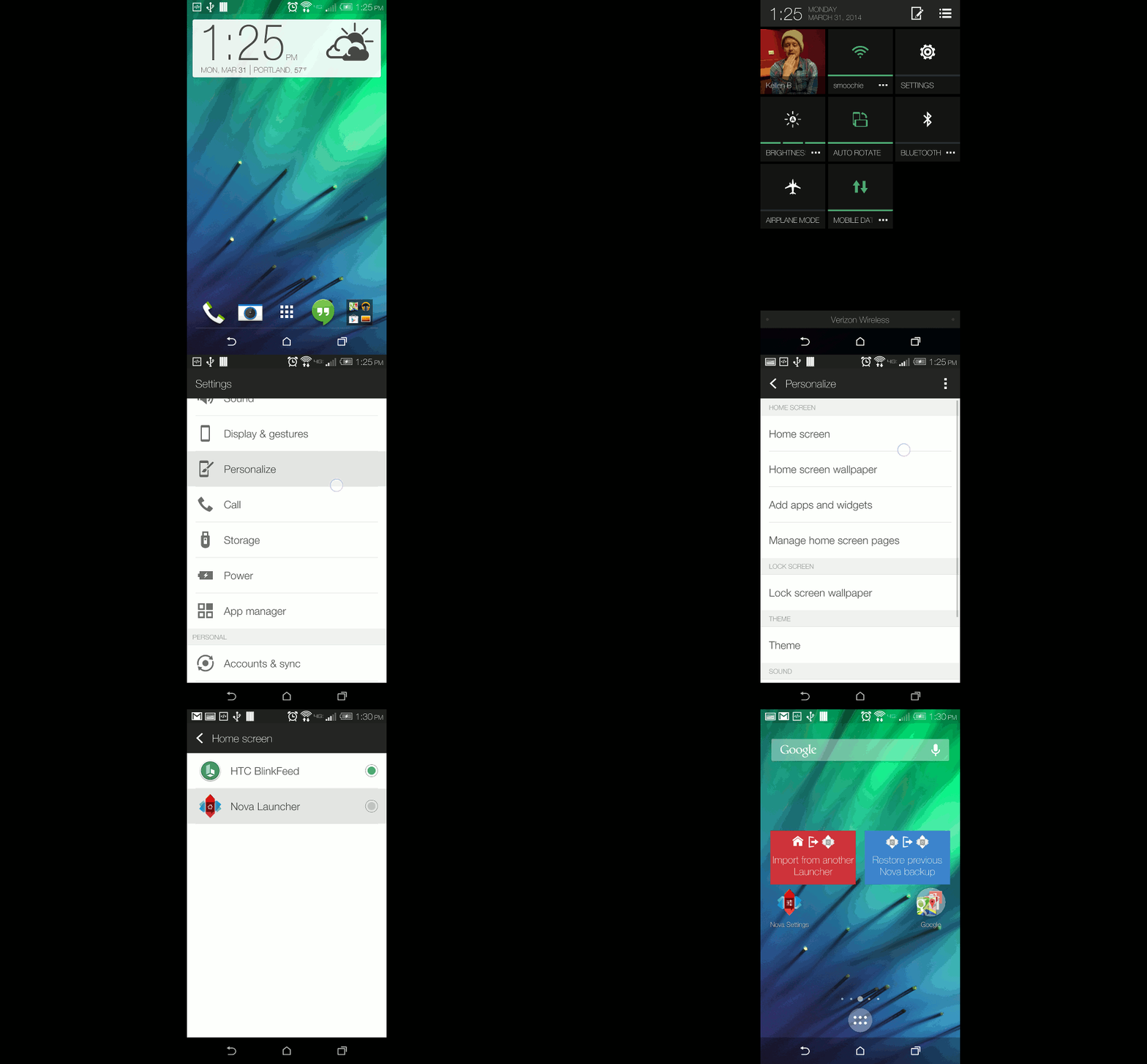
    The new HTC One (M8) runs HTC’s BlinkFeed launcher out of the box. It’s not a bad OEM launcher, but if you aren’t a fan of BlinkFeed and also want custom icon pack support in a launcher that carries a much more classic Android appearance, a 3rd party launcher should be installed immediately. Since the One (M8) is an Android device, getting a 3rd party launcher up and running isn’t all that difficult – download one you like, run it, and be on your way.

    Should you be the type that often switches between multiple launchers through Android 4.4’s (Kit Kat) new Home toggle, we wanted to make sure you knew where to find it on HTC’s new flagship. It’s not in the typical Settings>Home location that you would see with a stock Android device and is instead tucked into HTC’s Personalize menu.

    To access the Home launcher switcher, either follow the video below or cruise into Settings>Personalize>Home screen, and then tap the launcher you want to use.  (more…)

  • HTC One (M8):  25+ Tips and Tricks

    HTC One (M8): 25+ Tips and Tricks

    Whenever a flagship device is released, we want to make sure that new owners of it know exactly how to use all of its major features without having to figure it all out on their own. From navigating around to changing wallpapers to fully utilizing camera software, our 25+ tips and tricks series is one of our favorites to put together.

    The latest to receive the tips and tricks treatment is the brand new HTC One (M8). HTC’s 2014 flagship, which launched just last week, introduces new off-screen gestures, a brand new camera UI, tweaks to Sense with version 6.0, on-screen navigation buttons, better control over wallpapers and home screen setups, plus more. The device itself is an upgraded version of the One (M7), last year’s model, mostly in all the right places.

    So, if you are ready, here is our tips and tricks video for HTC’s latest.  (more…)