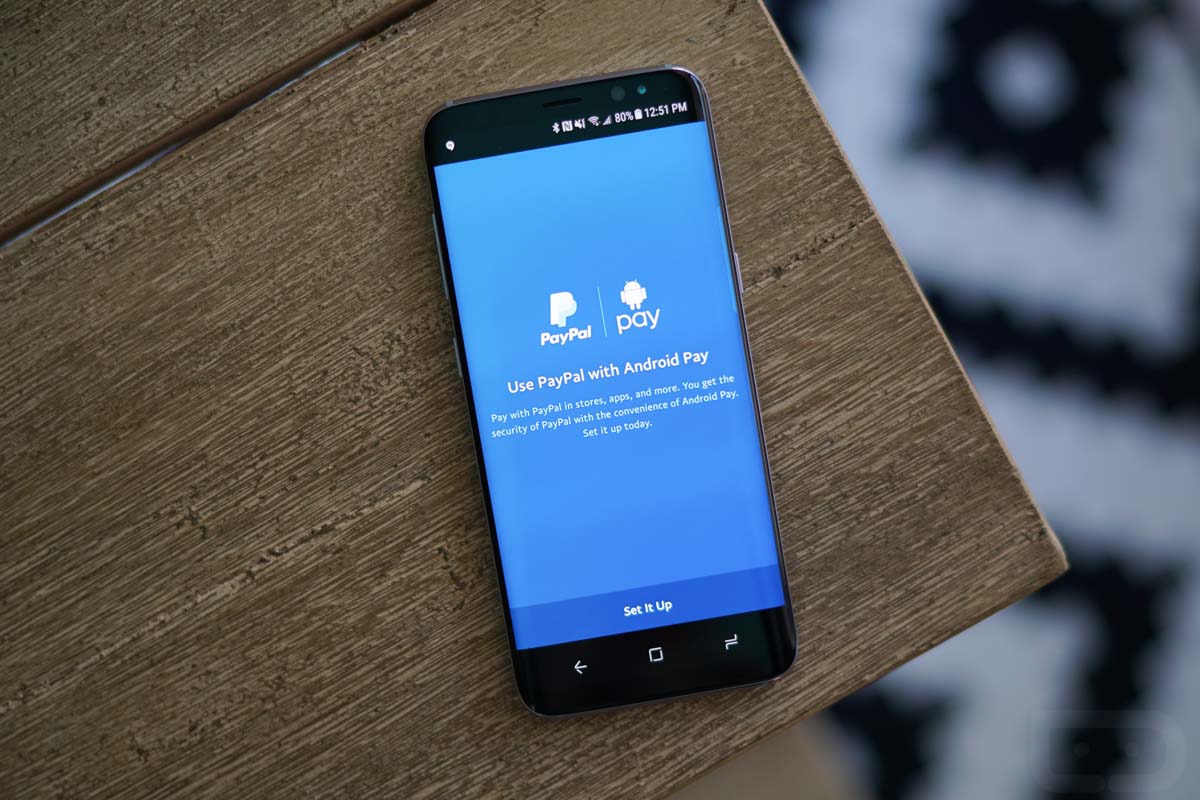
It has been over a month since Android Pay and PayPal announced together that they would soon be friends. Today, that integration can finally happen, thanks to an update to the PayPal app.
Once you grab the latest PayPal update, should you be interested in adding it as a payment option to Android Pay, you’ll open PayPal, login, and then tap the settings icon in the top right corner. Once in there, you’ll find a new Android Pay option in the list of settings, between Payment Preferences and Personal Info. Tap that to begin setup!
There are a few steps involved. The first is a connection screen where PayPal attaches to Android Pay. From there, PayPal will tell you about how all this works and the fact that they are basically creating a PayPal Discover card for you to use in Android Pay. That’s right, you’ll only be able to use this PayPal-Android Pay thing where Discover is accepted. PayPal will then ask you for a “Top up” amount that it can add from a card should you blow through that balance and let you setup a PIN. And finally, the last step is to confirm with Android Pay that you want PayPal in there.


Once you have done those steps, you should see a PayPal Discover card show up in your Android Pay app on the next load. If you want to use it regularly, consider setting it as your default card. Get after it!
I got the update last night for Droid Turbo 2 finally able to bypass Altier CU refusal to sign Android Pay agreement. Used it this morning works perfectly. Note that it does take a $10 draw from your funding source to initially load a credit to your PayPal account. I used Android Pay on a vending machine for a soda this morning no issues.
Moto Droid 2 Turbo XT1585 Paypal 6.12.0 Android Pay integration not enabled yet either :(….
Still not active for me ?
do you have to have a gmail email for it to work?
I was very excited to read this because I have been very impatiently awaiting this since I first read about their plans to link up. Unfortunately there is no Android Pay option in my just updated PayPal. I’m starting to think its just this huge prank from Android Pay and PayPal and I’m pissed! Don’t mention it if its not available!
That’s huge…and, at least for me, gives the clear edge over Samsung Pay.
Considering neither AP or SP have my bank, this was the perfect workaround.
Me too!
Trolling at its best!! ? No PayPal option for me with the latest update.
No option for either app. Even uninstalled and reinstalled.
US only…
I was able to set it up on my Nexus 6p running the O beta but the option isn’t available on my Pixel XL running 7.1.2
I have it too.
https://uploads.disquscdn.com/images/f3a870d72abac69b484125291c3b99710a5c96a58721554e0ae5a971f95ba257.png
someone just hi jacked your pay pal account Kellen. Mal Ware ?
According to Android Pays help page there should be an additional option when you hit the “+” button in addition to adding a card. “Add other payment methods”. This is where you can add PayPal in the Android Pay app. I am not seeing that either.
Per the PayPay help page it can be added from either the PayPal app of Android Pay app.
https://support.google.com/androidpay/answer/6289372?hl=en
After a few days of not realizing I had to wait for an update to add PayPal, I was able to add it last night like I was adding a new card and click the “add other payment methods” and PayPal showed up.
This works on the O Beta also after not being able to use Android Pay on the DP1
I finally got to add it yesterday too.
I wonder if it is because of Android Pay update rolling out and that’s why people are not seeing the option. What version Android Pay are you using?
On 1.23.155555280
Well.. that’s not it then since that’s the version I’m running. Must be server based.
Must be, since I seem to be the lucky one heh.
Worked for me after not seeing it all week. I didn’t realize I needed to wait for an update to enable it, I was getting so pissed all week after not seeing the AndroidPay option in PayPal but it worked like a charm after updating last night.
PayPal is a rip-off scam. They endlessly advertise “Buyer Protection” but what that means is sellers are often left holding the bag, despite trying to abide by their bs “Seller Protection”, yet getting screwed over by fraud which PayPal should but doesn’t actually cover. Been going through hell in my account for years due to this, trying to do everything they ask, and still my account is a locked, while PayPal customer service directly and through Twitter is a total joke.
Boycott PayPal.
Laaaaaaaaame i hate that my bank cant be used for android or samsung pay
Credit Union here, can’t use it with Samsung pay.
Neither can mine but I was able to add PayPal and was able to use it the exact same way as if it was a bank that was supported. Kind of pumped!
It will only let you use a card that already works w/ Android Pay. Or a bank account. I set mine up with a bank account
Yeah not seeing that option in the new update either. Maybe Kellen just has the right friends lol
This might be an option for me since my bank (Charles Schwab) has yet to jump in the Android Pay pool.
Change banks
Not that simple.
I was in the same boat, I was able to add PayPal and link it to my bank that’s not supported (Huntington) and now can use Android Pay finally.
definitely don’t see the option in the newest update…
same here
In PayPal? You won’t find the setup in Android Pay, just so we’re clear. v6.12.0 is what I just got that had the Android Pay option.
Version 6.12.0 here, and I don’t have those settings either at the moment.
Not seeing this then?https://uploads.disquscdn.com/images/116ecfbcd81ea25881610b10a7a26edeaef64eaca4dfe4144b915b98d3a2d2c6.jpg ?
Nope!
Well damn! I updated, jumped into settings and it was just there. PayPal support doesn’t say there are any tricks or special requirements, so maybe it’s just a slower rollout and I got lucky.
https://www.paypal.com/us/selfhelp/article/how-can-i-add-paypal-to-android-pay-faq3455/8
¯_(ツ)_/¯
Promise I’m not making this up hah. https://uploads.disquscdn.com/images/f6fd7de1911cc17dba904330274d151659a4fba6f802d10931d3a7ab5a338b27.jpg https://uploads.disquscdn.com/images/1b9addd2e5695359c7e53be7c175fcc9d77942a25517b0de5e5a91cb67dddcd8.jpg
Maybe they want to get on the S8 first so they can compete with Samsung Pay.
Obviously photoshopped hahahahaha
In the help section of PP app it talk all about Android Pay. They are trolling us.
They really are 😐
Is it working for Tim?
Trollolololol
The PayPal support page has been up for at least a week, detailing how to set this up.
“Lucky” rofl
Maybe because you are on the S8?
I have the option and have it setup.
Nope. I don’t have a second camera handy and PayPal disables screenshots, but I have a much different list, actually:
Banks and Cards
Personal Info
Invite a Friend
Log in and Security
Notifications
Help
Legal Agreements
Got a PayPal update, but no Android Pay option 🙁
Nope. BOGUS
Nope.
Mine is the exact same with help instructions too.
Yeah just grabbed the update in play store for paypal… no option there for android pay
i got 6.12.0 as well but theres not option for android pay, and play store makes no mention, just says something about sending money to friends and family abroad through Xoom
I do not see the option in PayPal…but I do see the Android Pay help page. According to that you can add PayPal to Android Pay from either app. That said I am not seeing a way either.
I have a Moto X Force with PayPal version 6.12.0…I do not see Android Pay integration either. There is a help section in the app but no way to activate it.
I tried uninstalling and re-installing the app. Still not available.