Blog

  • Ex-Googlers Charged With Stealing Tensor Tech, Face 20+ Years if Found Guilty

    Ex-Googlers Charged With Stealing Tensor Tech, Face 20+ Years if Found Guilty

    In case you were thinking about getting a job at Google as a means of stealing CPU technology, we wouldn’t recommend it. Two ex-Googlers and one of their husbands have been indicted for allegedly stealing trade secrets with relation to Google’s Tensor processor for Pixel phones.

    If found guilty of the charges, they face 20+ years in prison. In total, there are 14 felony counts of conspiracy and theft of trade secrets and destroying evidence.

    Reddit is already having a field day with the jokes here, but seriously, this is bad news for them. However, if you want to join in on the humor, I suppose we can’t stop you.

    Don’t steal, friends.

    // Bloomberg

  • Bixby Gets Major AI Upgrade in One UI 8.5 Beta

    Bixby Gets Major AI Upgrade in One UI 8.5 Beta

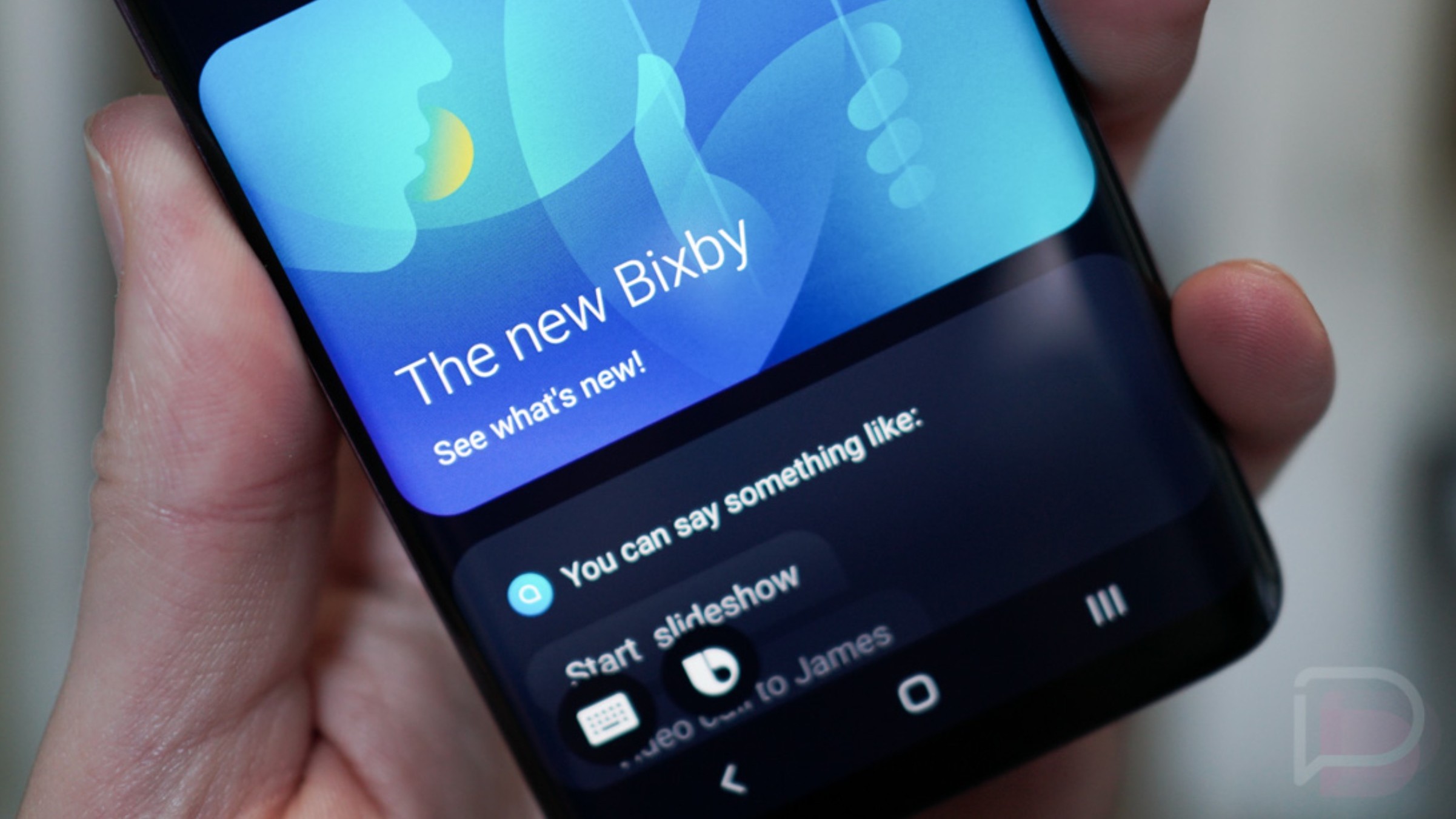
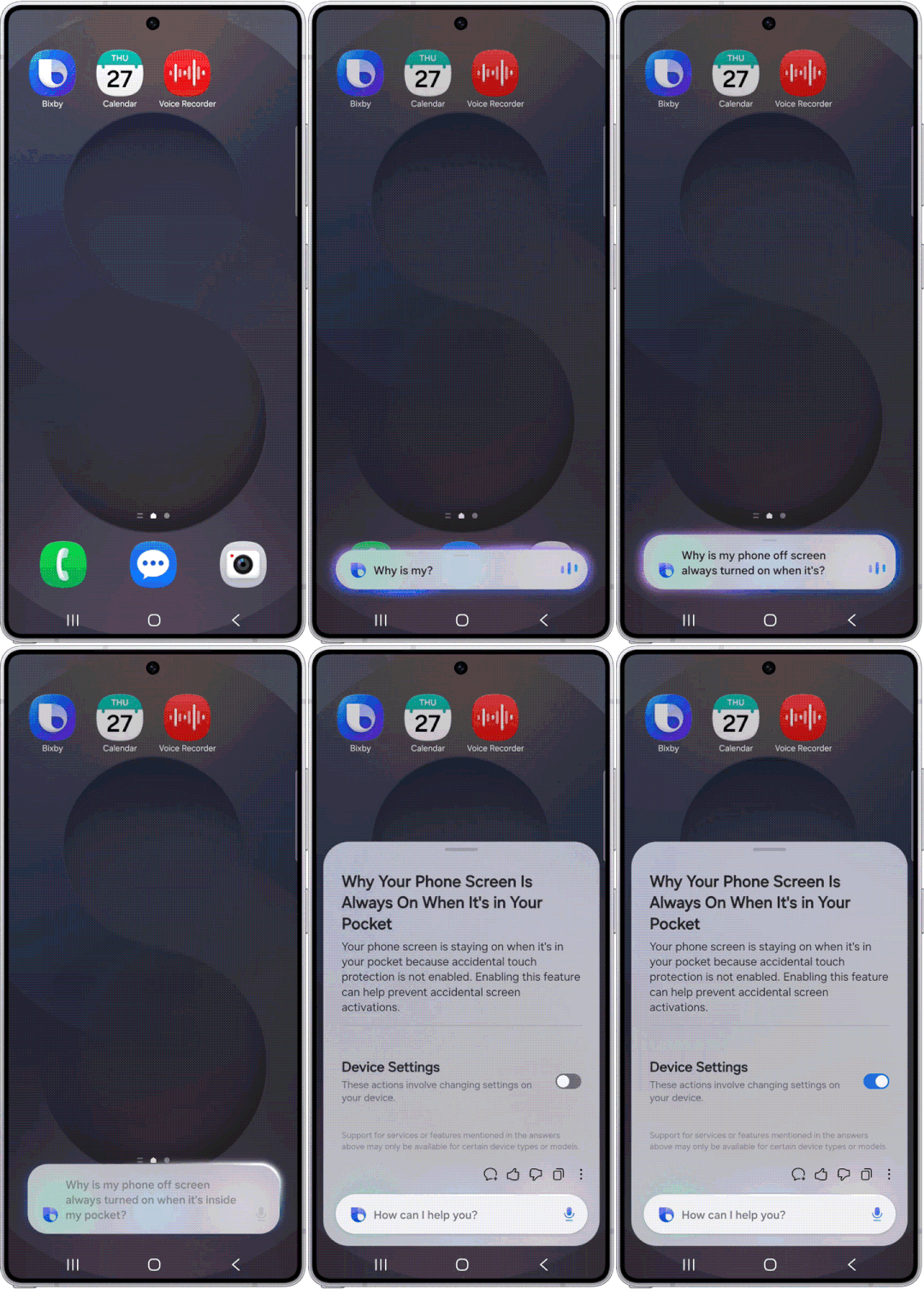
    Samsung is pushing Bixby’s latest major update via the One UI 8.5 beta, the one that basically turns it into a conversational device agent.

    We have talked about the major changes that this brings, all of which is detailed here. The highlight being that you can now speak more naturally to Bixby and control all sorts of on-device function, as well as get real-time web search results. For example, hotel and flight information, and more.

    This all leads to Samsung’s announcement of the Galaxy S26 series next week. That lineup of devices will surely launch with One UI 8.5 and have all of these Bixby controls out of the box.

    If you own a supported beta device, go check it out and report back. Apply to join the beta program via the Samsung Members app.

    // Samsung

  • Pixel’s At a Glance Gets New Sports, Finance Updates

    Pixel’s At a Glance Gets New Sports, Finance Updates

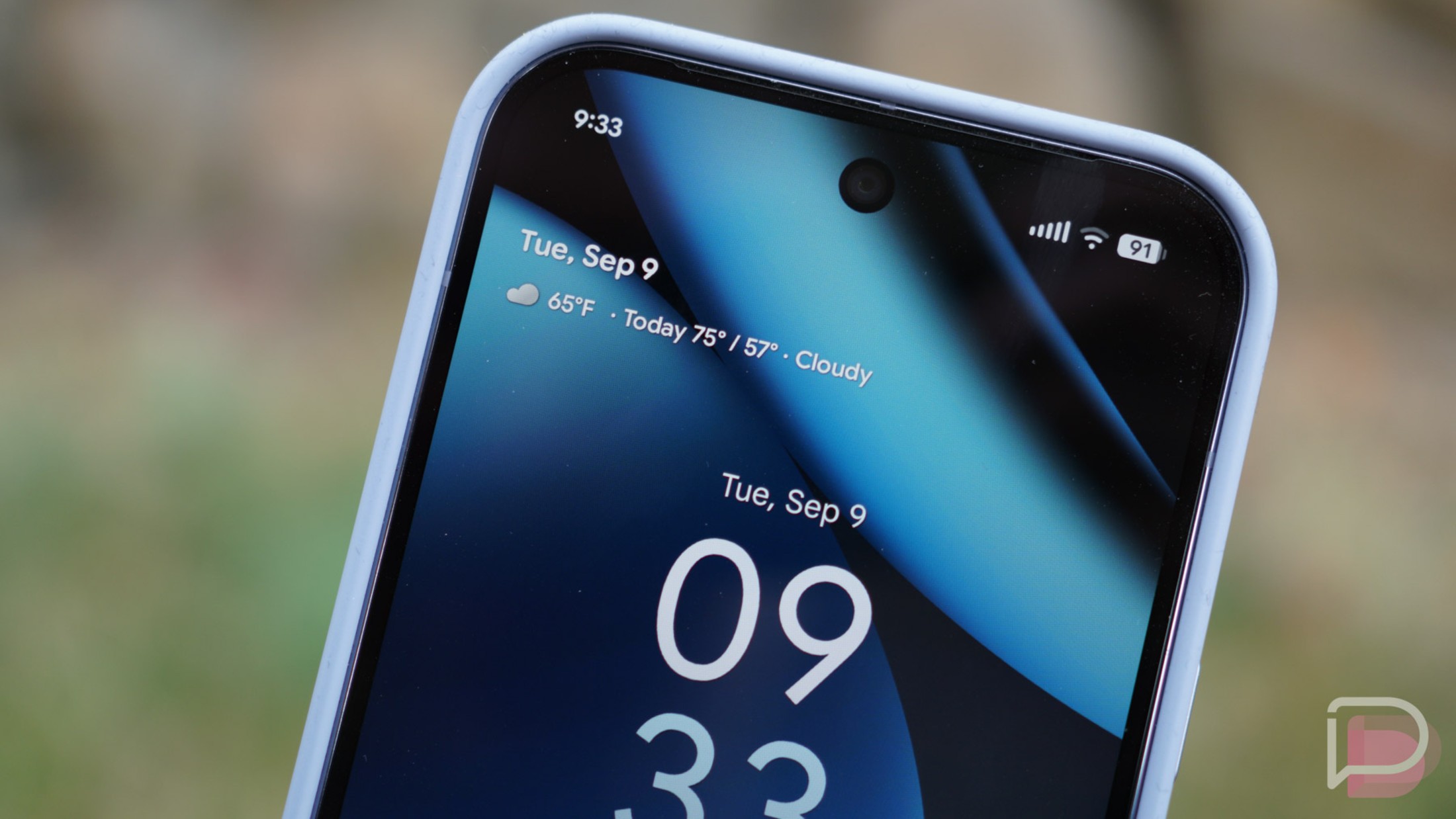
    Pixel’s At a Glance software is getting a couple of fresh tickers, the first we’ve seen in some time.

    Following the update, Pixel owners who utilize At a Glance will be able to add Sports updates and Finance updates. For Sports updates, Google mentions that pulling this information may affect battery life, so that’s something to keep in mind. The same is not listed for Finance updates.

    For those wanting to apply these options, you’ll need a Pixel device, as its exclusive to the Pixel Launcher and not the Google app widget that you can find on all Android devices. Sorry.

    Ensure you’re running version B.21 of Android System Intelligence and it should pop up for you.

    // 9to5Google

  • Chrome Adds 3 Sweet New Features: Split View, PDF Annotations, Drive Saves

    Chrome Adds 3 Sweet New Features: Split View, PDF Annotations, Drive Saves

    Google Chrome on your computer is getting 3 really great new features. And actually, you may have already been using them, thanks to a quiet rollout a couple of weeks ago that Google is now acknowledging.

    The 3 new features you’ll soon start using are Split View, PDF annotations in the PDF Viewer, and a new “Save to Google Drive” shortcut.

    Google Chrome Split View

    My favorite of the new features is probably Split View. I feel like this is really changed the way I use Chrome in recent weeks. I’m the type of person who has 30 tabs open across 3 windows at all times, but with this new Split View, it allows me to work within a single tab and see two items I might be working on. On my laptop, it has become even more useful.

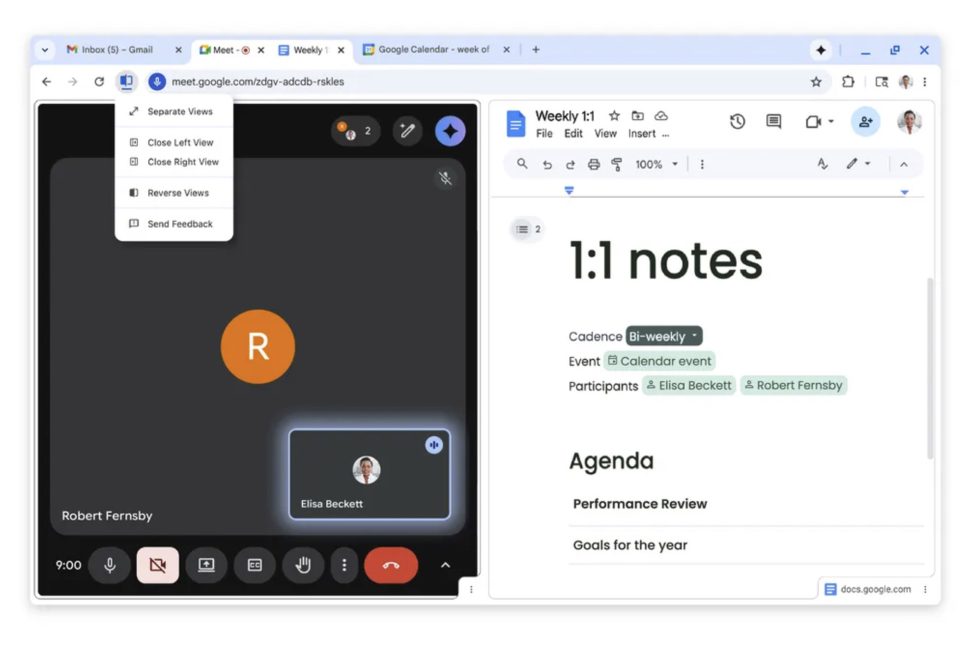
    To get started, you’ll right-click on a tab and then tell it to “Add Tab to New Split View.” Then, a blank split view tab will suggest other tabs you may want to include. From there, you’ll have two tabs split within a single tab. You can resize, reverse their order, and separate them back into their own tabs. In the blank tab within split view, you can also just search through Google for info or tap a bookmark.

    You can see exactly how this new Split View looks in the image above.

    The other 2 new features are pretty straight-forward to understand:

    • PDF annotations: The built-in PDF Viewer for Chrome now lets you highlight text and add notes, so you can quickly add signatures, mark-up a document, and note important items before saving or sending off to another person.
    • Save to Google Drive: Now when you are viewing a PDF in a Chrome tab, rather than save it to a downloads folder that you may never find again, there is a new “Save to Google Drive” button (next to the Download button) that lets you quickly save to one of your Google Drive accounts. Google will put this file in a “Saved from Chrome” folder that should be super easy to find.

    These new features have been out for some time, so you can start using them right away.

    // Google

  • Play Protect Put in Work in 2025, ID’d 27 Million Malicious Apps Outside Google Play Last Year

    Play Protect Put in Work in 2025, ID’d 27 Million Malicious Apps Outside Google Play Last Year

    Google shared a recap of 2025 in the world of Android and Google Play security. Huge numbers are thrown around. 27 million. 20 billion. 1.75 million. See, lots of numbers. As consumers, all we need to know is that Google has been working hard to build AI-powered tools and services to ensure our Android devices are out of harm’s way.

    Time to give the aforementioned numbers a bit of context. Google reports that it prevented over 1.75 million policy-violating apps from being published onto Google Play and banned more than 80,000 developer accounts that attempted to publish harmful apps. Google Play runs over 10,000 safety checks on every app published, which led to the prevention of over 255,000 apps from getting excessive access to sensitive user data. The company is utilizing its own latest generative AI models in the review process, which helps the human review team find, “complex malicious patterns faster.”

    Want more numbers? Google Play Protect scans over 350 billion Android apps daily. 350B. Daily. Last year, Play Protect’s real-time scanning capability, “identified more than 27 million new malicious apps from outside Google Play, warning users or blocking the app to neutralize the threat.”

    You get the point. There are bad actors out there who want your data and to turn your phone into a zombie device to do their bidding. Google ain’t trying to hear all that. Going into 2026, Google provides the following statement.

    Our top priority remains making Google Play and Android the most trusted app ecosystems for everyone. This year, we’ll continue to invest in AI-driven defenses to stay ahead of emerging threats and equip Android developers with the tools they need to build apps safely.

    Read Google’s full 2025 security recap by following the link below.

    // Google

  • Google Copies Samsung’s Awesome Instant Trade-in Discount for Pixel Phones

    Google Copies Samsung’s Awesome Instant Trade-in Discount for Pixel Phones

    There’s a chance you aren’t that interested in the Pixel 10a because you don’t see it as much of an upgrade over the Pixel 9a or maybe you just aren’t into A-Series phones. Whatever the case is, you should at least get excited about one thing that Google is introducing as a part of this launch. Google has started applying trade-in credit instantly in the same way that Samsung does.

    For those not sure what I’m referring to, let’s back up a bit. For years now, we’ve talked about how Samsung has the best trade-in program in the business. Whenever they launch a new phone, they offer big trade-in values that are applied as credits/discounts at the time of purchase. So rather than telling them you have a phone to trade, Samsung charging you the full price today, and then only sending you money back later on after your trade-in has been accepted, they give you the value upfront as an instant discount. It’s awesome and makes buying phones at full retail so much easier on the wallet.

    Samsung was really the only one doing this for many years, but OnePlus (and maybe Motorola) have at least dabbled in the idea at times. Google, up until today, has always done trade-ins the old fashioned way where they send you credit for you trade-in later, after inspection.
    Google Store Instant Trade-in Credit

    Google Store starts doing instant trade-in credit

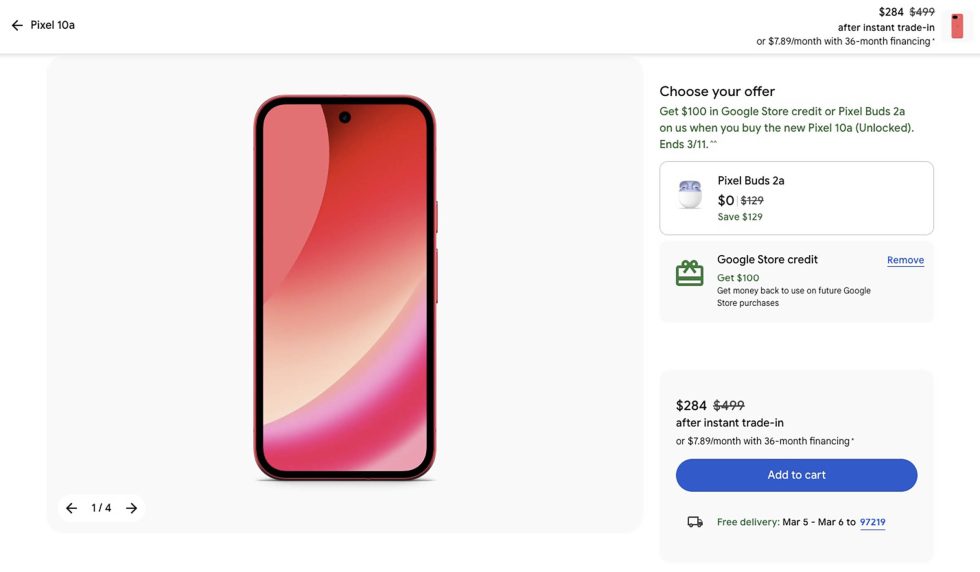
    As a part of the Pixel 10a launch, Google is introducing its version of an instant trade-in credit. If you head to the Pixel 10a page (or any other phone page) on the Google Store, you’ll see new wording around trade-ins. In pricing areas, there are references to “after instant trade-in” or “trade-in credit applied instantly.” And should you take a phone all of the way to checkout, you will indeed see a final price that reflects your trade-in value as a discount applied today.

    This is huge. This might be bigger news in the long-run than the launch of the Pixel 10a itself.

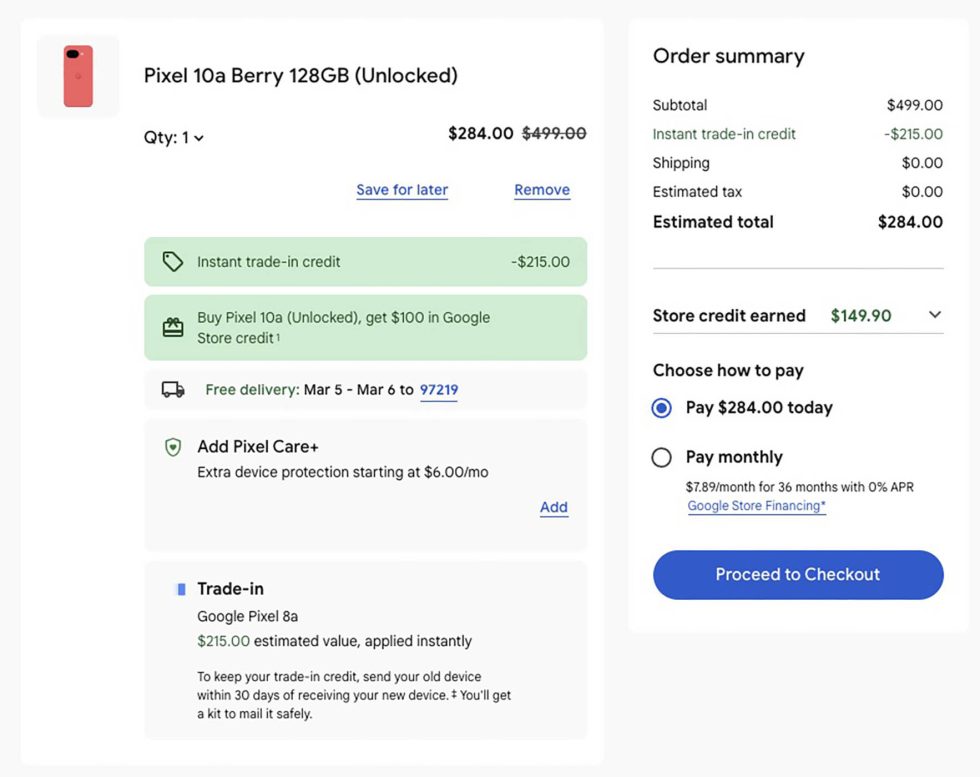
    Below, you can see a checkout page where I told Google I had a Pixel 8a to trade and they want to give me a $215 discount for it. With that applied, I would pay just $284 today for a Pixel 10a with 128GB storage.
    Google Store Instant Trade-in Credit

    So how does this all work? Why would Google pay you upfront before they have had a chance to inspect your device? Well, they are trusting you on some level, but they will also verify that your device is in the condition you said it was. If they verify that, you’ll get a confirmation and continue enjoying your new phone.

    If you weren’t accurate about the condition, there are a couple of things that could happen. For one, they actually mention raising the estimate and giving you additional money back. I can’t imagine that is a likely scenario for most. However, if they determine your device is in worse condition, they could charge you a difference in the value they gave from the value they deem to be correct. So again, there is some trust here, but you really want to give an accurate description for the condition of the phone you are trading in.

    Here’s their wording on this new instant trade-in credit program:

    Your final trade-in value might be higher or lower than the estimate if your device’s condition is different than what was described in the trade-in flow. If the trade-in value is above the original estimate, you’ll get the excess amount back to your original form of payment, or in the form of store credit if the total trade-in value exceeds the cost of your new device (excluding taxes). But if the trade-in value is lower than the original estimate, you’ll be charged the difference.

    If you do not send in your trade-in device within 30 days, you’ll be charged the trade-in credit amount on the form of payment used for your original purchase. Once charged, you can still get a trade-in refund by sending back your old device later. The refunded amount may be different from the original estimate due to the expiration of the original trade-in quote.

    At first, I wasn’t seeing this also apply to other Pixel phones, but it looks now like they are included. If you want a Pixel 10 Pro, for example, you can enter your trade-in information and Google will apply an “instant trade-in credit.” You can see it happening below.
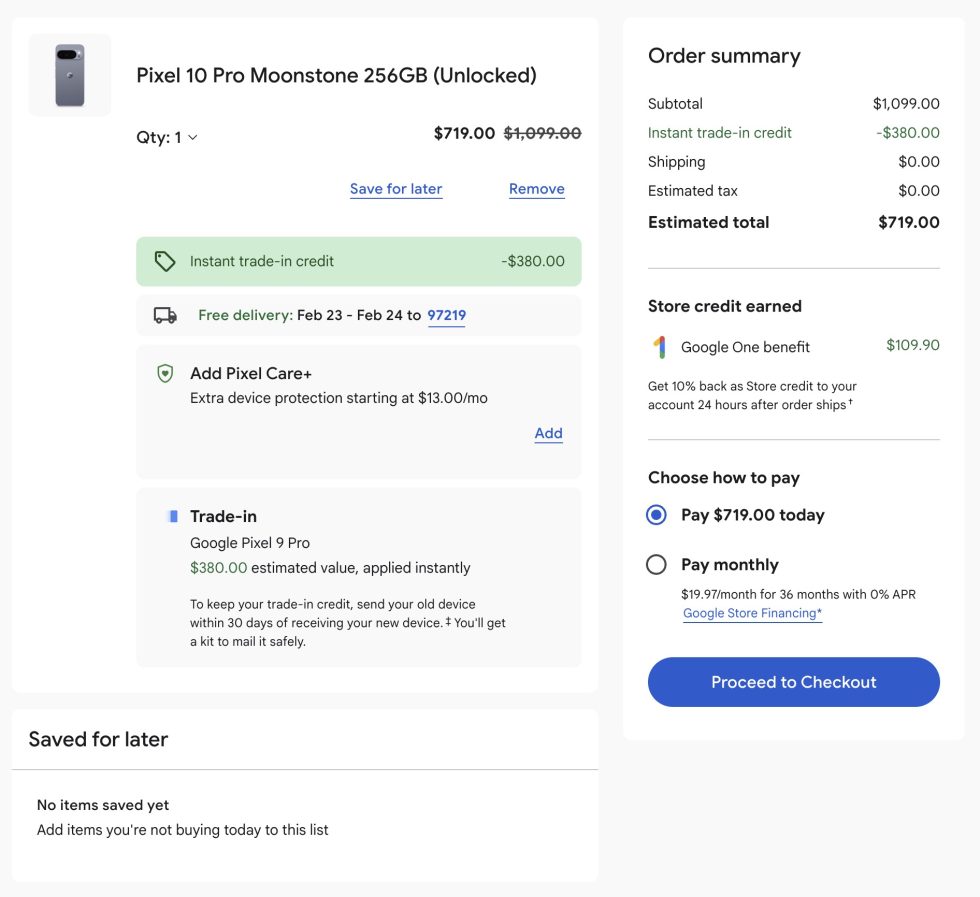
    Pixel 10 Pro Instant Trade-in Credit

    But look, how awesome would it be if we get this new instant credit program with the Pixel 11 launch? Let’s hope this isn’t just a test and they continue with it going forward.

    Shop Pixel 10a at Google Store
  • Gemini Now Using Lyria 3 to Create 30 Second Bangers

    Gemini Now Using Lyria 3 to Create 30 Second Bangers

    Gemini is getting access to Lyria 3 in beta, allowing users to create 30-second long songs/bangers by inputting a prompt or uploading a picture. No lyrics needs, just a simple prompt.

    Lyria 3 offers more creative controls, such as the ability to select a style, vocals, and tempo of the track. You can also create more musically complex tracks. We’re not sure about Meshuggah-level complexity, but it’s something we will be testing.

    Lyria 3 improves on audio generation from our Lyria models in three important ways:

    1. No need to provide your own lyrics! They’ll be generated for you based on your prompt.
    2. You have more creative control over elements like the style, vocals and tempo you want.
    3. You can create more realistic and musically complex tracks.

    Each song will get a thumbnail created by Nano Banana. Google highlights this new feature in the below video, with a wonderful song about socks.

    This song making feature is now live in Gemini.

    // Google

  • Pixel Buds 2a Now Available in Berry and Fog, Still Only $129

    Pixel Buds 2a Now Available in Berry and Fog, Still Only $129

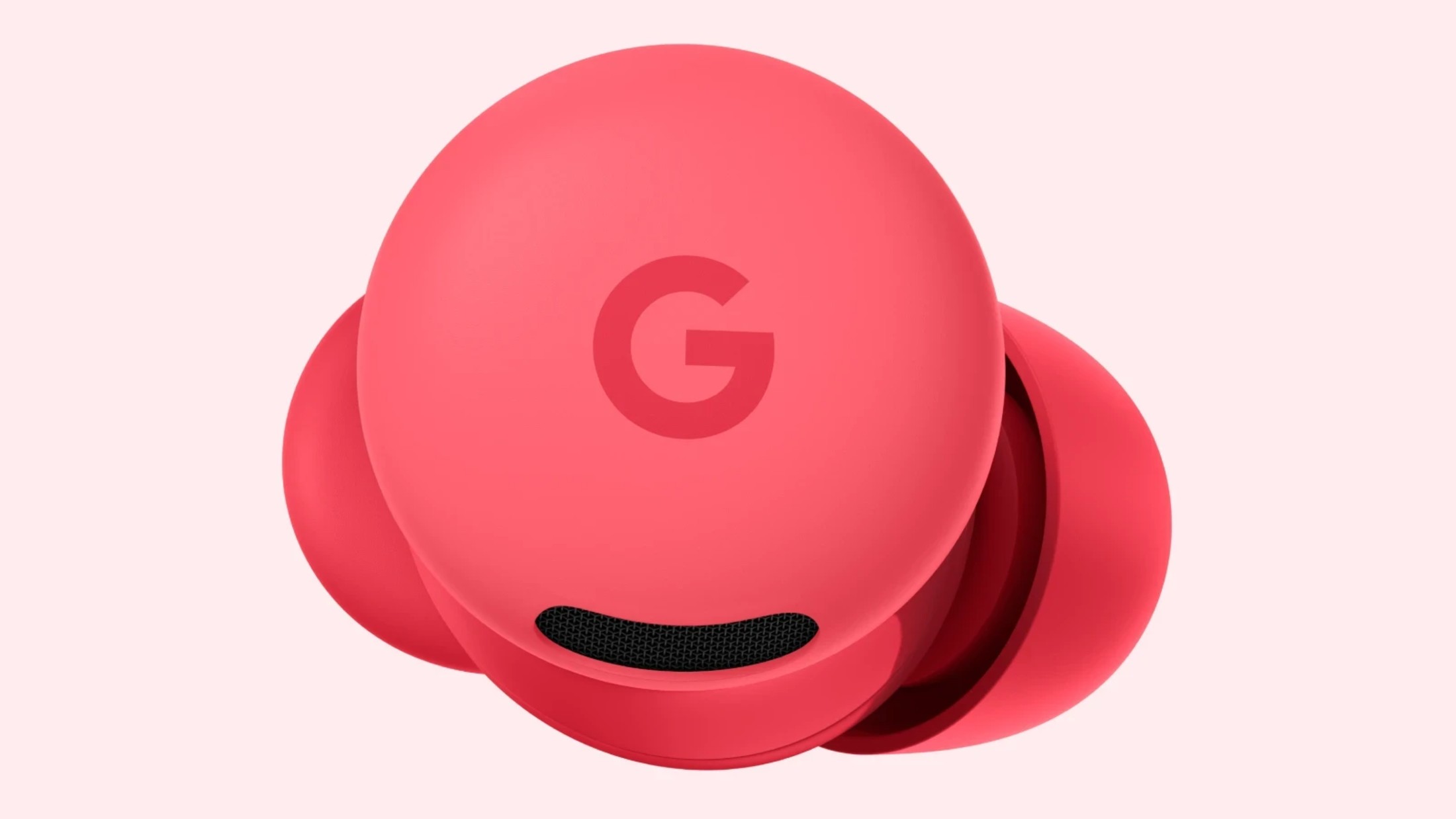
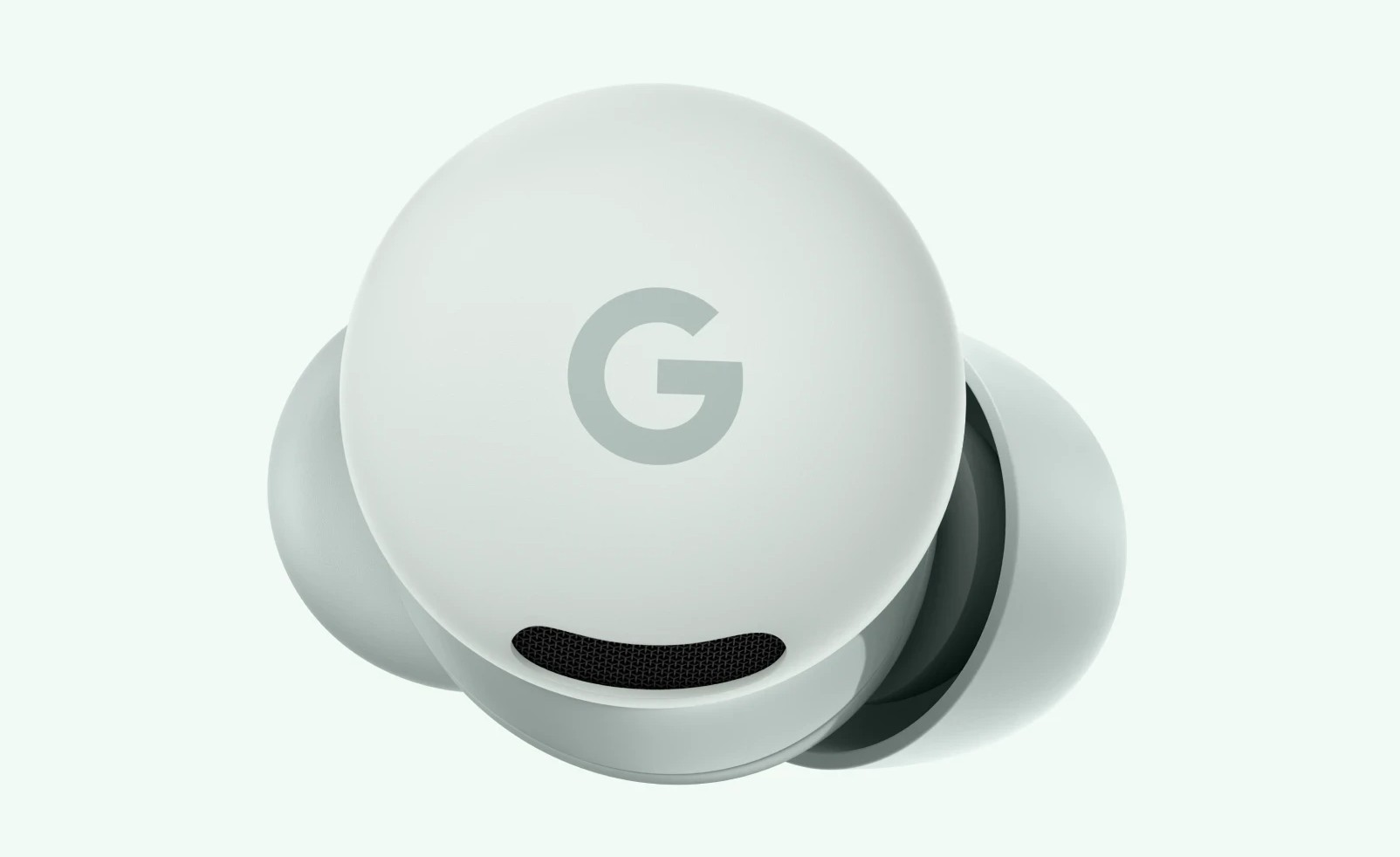
    Google’s budget-friendly earbuds, Pixel Buds 2a, are now available in two new colors. Still priced at a totally reasonable $129, the earbuds can now be purchased in both Berry and Fog, giving buyers a total of four options to choose from.

    Berry and Fog join the existing Hazel and Iris options. Personally, it’s good to see a bit of color come to these buds, especially that Berry option. Beyond the color, nothing else has changed.

    You can head to the Google Store by following the link below and snagging a pair for yourself. Shipping times are currently listed as early March, which is the only downside.

    Google Store Link